There are no shortcuts to great work.
We built Google Flow with and for creatives as a tool to use, stretch, remake, and extend their own processes.
And today, we are announcing a series of interactive virtual workshops to spotlight the craft behind modern creative workflows.
Turn your images into high-quality ingredients in Flow. 🍌
Edit your images with Nano Banana to isolate your subject on a neutral background. This makes a focused, clean ingredient that’s ready to be refined, saved, and dropped seamlessly into the scenes you create.
Prompt used: Retro-futuristic desert junkyard at golden hour. A chrome saucer hovers overhead, casting a soft magenta glow. From its underside: a thick cotton-candy pink energy plume that billows upward like stylized smoke. Vintage CRT televisions and small scrap objects fall out
We’ve been having fun with these cinematic transformation prompts.
Prompt used: “In a royal museum filled with marble statues, a man in minimal, modern clothing is captured in a continuous shot. The scene, lit with dramatic, high-contrast natural lighting, follows him as he
Open a project in Flow today and you'll spot a new “Images” tab in the top left. This is your dedicated workspace for generating and refining images (with Nano Banana! 🍌) separate from your video outputs, helping you stay organized while you fine-tune your vision. Watch the
Introducing Camera Adjustment! A new experimental feature, just tap the pencil icon to adjust the camera position, orbit, or move the "dolly" in any of your generated videos. Currently available to Flow AI Ultra Subscribers (and FREE of charge for a limited time!).
Here’s a prompting tip:
Want more cinematic transformations? Instead of prompting “Change A to B,” it’s helpful to ground your prompts in true-to-life physical actions. You are a director! Be prescriptive with your direction and explain how the change happens. #FindYourFlow
For
Something we love about using Ingredients to Video with Veo 3.1 is how easy it can be to maintain consistency across different settings, cinematic styles, and even... users?
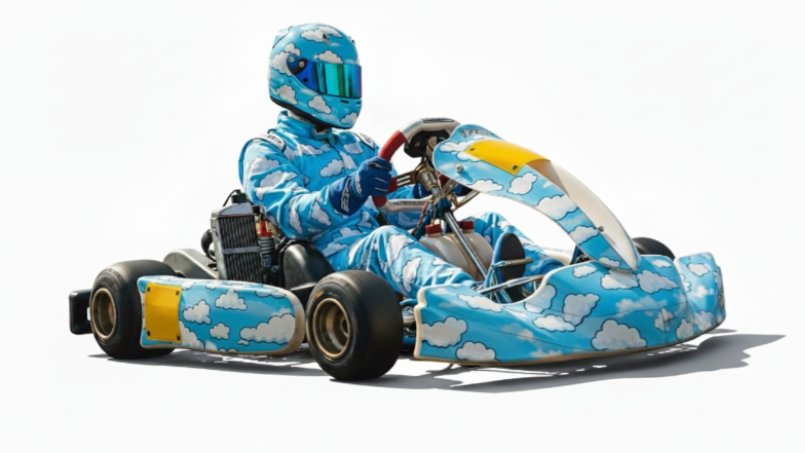
Let's test it out: Use the ingredient we provided and decide where the character will go next!
Today's #FlowSessions Artist Spotlight is creative studio OLD NEW RARE.
🎬 Their film "LUCKY BOY" follows a man who finds luck in unexpected places.
💡 Flow Tip: Style your characters' wardrobes using Nano Banana directly in Flow. You can easily add a jacket, change shirt
Today's #FlowSessions Artist Spotlight is Emmy-winner Chris Carboni!
🎬 "Caspah" is an animated short about Chris's grandma and her horror movie tales.
💡 Flow Tip: When using Frames to Video, describe motion in precise, non-shorthand terms to get maximum control!
Watch the
That’s a wrap on our first #FlowSessions! We loved partnering with these artists for six weeks of mentorship, education, and building with Flow. Stay tuned for exclusive artist spotlights and examples of their work.
Want to join the next chapter? Show us your work and tag us!
Frames to Video, powered by Veo 3.1, has led to even more creative control. Being able to decide your first and last frames lets you focus on perfecting the details in between.
Share some of your favorite Frames to Video clips below!
Since we launched our free of charge tier, we've been SO inspired by your creations (and want to see even more). So for a limited time, we're expanding monthly credits for the free tier from 100 to 180.
Hopefully this enables new & existing users to explore what's possible in
Add a skeleton, spider, black cat or whatever haunts your imagination straight into your video with object insertion in Flow. Just click on the pencil icon on your video, type out your vision, and watch the story unfold.
Have you tried using the new video editing features in Flow yet?
Here's a tutorial on how to insert an object into your clip (and a few other examples we've loved from the community).
With advanced image editing (thanks to Nano Banana) now seamlessly integrated into your workflow, you can doodle, prompt, and reimagine your images with precision - and then bring them to life as videos.