
Open the ChatGPT website (click to go) in your browser and start logging in. The whole process takes about a minute.
Login Steps
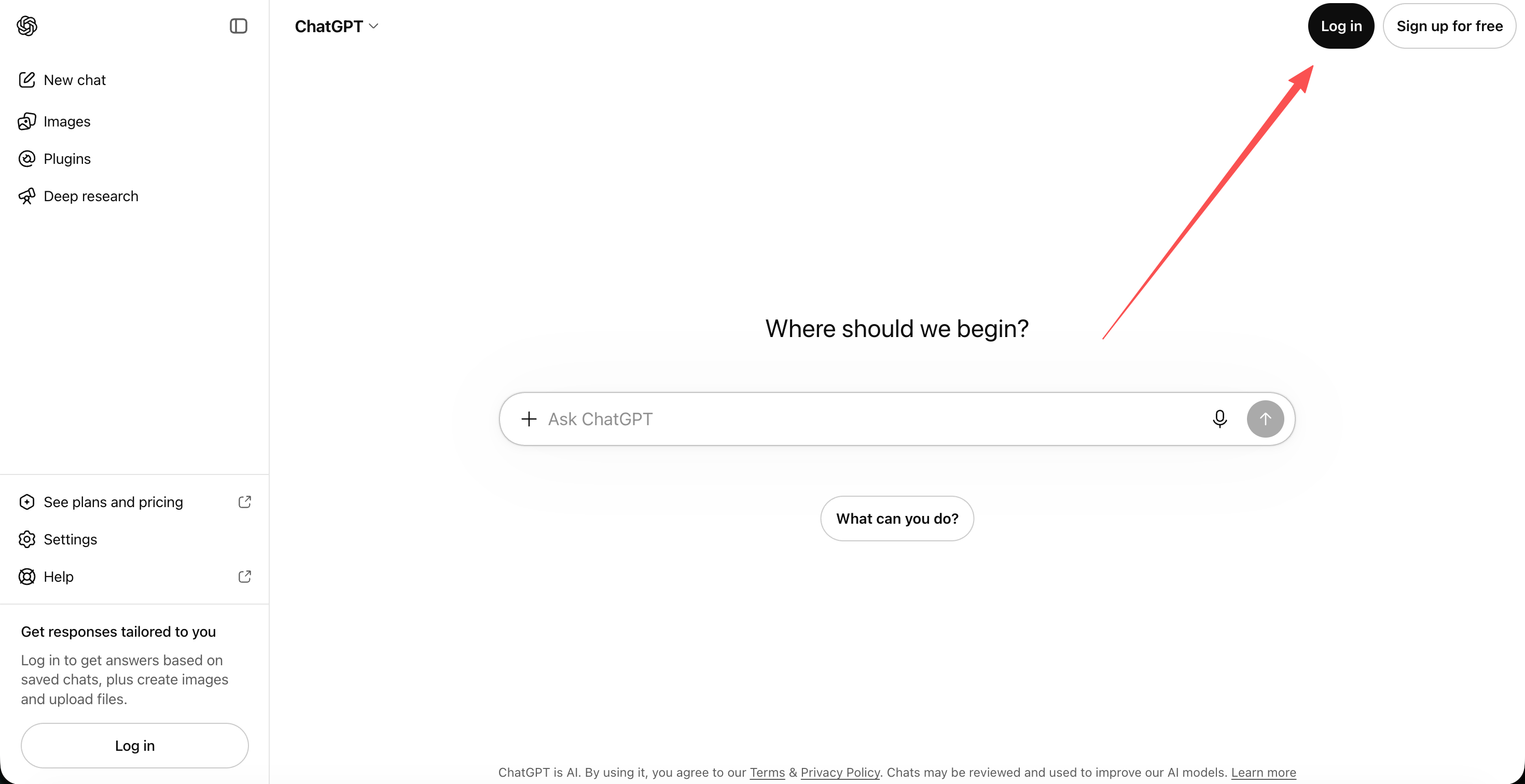
- Open the ChatGPT website and click "Log in" in the top-right corner.
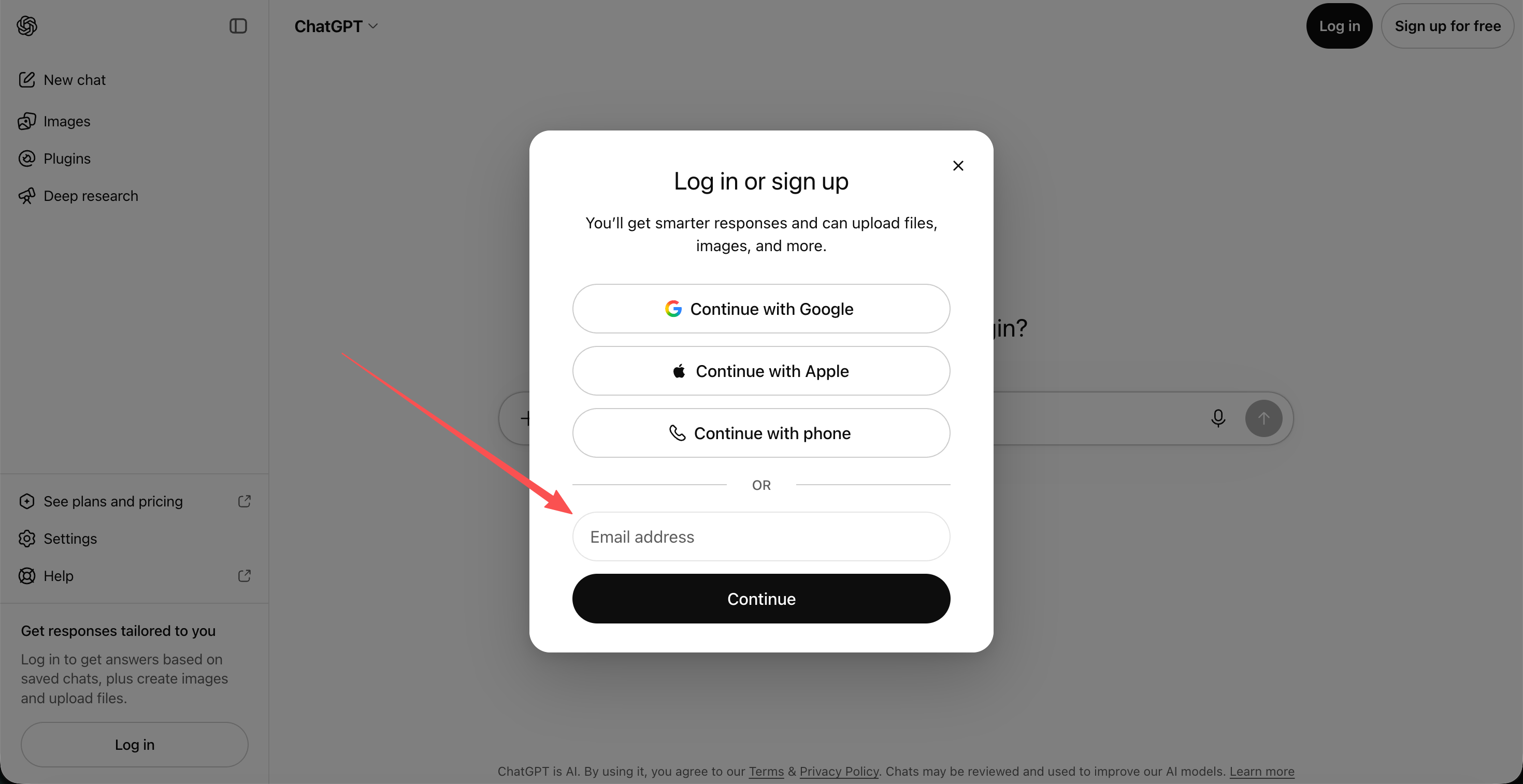
- Enter your account.
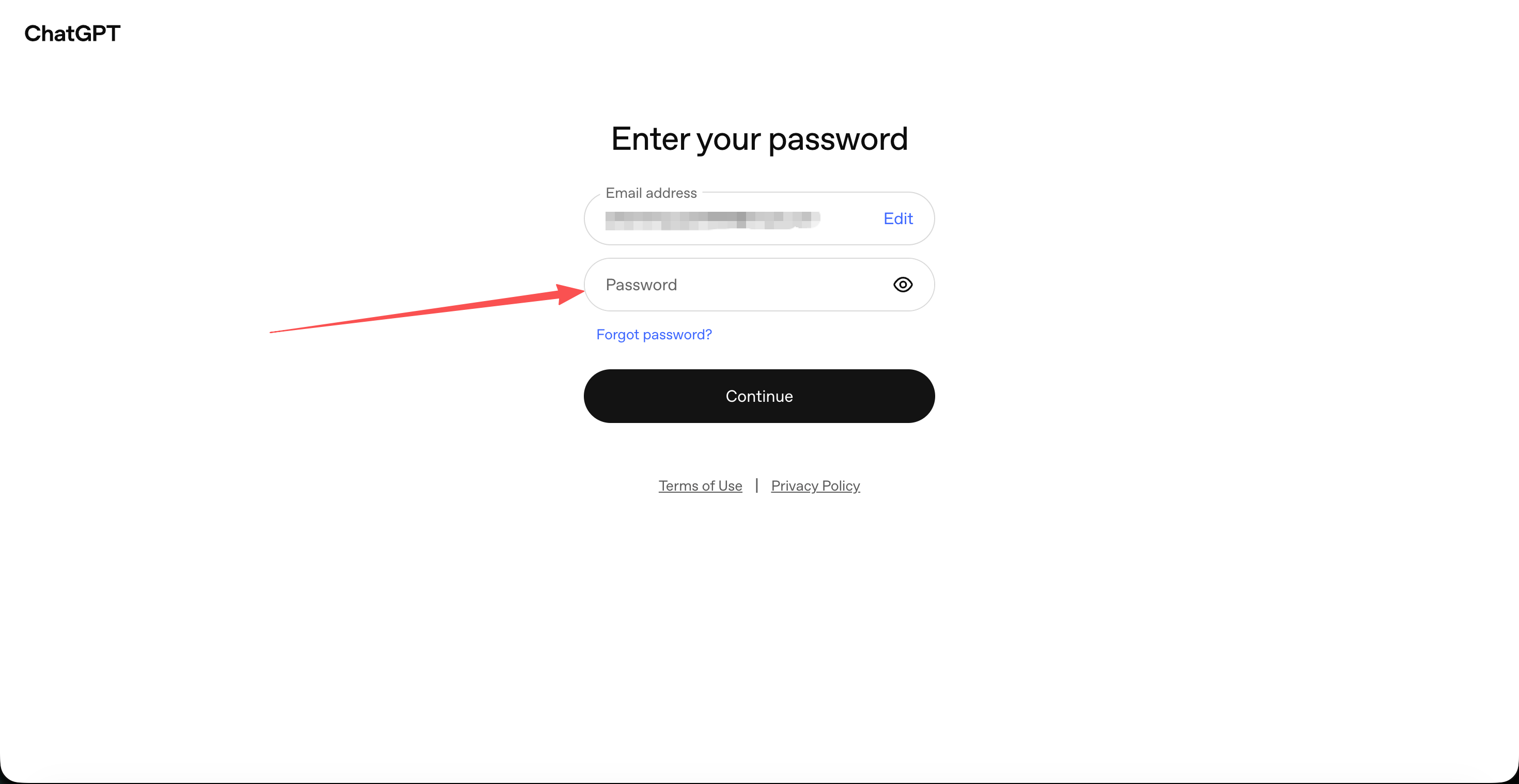
- Enter your password.
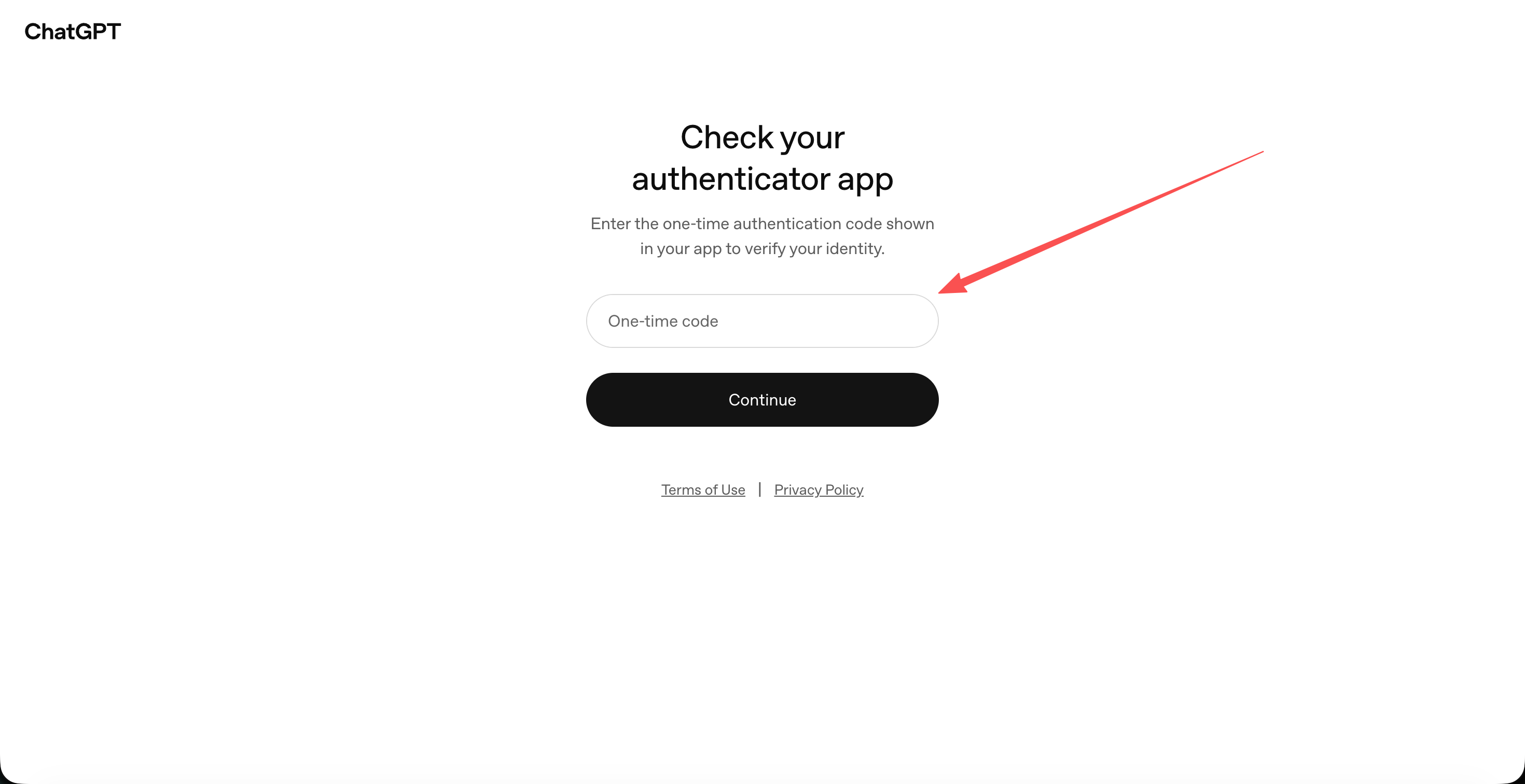
- The page asks for a one-time verification code.
- Open the Authenticator (click to go) in your browser and paste your MFA code into the "Secret Key (Base32)" field. Enter any service name (or "ChatGPT") and any account name (or "ChatGPT account"), then click "Add" to get a one-time verification code.
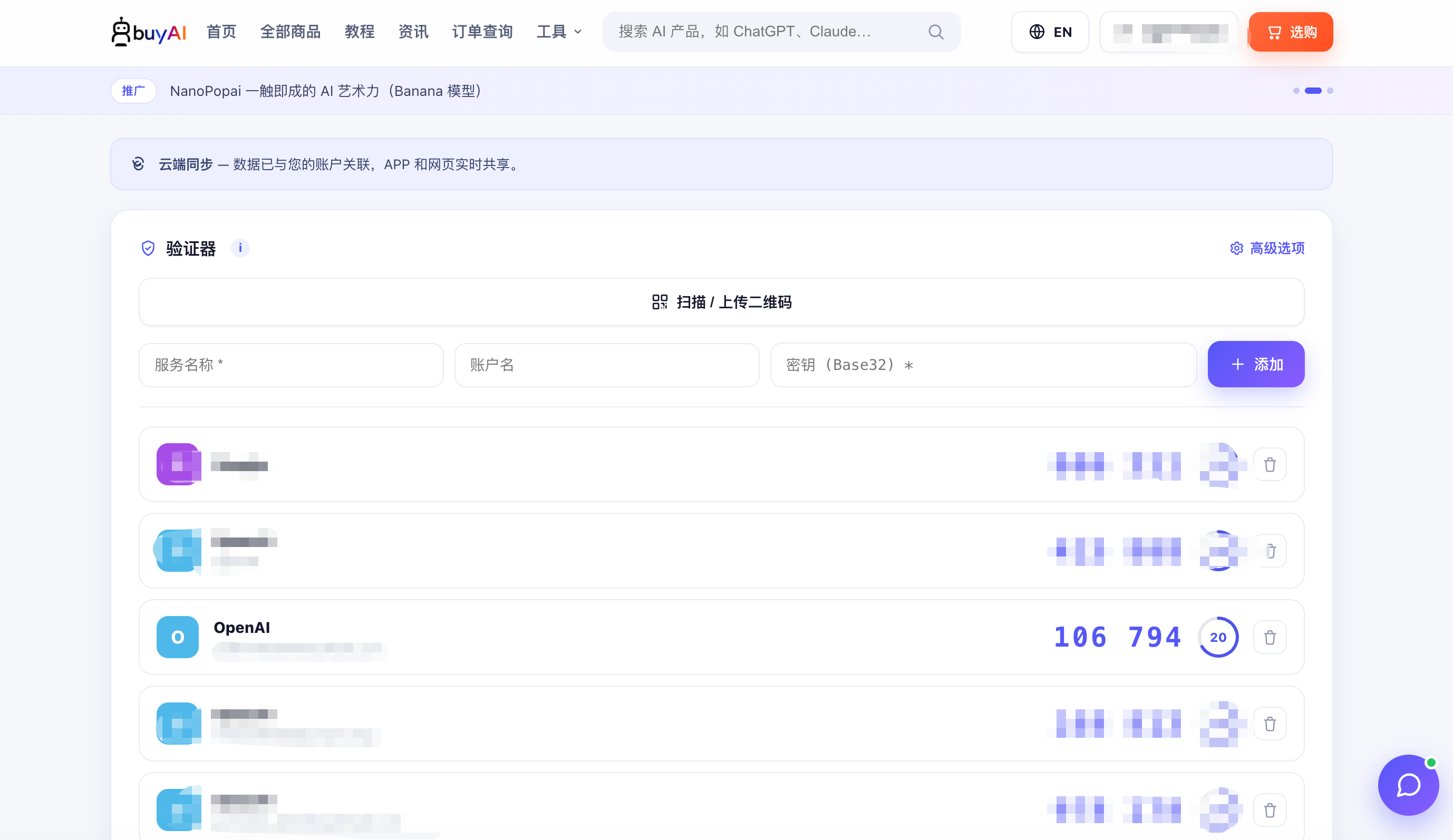
- Enter the one-time verification code on the ChatGPT login page and click "Continue" to finish logging in.