
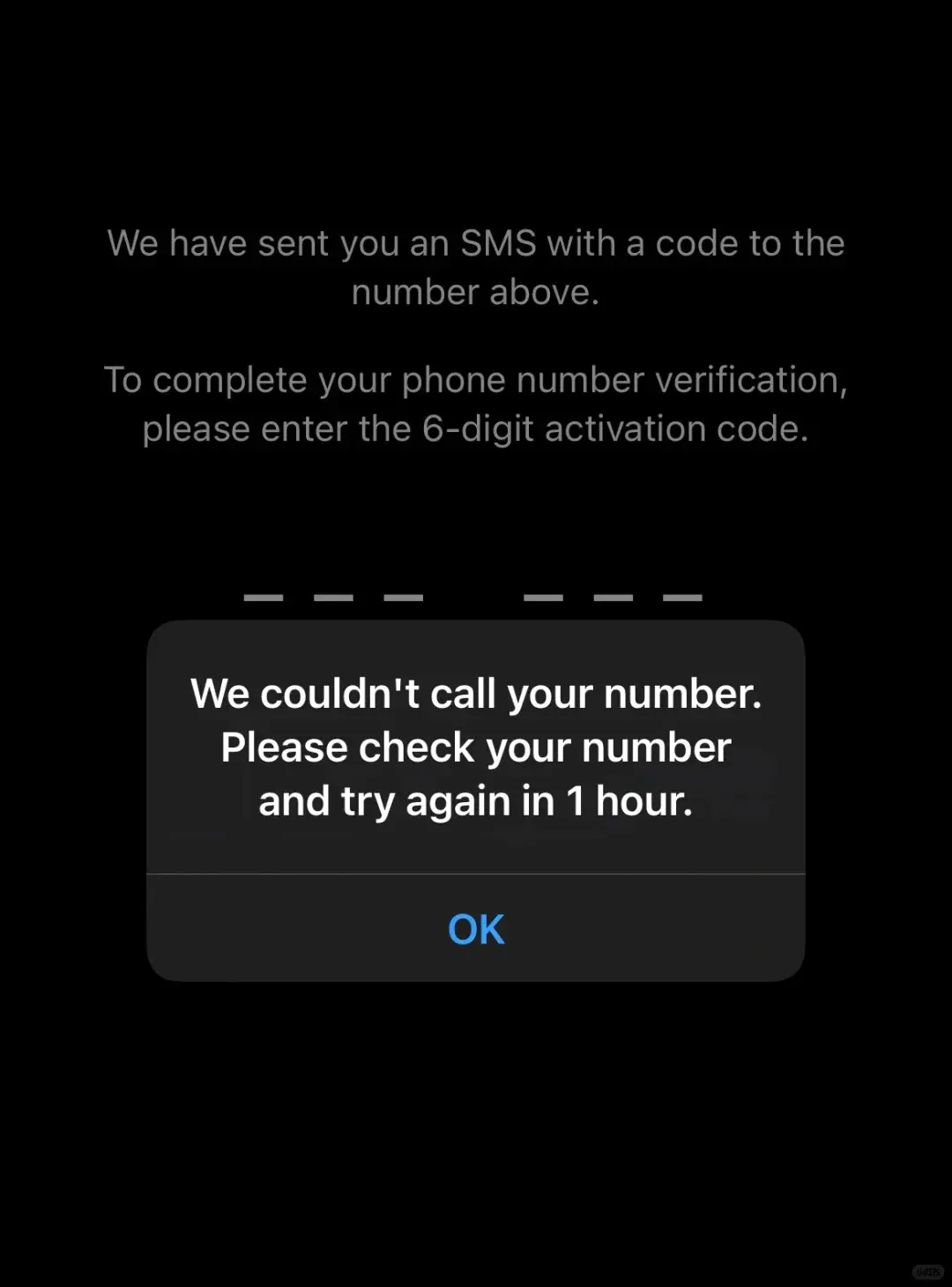
Do you keep getting stuck at the verification step every time you try to register WhatsApp with a mainland China number — no SMS code arrives, and the voice call never comes either? Whether you're on China Mobile, China Unicom, or China Telecom, you've probably run into this. Don't worry — after days of testing, we finally cracked it, and we're sharing the full walkthrough with you here.
1. General Preparation
1. Check your international SMS permission
China Mobile users: send the text “11111” to 10086 (note: some users report 10085 instead — try whichever applies to you) to request international SMS receiving permission.
China Unicom / China Telecom users: there's no single official activation code, but check with customer service for any international SMS restriction on your plan and have it lifted if needed.
2. Adjust your phone settings
Turn off location services: go to Settings — Privacy and disable location, so it doesn't interfere with code delivery.
Switch the language: set your system language to English (Settings — General — Language & Region) to match WhatsApp's international environment.
Change the time zone: set your time zone to a US time zone to simulate an overseas environment.
3. Optimize your network settings
Data connection: make sure mobile data is turned on. If your plan supports international roaming, you can enable cellular roaming in Settings (note this may incur extra charges).
2. Reinstall WhatsApp
Uninstall WhatsApp: remove the app completely from your phone.
Restart your phone: power off, remove the SIM card, then reinsert it and power back on (if you use dual SIMs, remove both and only reinsert the one you'll use to receive the code).
Reinstall WhatsApp: download and install WhatsApp again from the app store.
3. Receive the Verification Code
Before requesting the code: temporarily turn off Wi-Fi and Bluetooth (to reduce network interference), and set your VPN to a US server with global mode enabled.
Enter your phone number: open WhatsApp and enter your phone number to register.
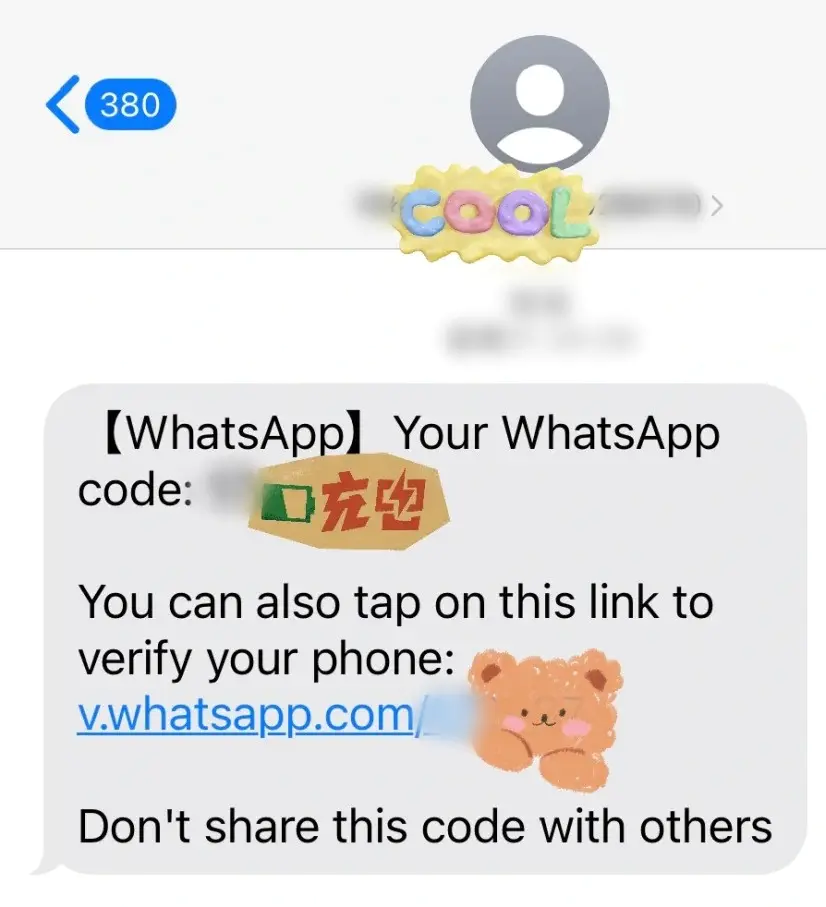
Wait for the code: be patient while the SMS code comes in. If it doesn't arrive after a while, try the following:
Check that your phone has a good signal.
Switch your phone to airplane mode for a few minutes, then turn it back off to re-establish the network connection.
If you still haven't received an SMS code, choose the “Call me” option — answer the call and enter the digits as instructed; the code will be read out to you by voice.
4. Extra Tips
Patience is key: several factors can affect code delivery, including network conditions and phone settings. If it doesn't work the first time, wait a while and try again.
Try different times of day: network congestion can also affect delivery, so try verifying at a different time.
Contact support: if none of the above works, reach out to WhatsApp support or your carrier's customer service for help.
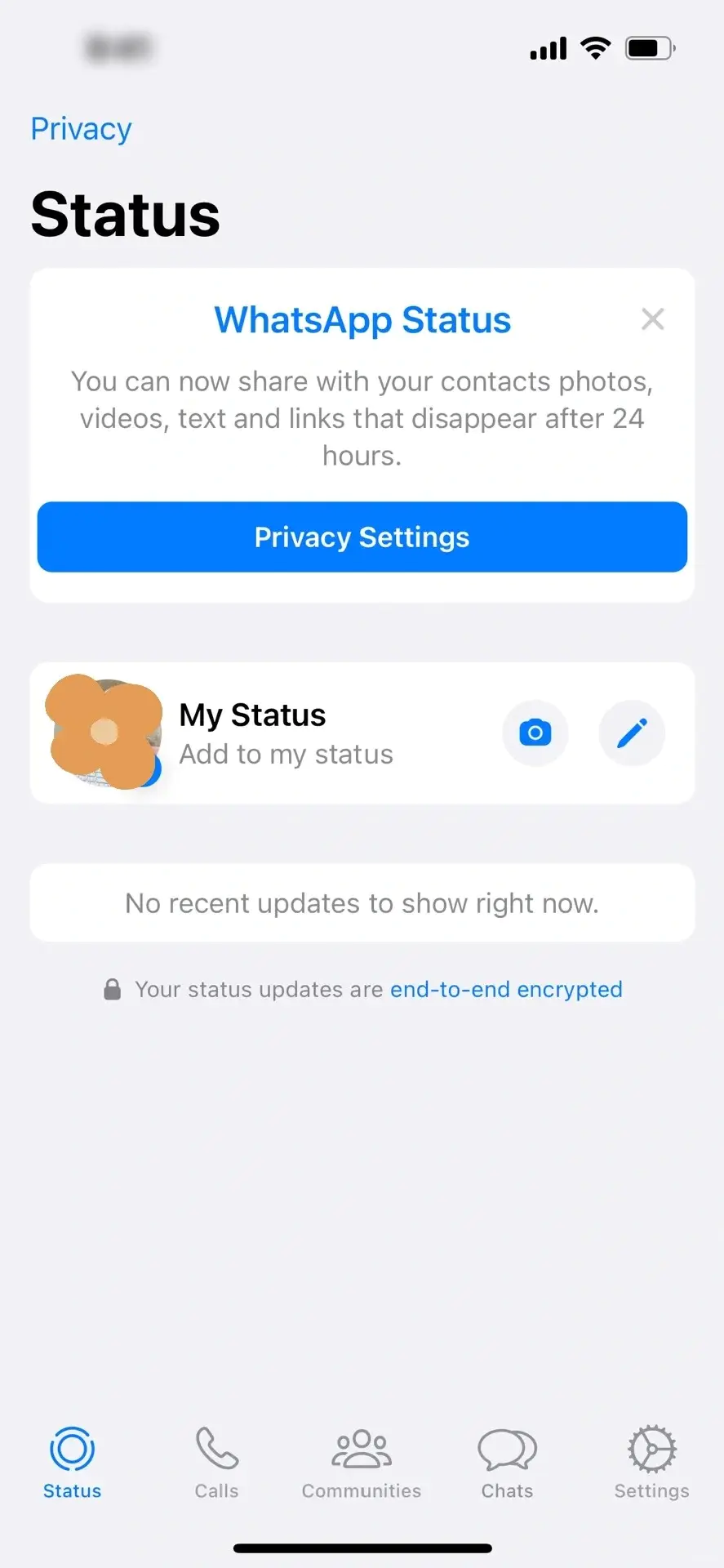
Follow these steps and, whether you're on China Mobile, Unicom, or Telecom, you'll be able to receive your WhatsApp verification code successfully — tested and confirmed to work!
We hope this guide helps if you've been struggling with WhatsApp verification codes. If you have any other questions or need further help, feel free to leave a comment. Like and share with anyone else who might need it!