
Product Introduction: Adobe Creative Cloud Full Suite Account or Subscription (Official)

Product Usage:
① Open the Adobe official website
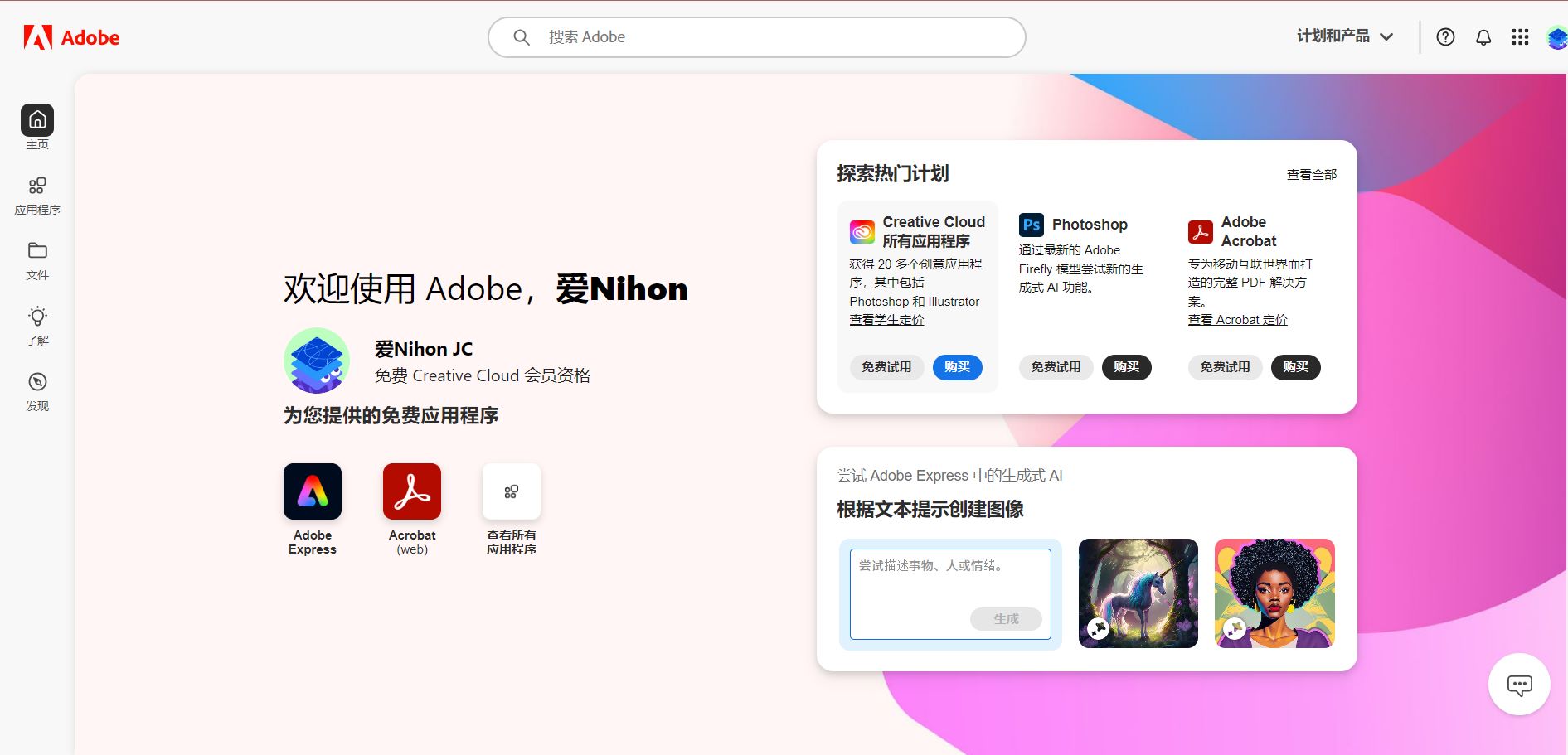
② Click the log in or sign-in button to log in!
③ Check your subscription status
④ Download the applications you need and install them on your Windows or Mac computer (you must thoroughly remove any pirated or similar pirated Adobe software from your computer)
⑤ After successful installation, log in to your account to use the subscription features.
Subscription Steps:
① Simply provide your account (no password needed, registered overseas), and submit it to customer service in the bottom-right corner or send it to us by email.
② We will help you complete the subscription! It is usually done within half an hour during working hours!
③ Full after-sales support; usable for a full year!
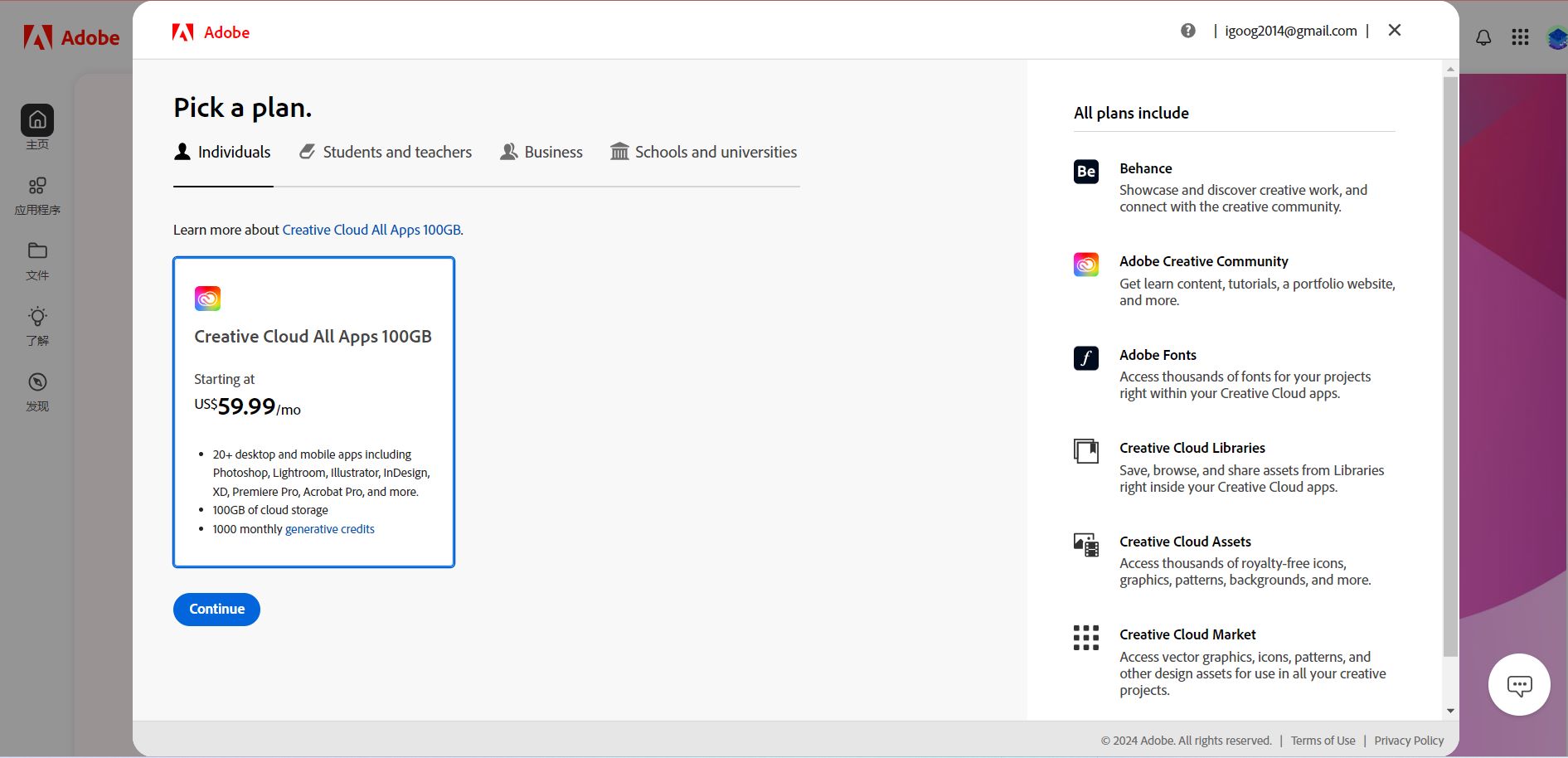
Official website pricing is as follows:
 to chat with the AIFUNS team (bottom-right corner).
Frequently Asked Questions
AIFUNS 支持哪些 AI 服务?
支持 ChatGPT、Claude、Midjourney、Gemini、Grok 等主流 AI 工具的账号、订阅与充值。
购买后如何收货?
人工手动发货,支付成功后会在工作时间内向你的下单邮箱发放账号或卡密。可在「订单查询」页面凭订单号、邮箱或浏览器缓存随时查看。
支持哪些支付方式?
支持支付宝、微信,以及 USDT 、信用卡支付。
必须注册账号才能购买吗?
不需要,可游客下单并填写邮箱接收卡密;注册后可在个人中心统一管理订单、余额与发票。
价格是人民币吗?
商品标价均为人民币(¥)。使用 USDT 支付时会按实时汇率自动换算。
购买后有售后保障吗?
部分提供售后支持,可通过在线客服或订单申报页面处理问题。账号为虚拟产品,一经发出后无售后问题不提供退款。
我是企业买家,需要大额采购,怎么联系?
请点击右下角聊天部件,与我们联系,留下你的邮箱或者其他联系方式,我们会尽快与你沟通。