Verified on 2026-11-05: Based on the "Paid auth" section of Telegram's developer documentation and Telegram's official FAQ. Telegram doesn't publish prices per country, so this guide quotes no amounts; trust what your app shows.
If Telegram shows an "SMS Fee" screen asking you to buy Telegram Premium before it sends your code, that is a genuine step in the official app, not a scam page. Telegram says SMS codes are too expensive for some countries and carriers. SMS isn't the only way to get a code, though, so try the free options first.
1. What the SMS Fee is
Telegram's developer docs say that because of the high cost of SMS codes for some countries or providers, official apps may receive a "payment required" response: the user must buy a Telegram Premium subscription to continue signing up or logging in. Only official clients can use this flow.
The server sends the store product, the number of Premium days, the currency and amount, plus a support email address and required subject line. So price and duration vary, and prices you see online are only examples.
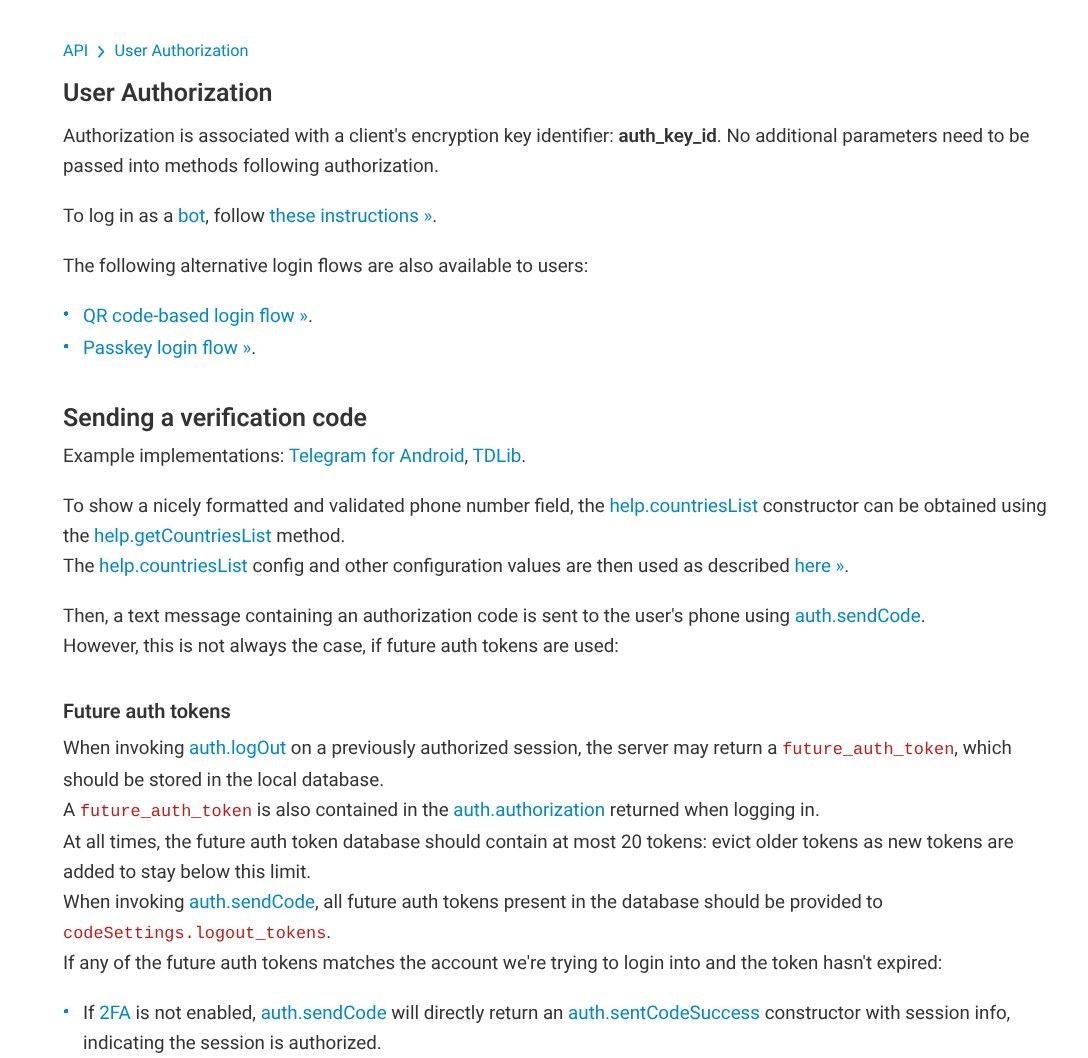
Telegram developer docs, User Authorization page, which covers paid auth.
2. Try these four free options before paying
- Check a signed-in device: if the number was recently used on another device, Telegram may deliver the code inside Telegram, in the verified "Telegram" chat.
- Use a passkey: if you created one earlier (Settings → Privacy and Security → Passkeys), sign in with your fingerprint, face or PIN.
- Use your login email: accounts with a login email get codes by email instead of SMS.
- Sign in on desktop or web with a QR code: the docs say non-mobile official apps don't use SMS; they use in-app codes, email, QR codes or passkeys. If a phone is already signed in, scan the QR code to add the desktop app.
All of these require that the number has signed in before and has a backup method set up. A brand-new signup has none, so it must use SMS and is the most likely to see the fee.
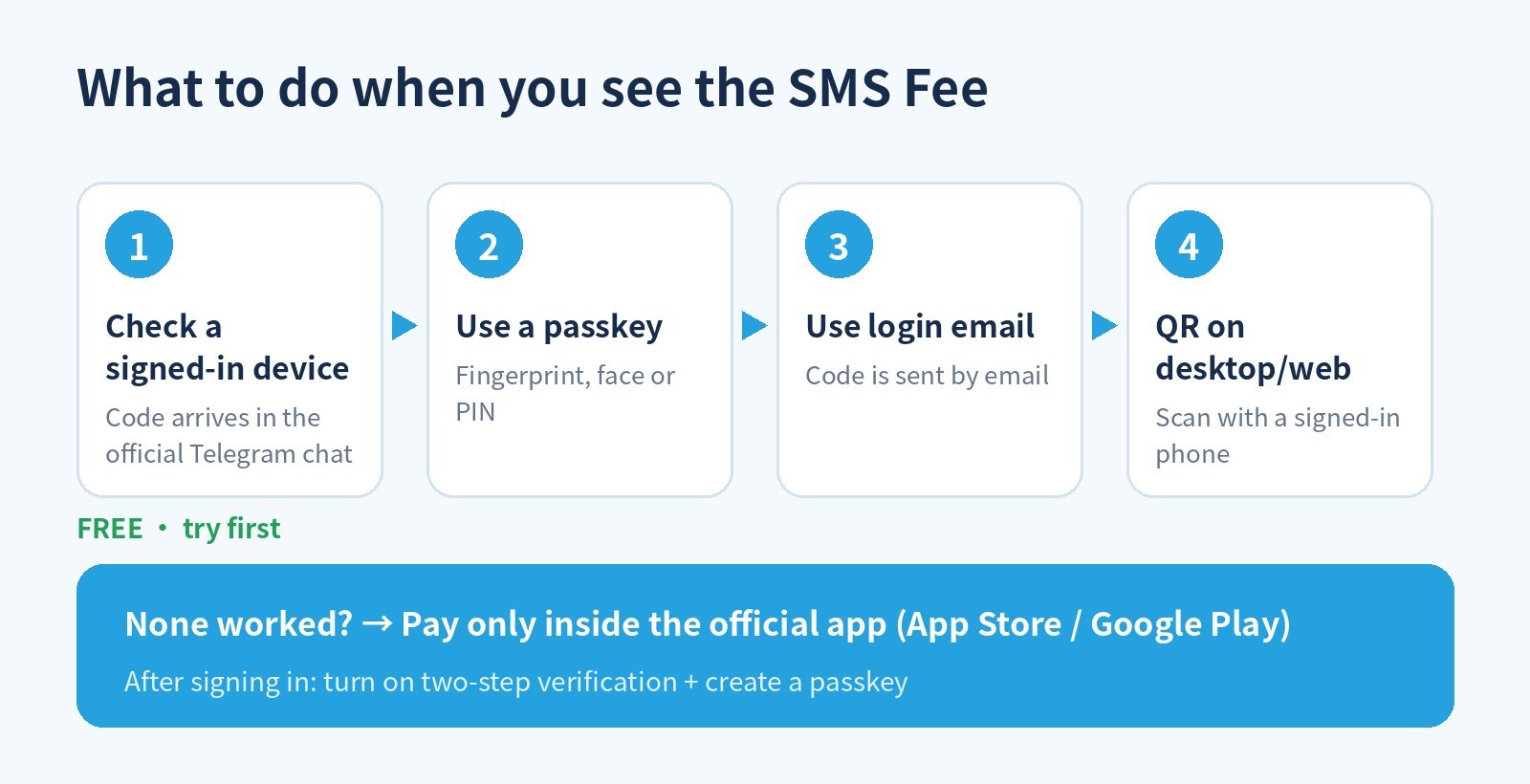
Try the free options in order before paying.
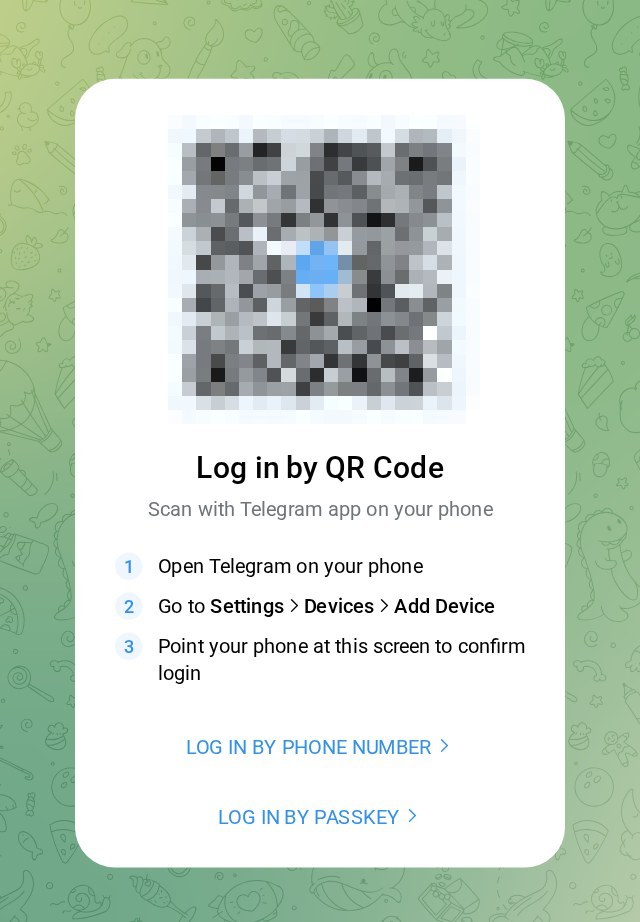
Desktop or web can log in by QR from a signed-in phone, no SMS needed. QR blurred.
3. If you decide to pay
- Pay only inside the official app, through the App Store or Google Play. Anyone asking you to open an outside link or send money to "cover the SMS fee" is not Telegram.
- Have an app-store payment method ready: on iPhone you can use Apple Account balance (gift card) or a card; the Apple Account region must match the payment method.
- Secure the account right after: turn on two-step verification (Settings → Privacy and Security → Two-Step Verification) and create a passkey so future logins skip SMS.
- Ask Telegram if unsure: the payment screen includes an official support email.
Don't dodge the fee with an unknown "free SMS" number. Telegram's spam FAQ notes that some virtual/VOIP or previously used numbers can be limited right after signup, and because the account depends on the number, losing that number usually means losing the account.
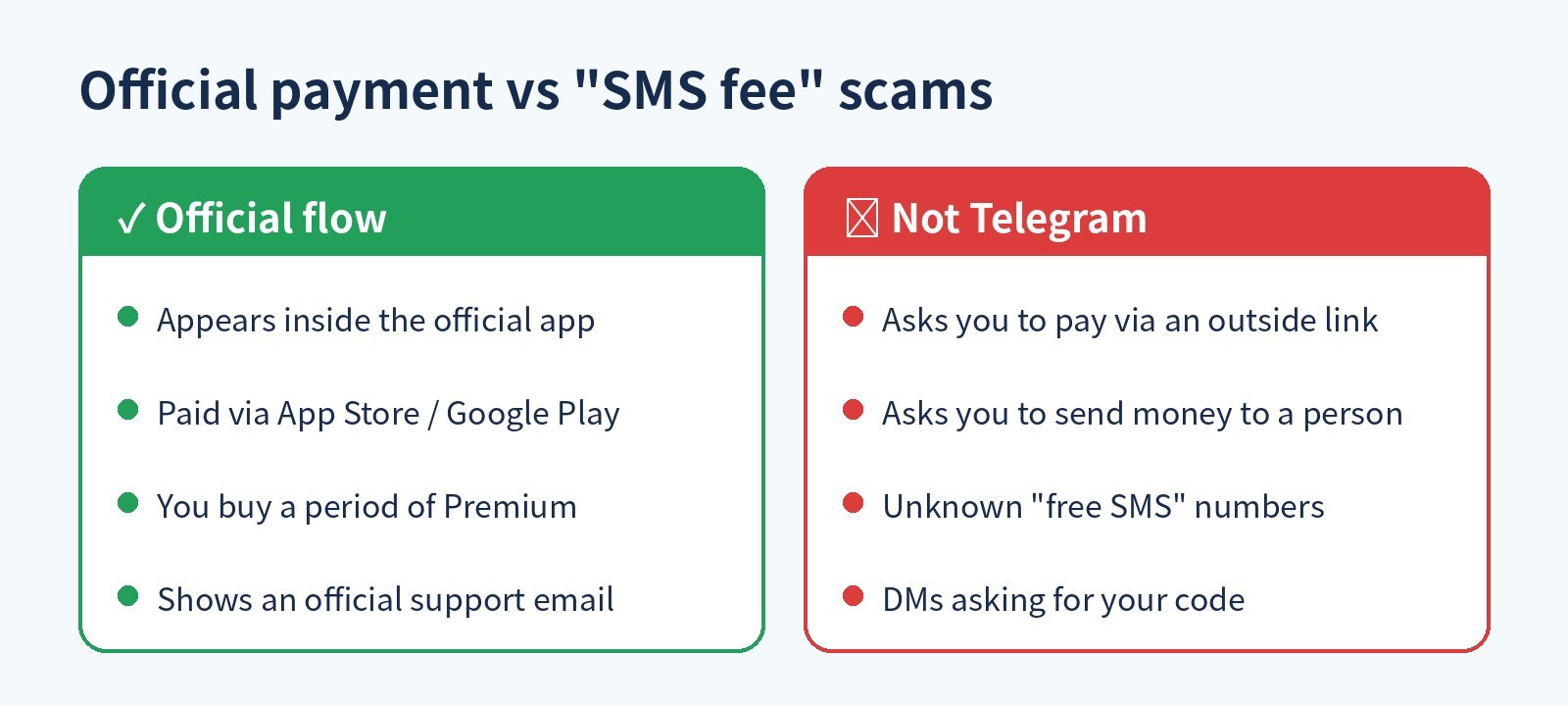
Tell the official flow apart from scams.
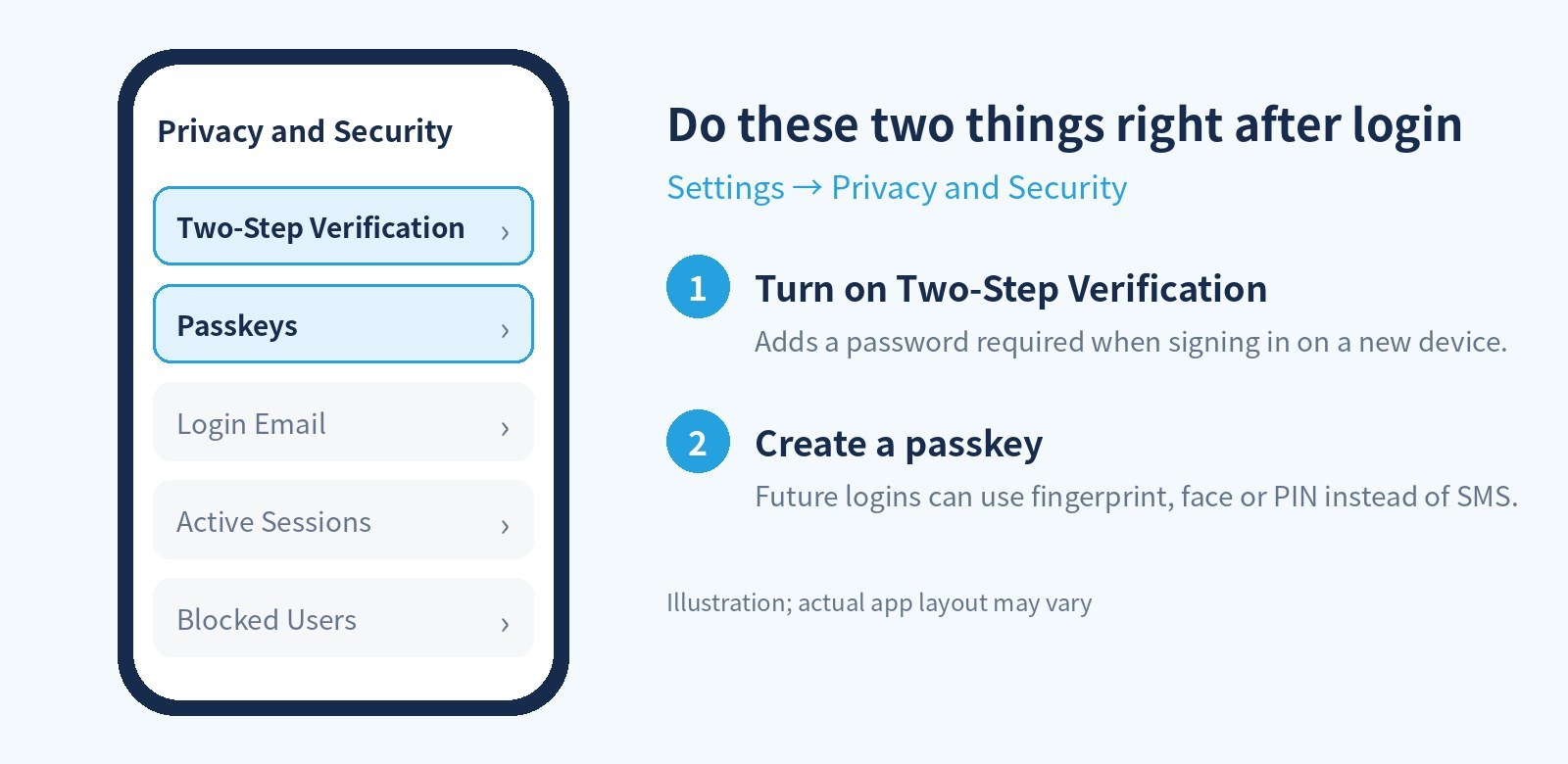
Add two safeguards right after you log in.
4. FAQ
Is Telegram now a paid app?
No. The charge only covers this one SMS code, paid by buying a short period of Premium. Regular messaging remains free.
Why didn't my friend see the fee with the same number type?
Telegram's servers decide based on country, carrier and other conditions. The docs say apps "may" receive this screen, not that everyone will.
I paid and still no SMS?
Check the number is in international format (+country code + number), try a phone call, then contact Telegram through the FAQ's login form or the support email on the payment screen.
Official sources (verified 2026-11-05): Telegram developer docs: user authorization (Paid auth), auth.sentCodePaymentRequired, Telegram FAQ, Telegram spam FAQ.
Tired of getting stuck at signup? 5buyai.com offers Telegram accounts and Premium. Paying on iPhone? Pair it with a US Apple account and a US gift card. Turn on two-step verification and create a passkey after delivery. See product pages for current prices.
Telegram account or membership US Apple account US Apple gift card