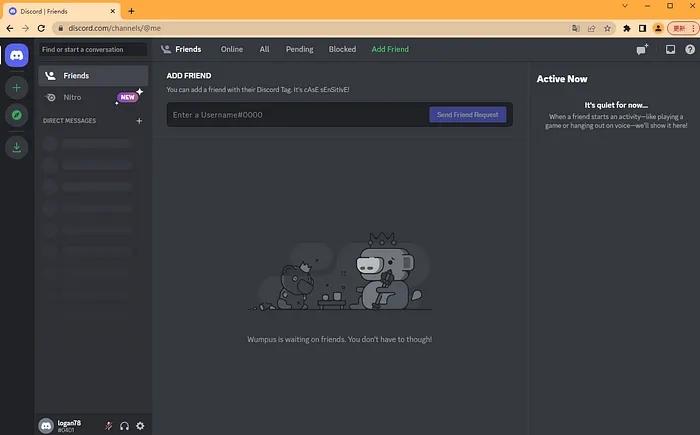
1. Open the Chrome Web Store and search for the discord token login extension (click here to jump to the download)
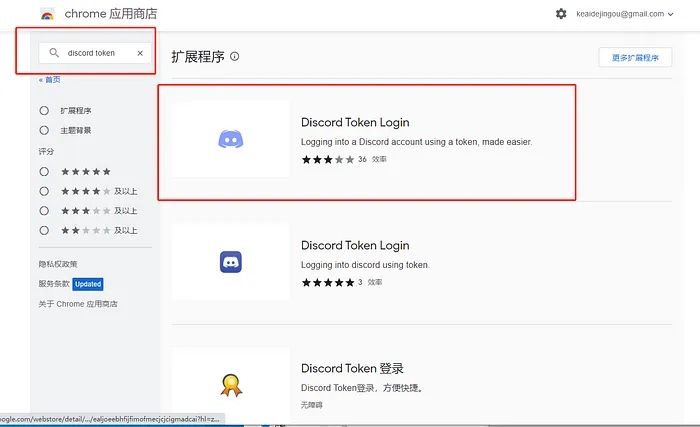
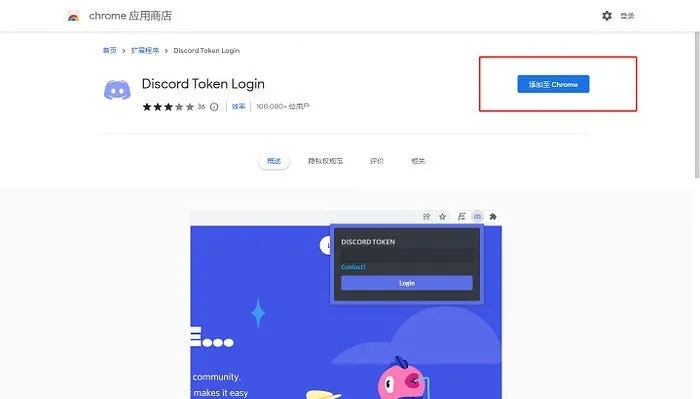
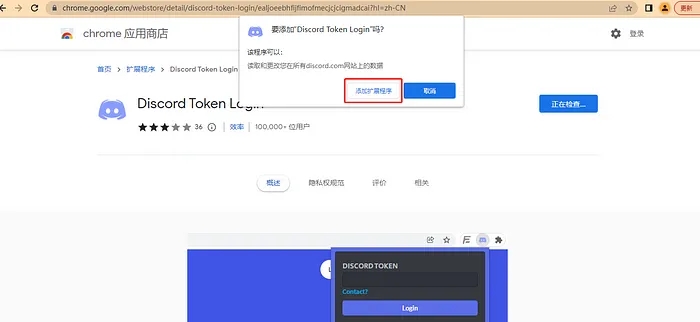
2. Token login can only be performed on the Discord login page, as shown in the figure.
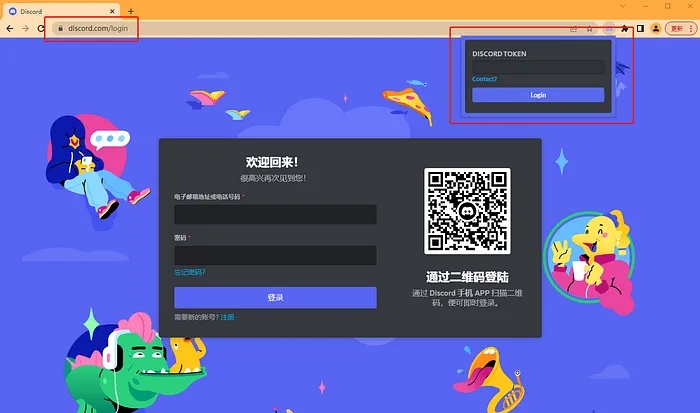
3. The token is usually a string of data on the last line beginning with MTAx, as shown in the figure.

4. Enter the token and click Log In.
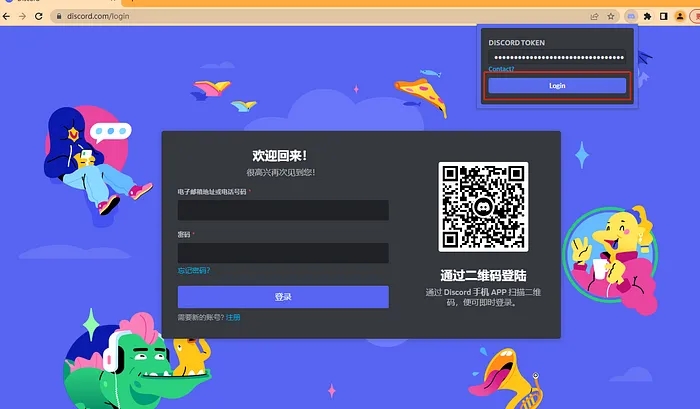
5. Once it redirects, the login is complete (if it redirects to the login page, the account has been banned; if the redirect fails, the token is wrong). (After you change the password of a purchased account, the token becomes invalid and you need to record the token again.)