
?Introduction:
① No VPN needed—you can log in directly from within China, very stable and never gets disconnected!
② Chat history can be saved permanently and is visible only to you!
③ Most importantly, no need to worry about account bans!
④ Unlimited conversations with the 4.0 model, and if one fills up you can switch to another!
⑤ Supports voice features, file uploads, data analysis, GPTs, 4o mini, 4.0, 4o, 1o, 1o mini!
?Usage Guide:
① Obtain your key token (the token can be a string of English letters and numbers, or you can contact the AIFUNS team to change it to a combination of letters and numbers you like)
② Users who have already purchased a membership can access any node
③ Enter your private token
④ The workspace after logging in is shown below:
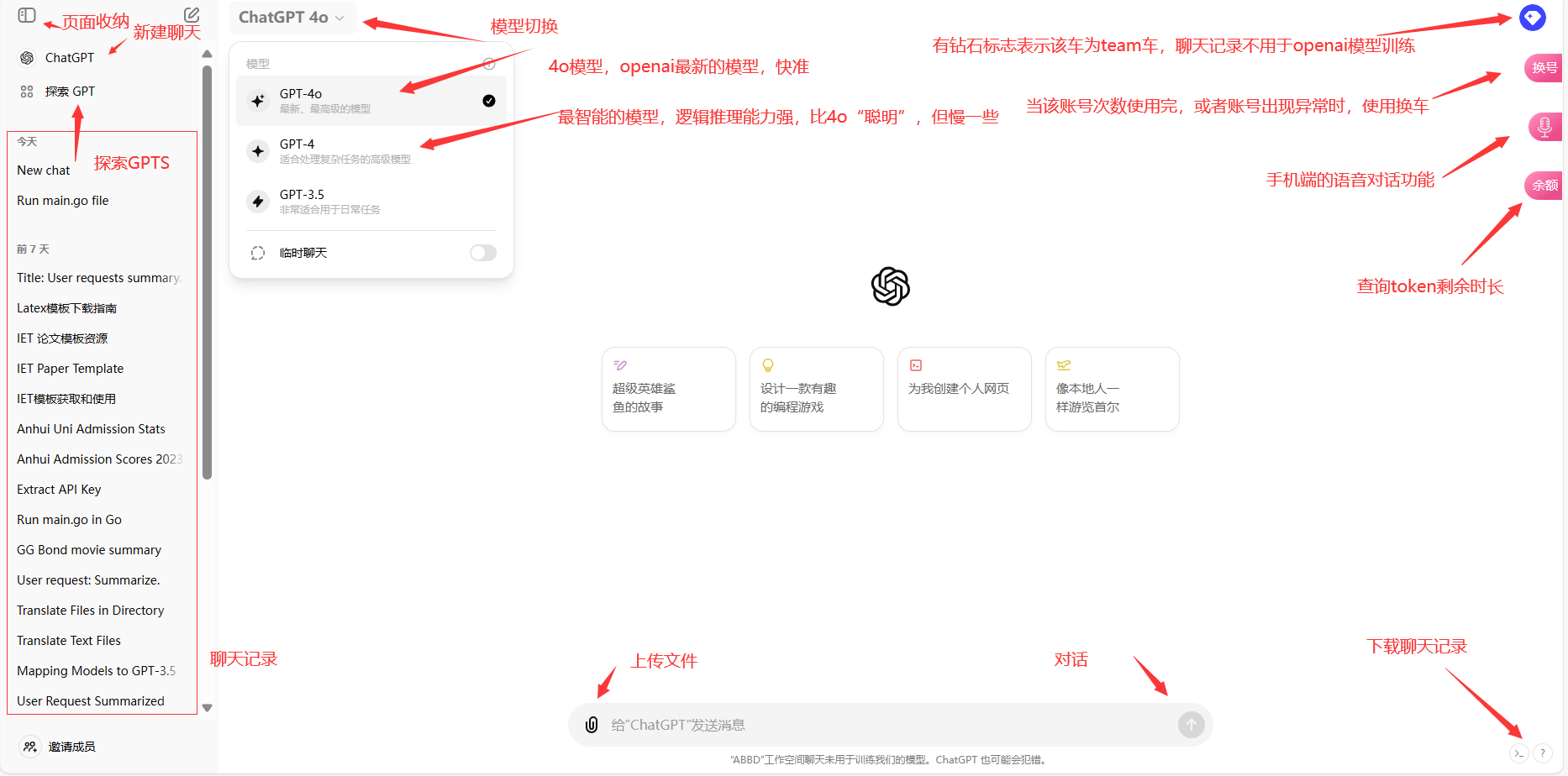
?A problem you may encounter: blank screen after logging in
❤Self-help solutions: ① Clear your local browser cookies ② Switch to the Edge or Google browser ③ “Switch car” or “switch account”
❤If the screen is still blank, please contact the administrator
?Feature Details:
?Download conversations: The server saves the conversation history across multiple sessions. If the original account gets banned and you can no longer continue chatting, retrieve your chat history using the method below. The downloaded file is a json file; upload it to a newly created chat. Use a prompt such as "Please continue our conversation," and so on.
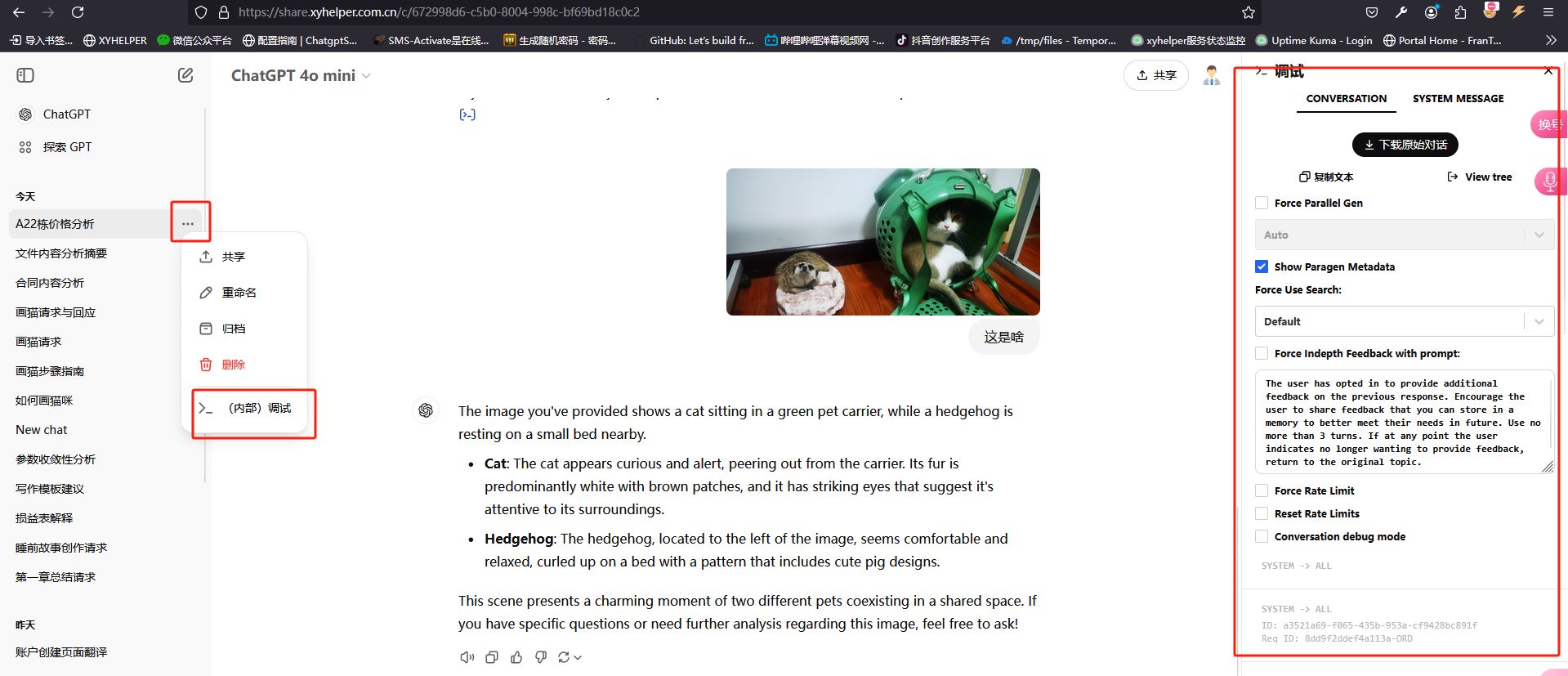
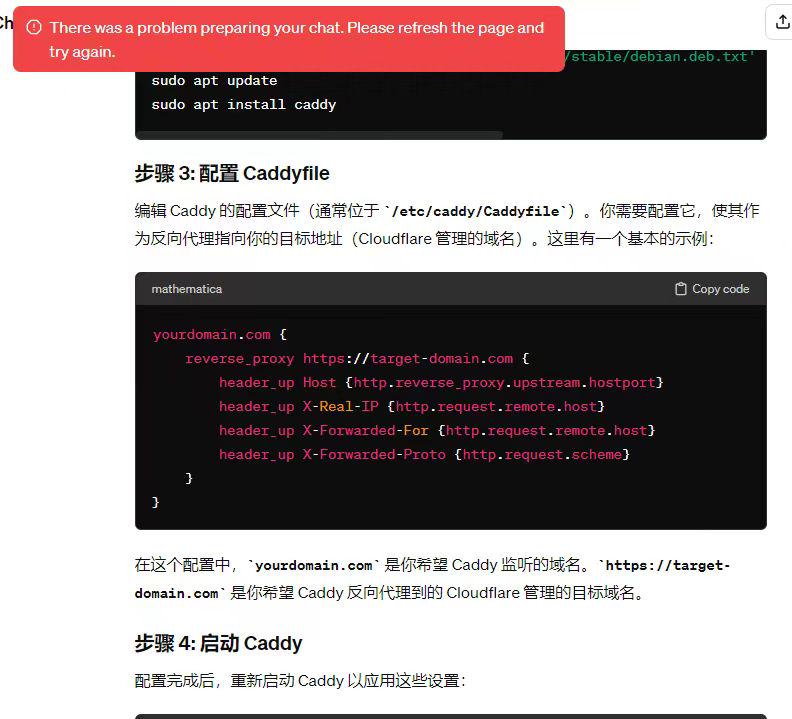
?The chat history shows an account-ban notice like the one below, or some other error where you can view but cannot continue chatting. Please use the steps above to download and then re-upload:
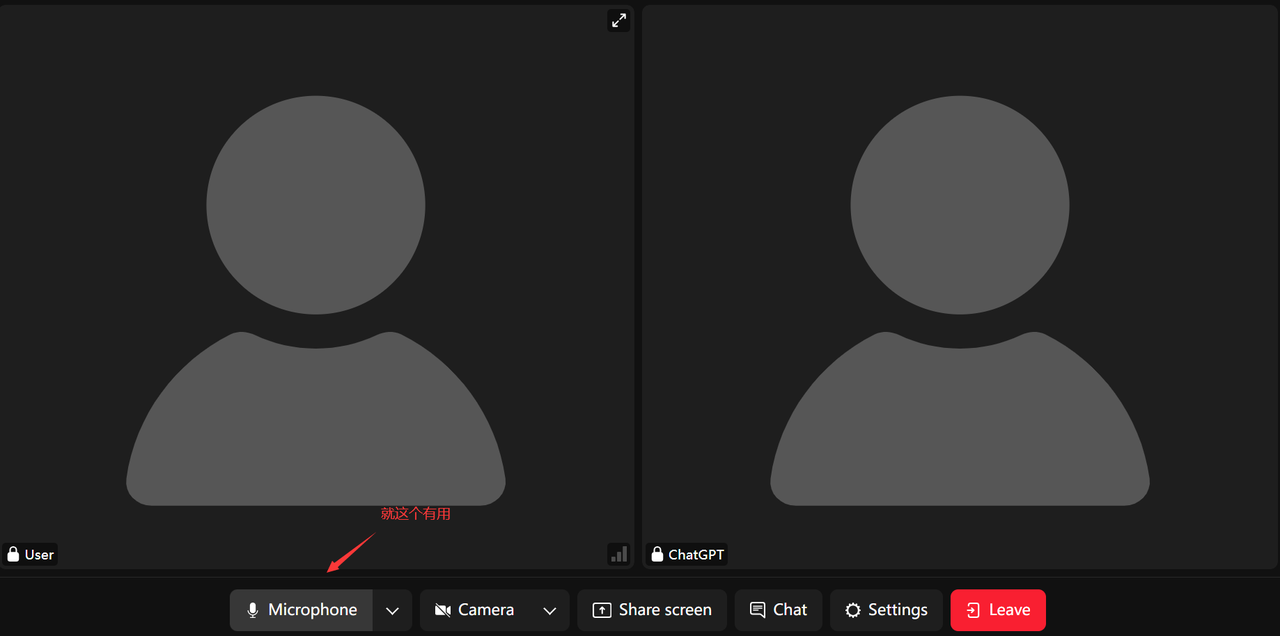
?Voice chat: Click to use. The camera function cannot be enabled for now—only voice is available. Some browsers cannot use it, possibly due to their engine; please switch to the Edge or Google browser.
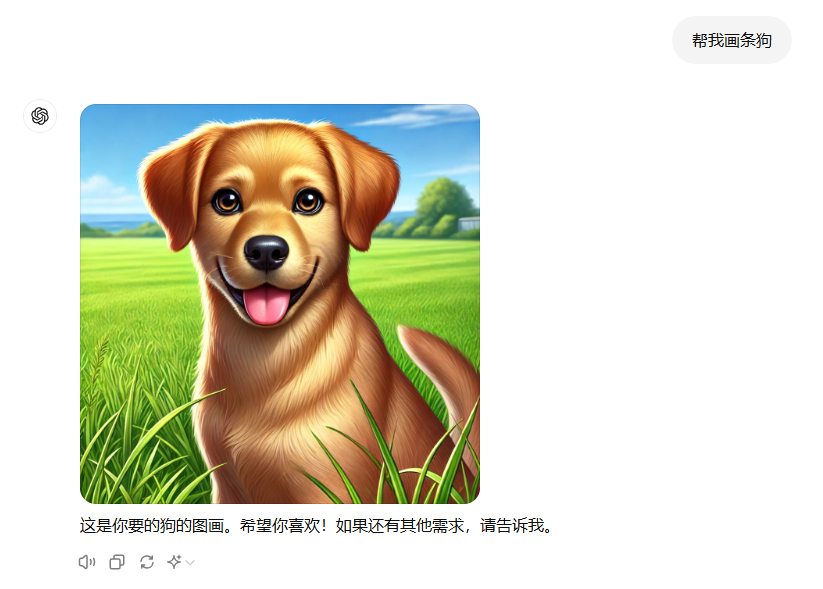
?Drawing with GPT 4o and GPT 4.0: It's simple—just tell GPT what to draw. For example, "Draw me a dog." The result is shown below.
?Going further, use GPTs to converse (taking drawing as an example): click Explore GPTs, choose Dall E, select a suitable GPT, and click to start:
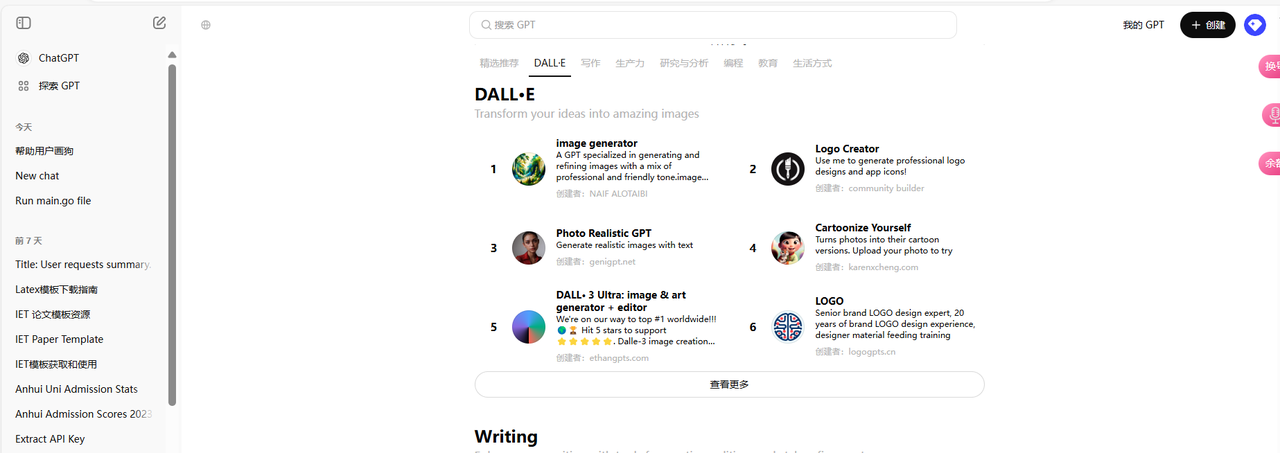
Note: Create your own GPTs in the top-right corner (please note that GPTs built on this site cannot create an icon)
?Other possible errors and solutions:
?Account usage saturated: Resolve this by “switching car” or “switching account”.
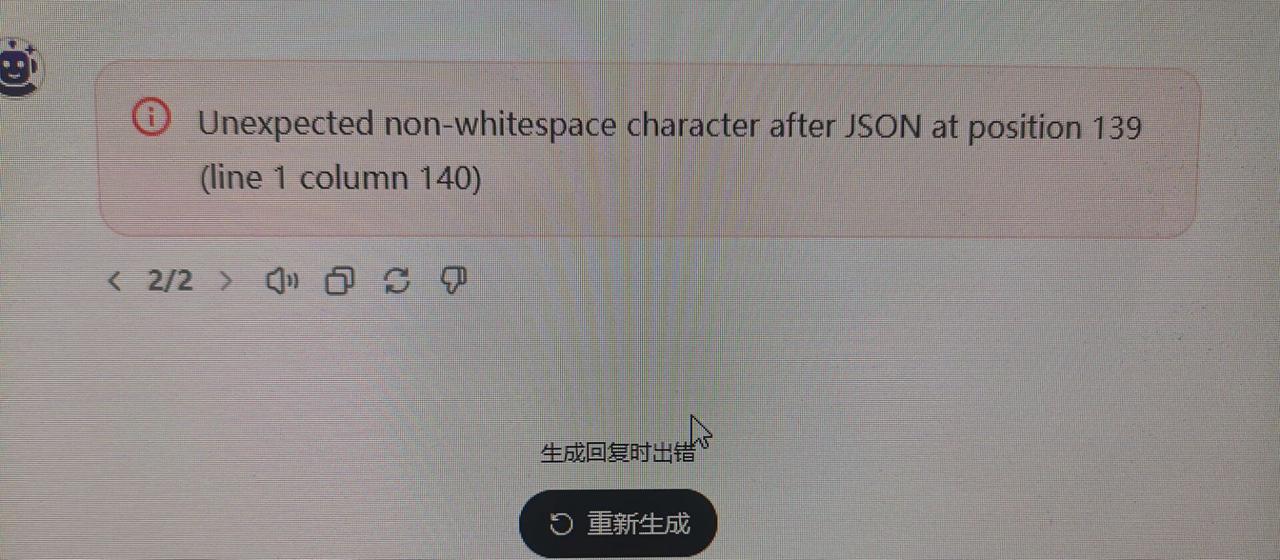
?GPTs error: Resolve this by recreating the GPTs conversation.
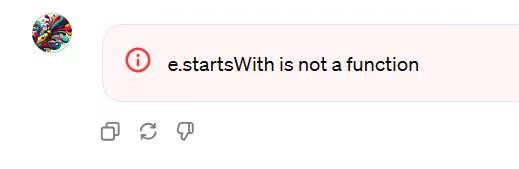
?Conversation error: Resolve this by starting a new conversation.

?Cannot download: Resolve this by retrying, or by refreshing the page and retrying.

?Conversation error: Resolve this by retrying or starting a new conversation.

?That concludes the «1:1 Mirror ChatGPT Plus (4.0 with unlimited conversations, supports 1o) Membership Site User Guide»
?Thank you for reading to the end!