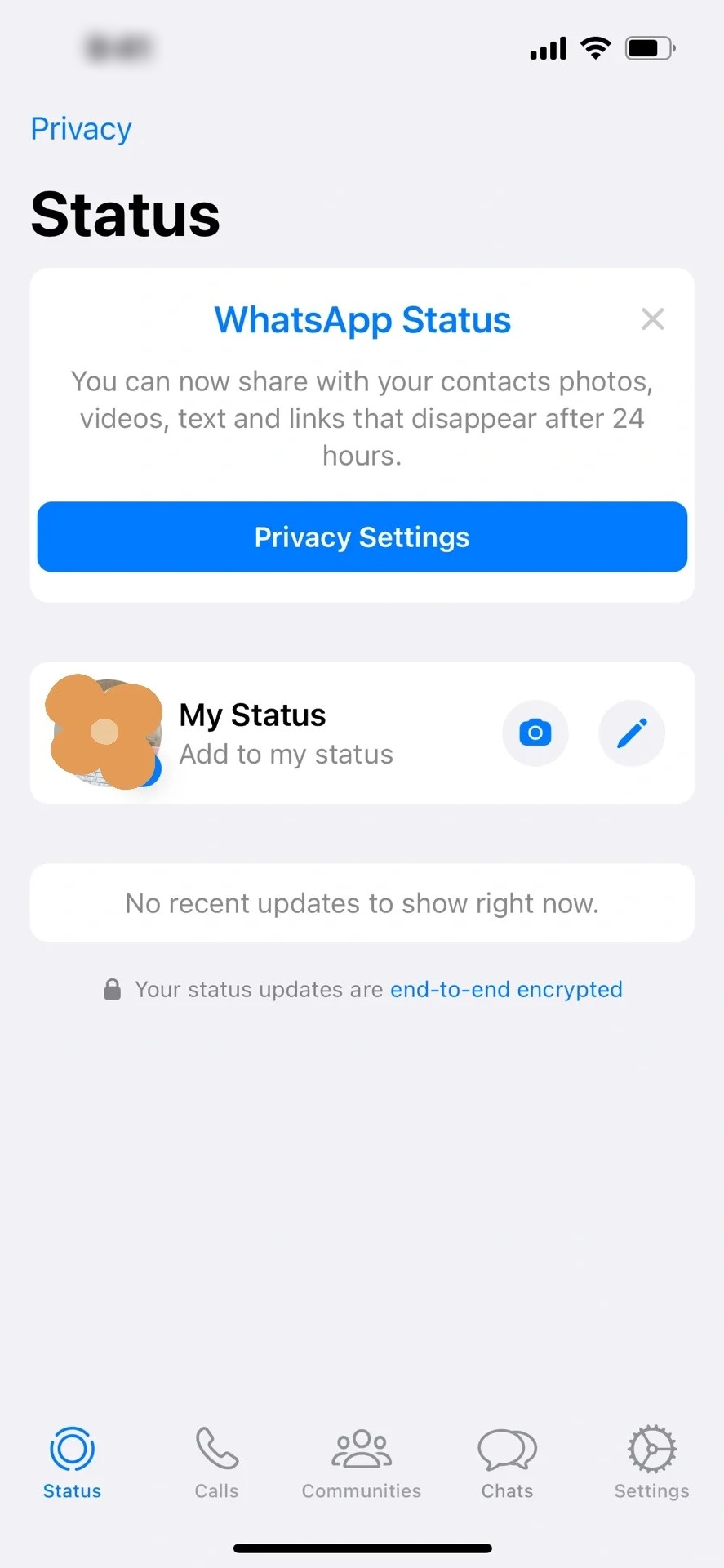
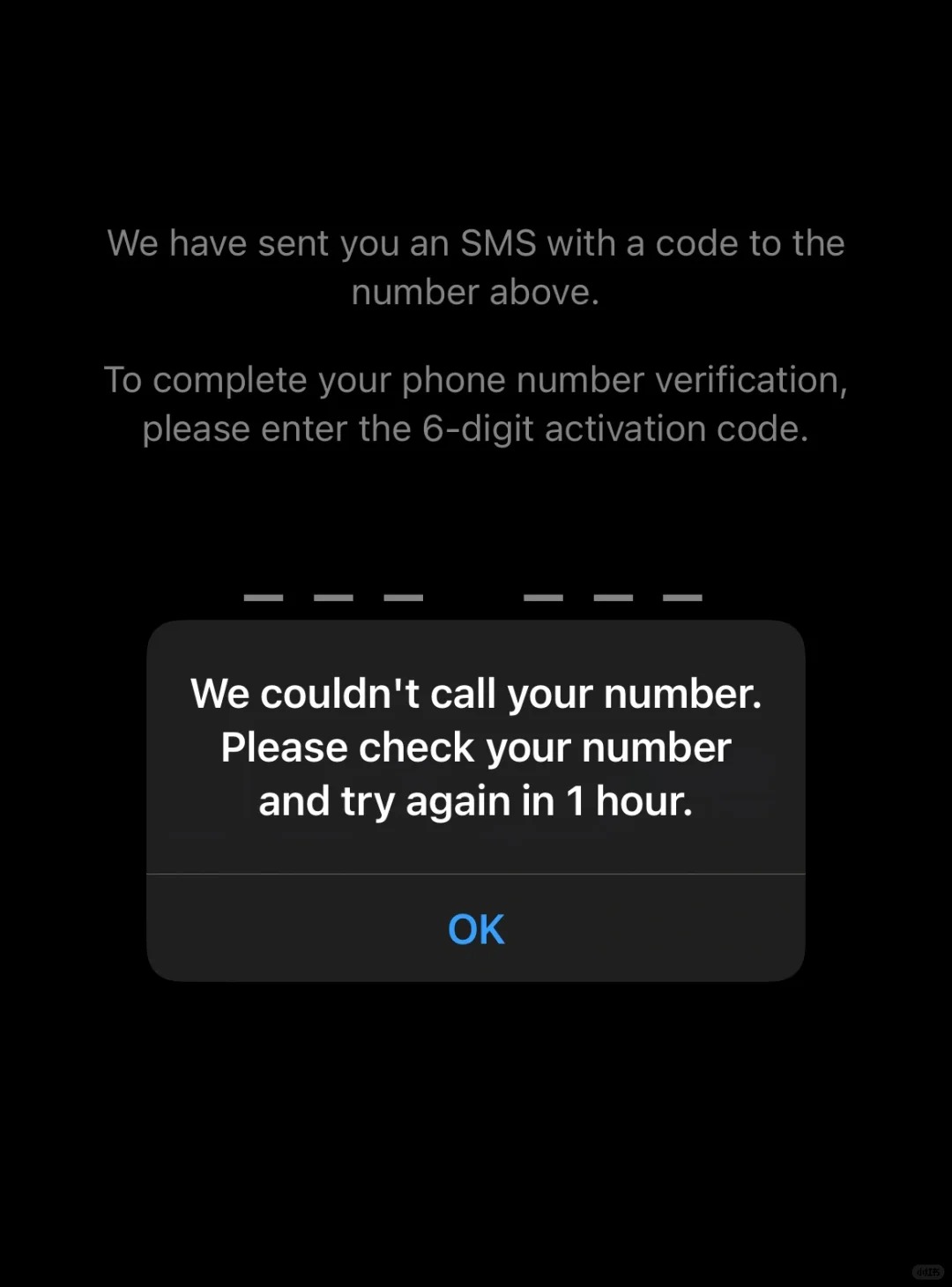
Is it that every time you register for WhatsApp, you get stuck at the verification code step — the SMS never arrives, and the voice verification code is nowhere to be heard? As a mobile user in China, whether you're on China Mobile, China Unicom, or China Telecom, you've probably run into this kind of trouble. Don't worry — after many days of exploration and practice, I've finally found the way to crack it, and now I'm sharing this precious guide with every one of you who needs it!
China Mobile users:Send the SMS “11111” to 10086 (note: some users report it should be 10085 — please try according to your actual situation) to apply for international SMS reception permission.
2. Adjust phone settings
Turn off location:Turn off location services in Settings - Privacy, to prevent location information from interfering with verification code reception.
Switch language:Set the system language to English (Settings - General - Language/Region), to match WhatsApp's international environment.
3. Optimize network configuration
Data connection:Make sure your phone's data connection is turned on. For plans that support international roaming, you can try, in Settings, switching cellular data to enable the roaming feature (mind the charges).
Note! Before receiving the verification code, be sure to:Temporarily turn off WiFi and Bluetooth (to reduce network interference); set the VPN to a US server and turn on global mode.
Wait for the verification code:Patiently wait for the SMS verification code to arrive. If you haven't received it after a long time, you can try the following steps:
If the SMS verification code still hasn't arrived, choose the “Call me” option; after answering the call, enter the digits as instructed, and the verification code will be given to you by voice.
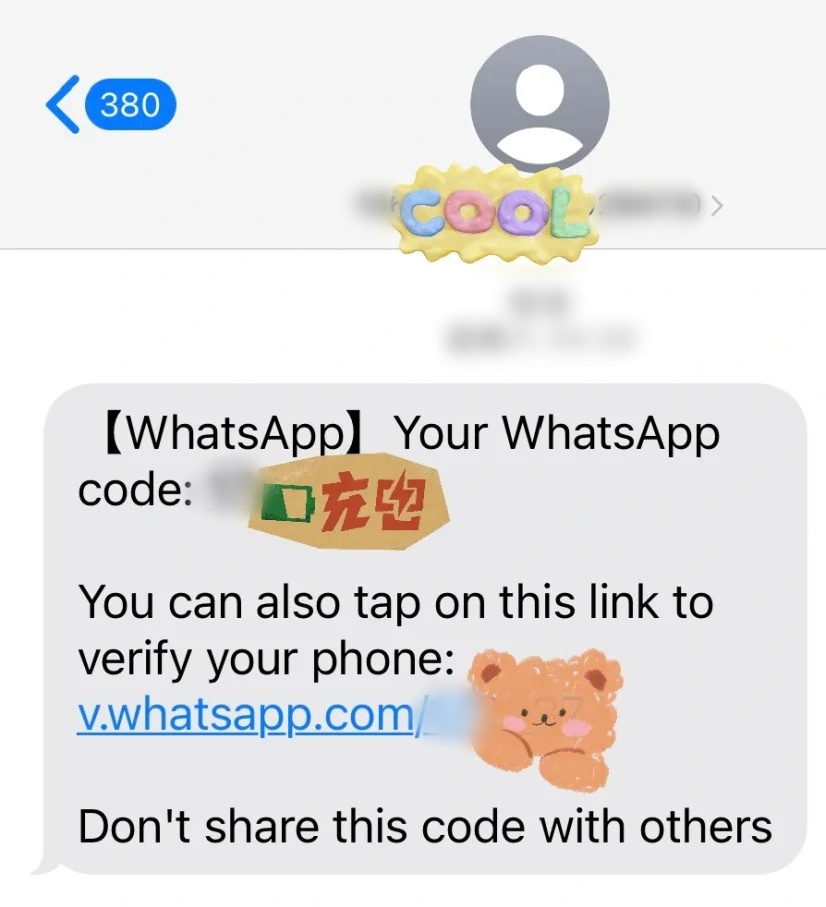
Patience is key:Verification code reception can be affected by many factors, including network conditions, phone settings, and so on. If it doesn't work the first time, please wait a while and then try again.
Try different times of day:Sometimes network congestion can also affect verification code reception, so you can try verifying at different times of day.
Contact customer service:If you've tried all the methods above and still can't receive the verification code, we recommend contacting WhatsApp's official customer service or your mobile carrier's customer service for help.