GPT-6.1 Terra means business.
Our new fast, efficient model pairs sharper visual reasoning and precise computer use with clearer, more natural writing.
From decoding technical drawings to drafting proposals, filling forms to editing videos—it’s built for the whole workday.
Keep sensitive conversations out of view with Locked Chats in ChatGPT.
Move chats out of your regular history and search into a protected space you can unlock with a PIN on web and desktop, or a PIN, Face ID, Touch ID, or device unlock on supported mobile devices.
New messages https://t.co/tV0wBj8f0i
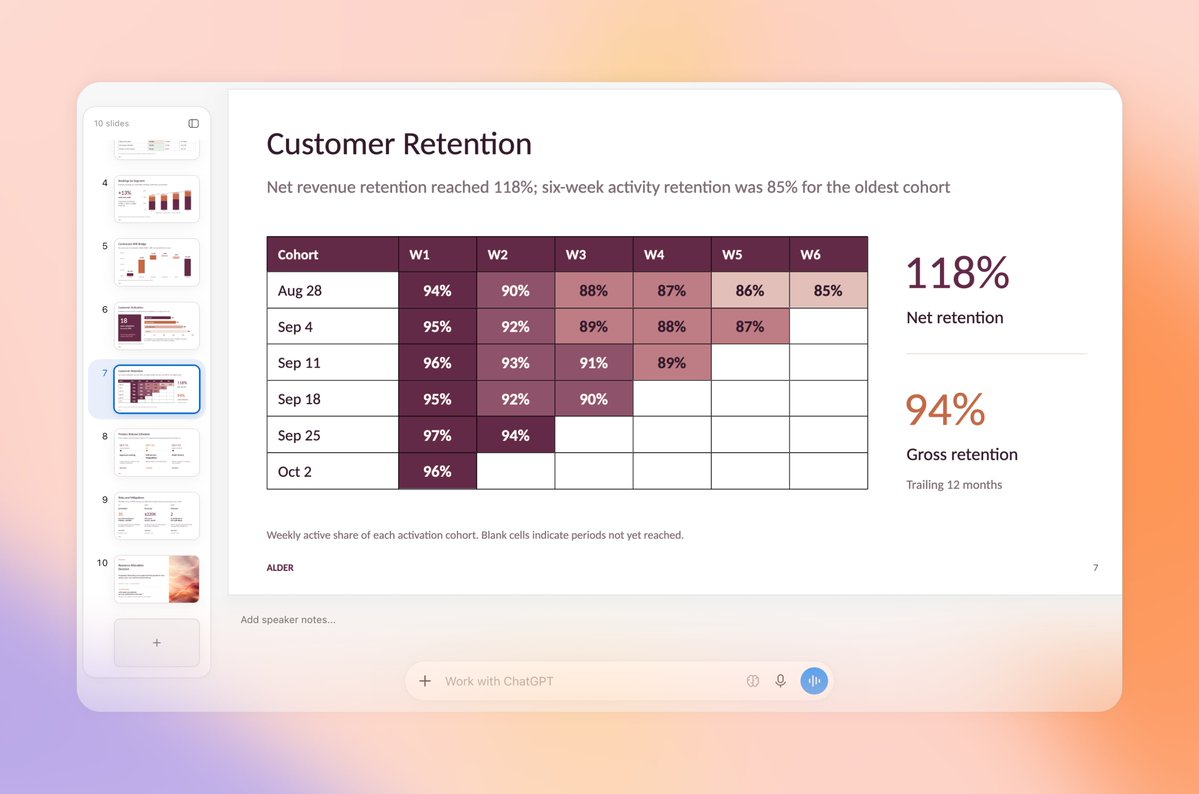
ChatGPT Slides has new ways to get your deck ready—and get everyone on the same page.
• Work together in real time in ChatGPT: Share decks, edit together, and leave comments. Ask ChatGPT or your dot to turn feedback into updates.
• Edit right on the slide: Click to change https://t.co/tTxwf6cZdA
Try using ChatGPT in Chrome for tasks like…
“Compare the three couches I have open by dimensions, material, delivery time, and return policy.”
“Explain this article in plain English. What’s the main argument, and what evidence supports it?”
“Compare these pricing pages
Next up: using ChatGPT right within a Chrome tab got a major upgrade – the full power of ChatGPT is now in your browser.
Your entire ChatGPT history is right there, and you can ask question in Chat or get things done in Work – side by side while you’re on a site. https://t.co/ABiwzLvNnD
A few big upgrades for Chrome users today! We’re bringing the power of computer use to anyone who uses Chrome.
First up: ChatGPT can now use your tabs in Chrome to make answers more useful and get things done for you.
If you’re in Chat, it can look across your open tabs and https://t.co/c99ZSugDcI
At DevDay, we introduced ChatGPT Space: a new home for your team to collaborate with AI to get work done.
In Space, you can create living documents with ChatGPT and the people you work with. Turn a messy conversation into an organized plan, and invite a teammate to edit together https://t.co/SoBkEsaHNZ
And finally, a bunch of small fixes that you’ve been asking for:
• Faster browsing, smoother scrolling
• Fewer unnecessary notifications
• Cleaner code blocks and attachments
• Easier Outlook setup
• Clearer plans and easier retries
• More reliable Enterprise access on web
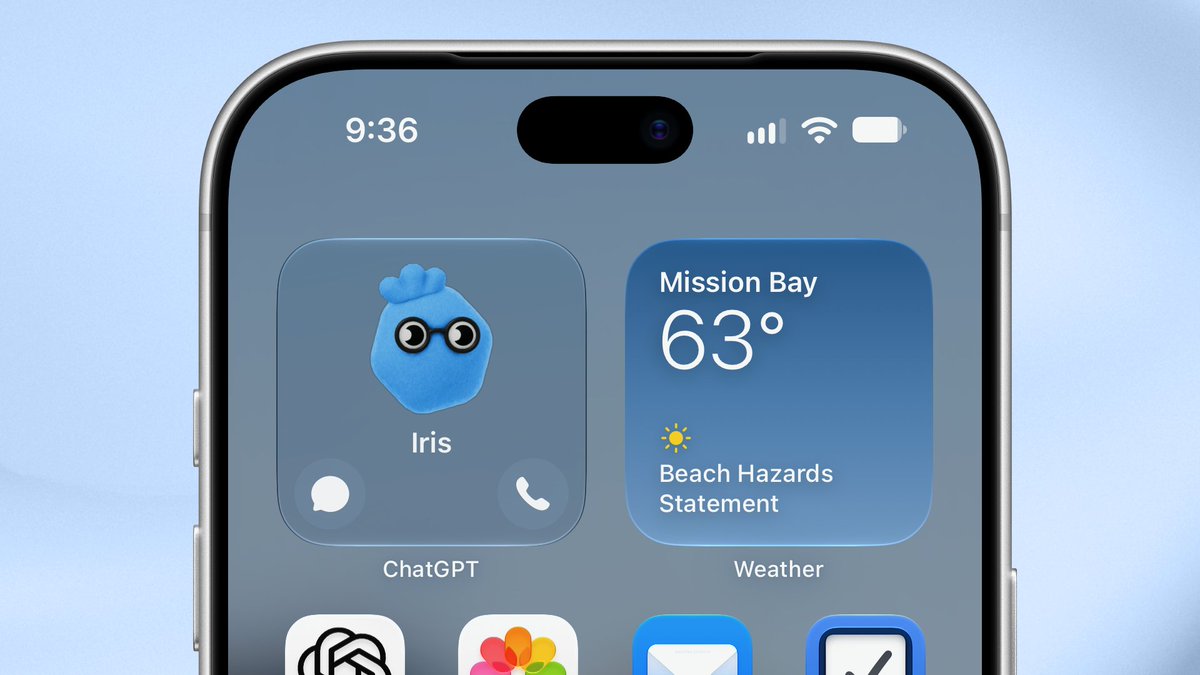
Delegate work in Codex to your dot.
Your dot can now start work in Codex and follow up on existing threads, drawing on your ChatGPT conversations, Codex threads, and automations. It’s also better at deciding when to keep a thread going or start fresh.
Your dot can also review https://t.co/a5F4u9WtWL
GPT‑6 with Intelligent UI starts rolling out globally to ChatGPT Plus, Pro, Business and Enterprise tiers today in the Chat tab.
Starting tomorrow, the rollout expands to Free and Go tiers.
GPT‑6 in ChatGPT is powered by GPT‑6 Sol for Plus, Pro, Business, and Enterprise
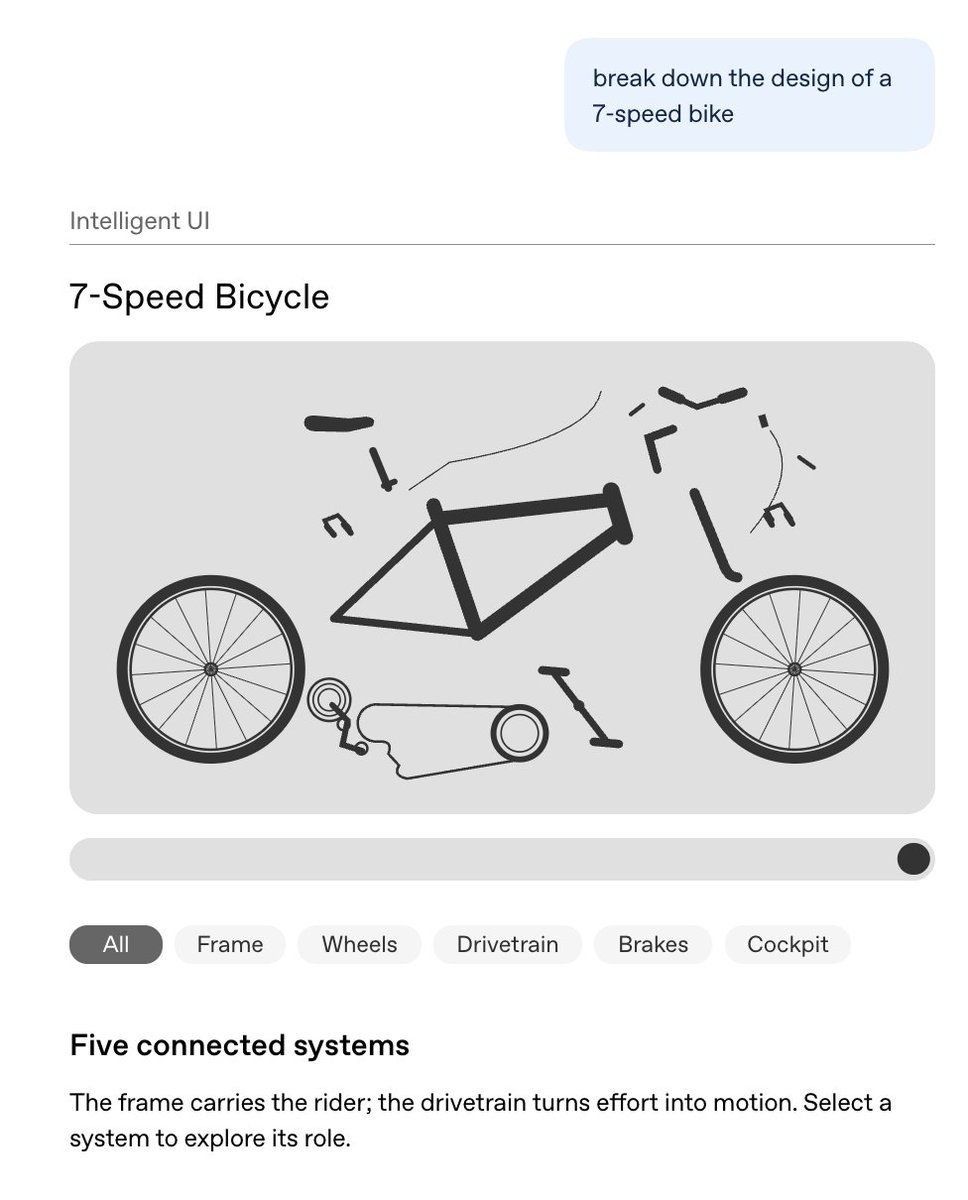
With Intelligent UI, you can ask things like:
- Break down the design of a bicycle
- Plan a dinner for me
- Build me a wardrobe
- Split a dinner bill based on my receipt
You'll get visual outputs that are easier to understand, and just more enjoyable to work with. https://t.co/fq00Z8GLe3
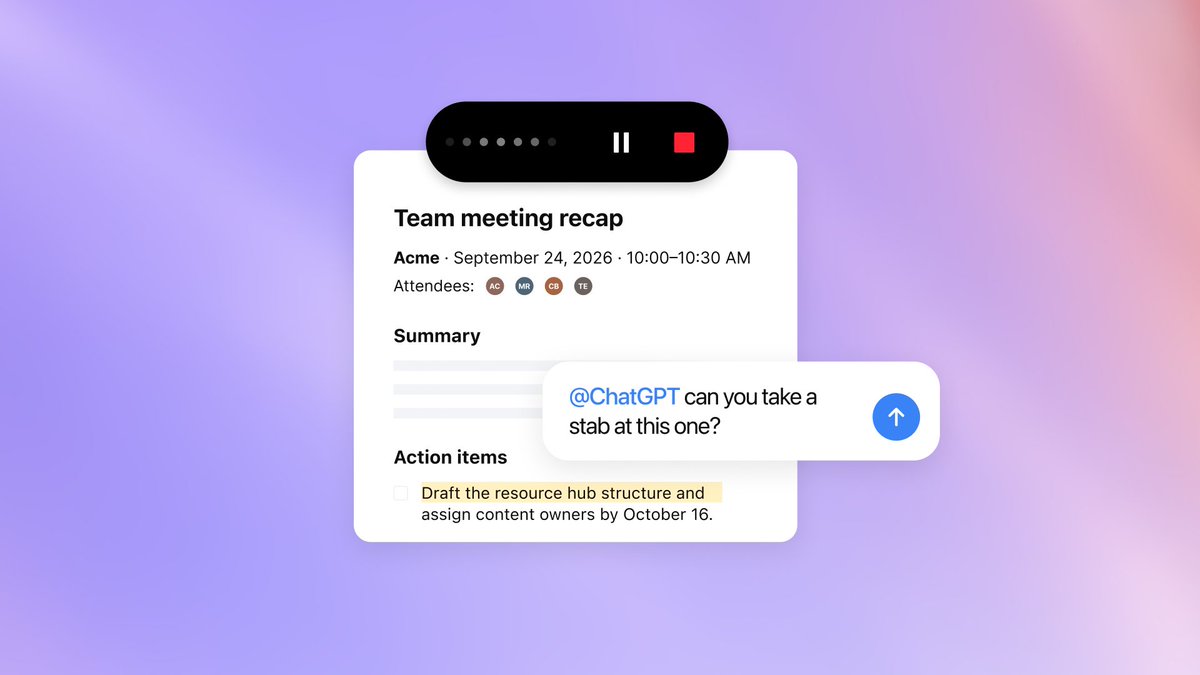
Your next meeting comes with a note-taker who can help with the follow-up.
The Meetings plugin takes notes for you and saves a personalized summary and next steps in ChatGPT Space, based on what ChatGPT knows about you and the work you’ve done together.
Keep notes private or https://t.co/BA6SkUYK11
With Finances in ChatGPT, you can:
- Find subscriptions you forgot you were paying for
- Spot unfamiliar charges or possible duplicate payments
- See which recurring bills have gone up
- Get weekly updates of your finances
- Understand what’s driving your spending each month
-
Finances in ChatGPT is rolling out to Free and Go users in the U.S.
Securely connect your accounts with @Plaid and @Experian to make sense of your money and credit, with answers based on your own financial information. https://t.co/I0drGHpkoQ