Product Name: Gemini CLI Account or Subscription

Product Introduction:
Gemini CLI is an open-source AI agent tool launched by Google in 2025. It brings the Gemini large model (currently led by Gemini 2.5 Pro / Gemini 3 Pro) directly into your terminal, allowing developers to complete complex programming, debugging, and task automation in the command line using natural language. It is Google's competitor to OpenAI Codex CLI and Anthropic Claude Code, but with a very generous free quota and fully open source (Apache 2.0).
Login Tutorial:
① Open the Gemini CLI Site to install Gemini CLI. For installation issues, please refer to the documentation .
② Enter the Gemini CLI login page via the command line (Windows) or terminal (MacOS). This account uses the same login as your Gmail email. Google Login Tutorial
③ Since Gemini is restricted in certain countries, we recommend using a US or Japan node in your VPN (magic).
④ Due to Google's risk-control policies, please enable two-step verification after logging into Google!
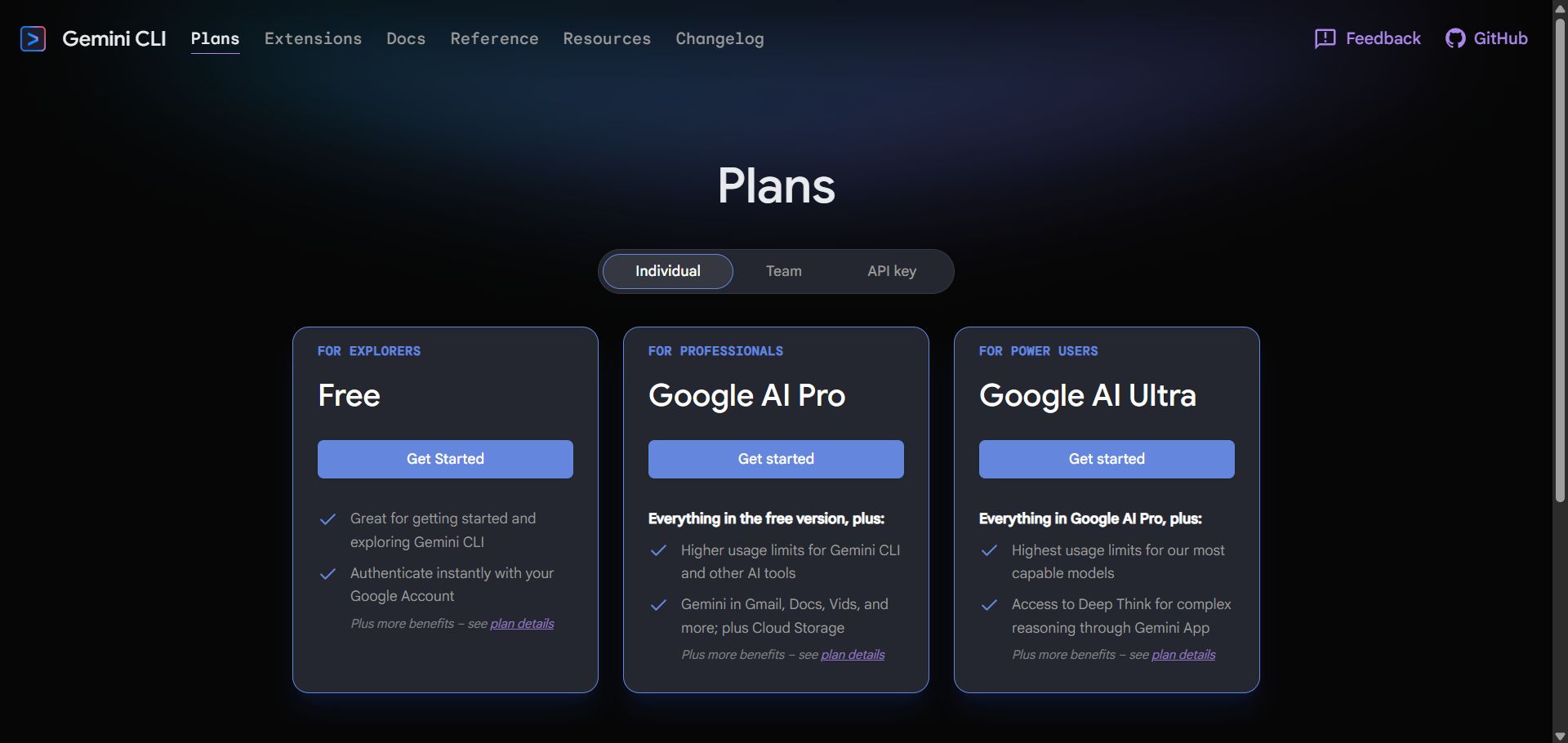
⑤ Gemini CLI membership belongs to the Google One family! Please see the notes on the Google One Product Details page !
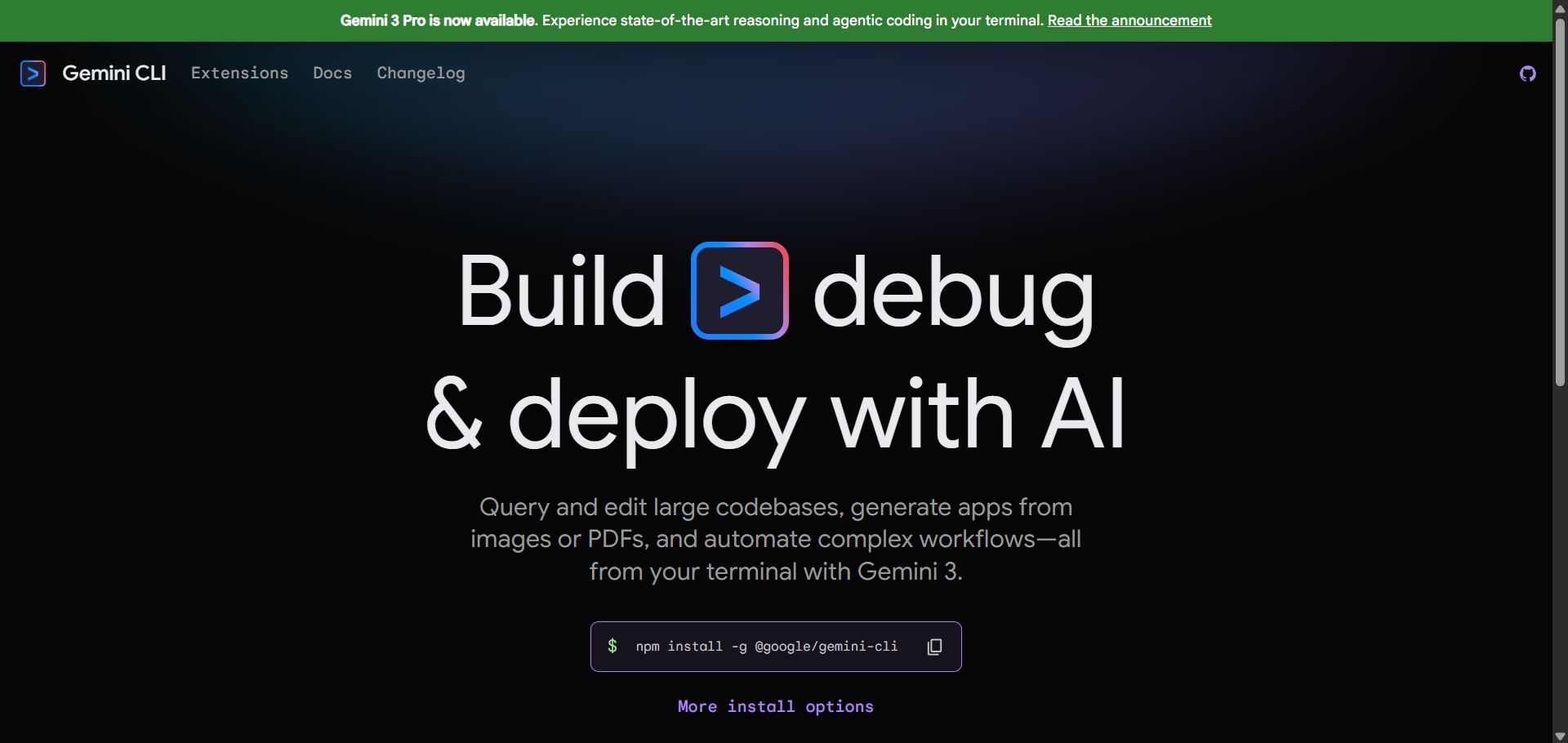
【Gemini CLI Site Home Page】
【Gemini CLI Membership Pricing Page】
After-Sales Policy:
① Due to Google's risk-control policies, if you encounter issues such as being unable to log in or account suspension within 24 hours of purchase, a full refund or a replacement account will be provided.
② For education-discount memberships, within 30 days of purchase, a refund (after deducting a 30 RMB handling fee) or a replacement account can be provided.
③ For half-price memberships, within 30 days of purchase, a refund (after deducting a 60 RMB handling fee) or a replacement account can be provided.
Accounts, subscriptions and top-ups for ChatGPT, Claude, Midjourney, Gemini, Grok and other major AI tools.
The product will be shipped manually. After successful payment, the account or card code will be sent to your order email address during working hours.You can view them anytime on the order lookup page by order number, email or browser cache.
Alipay, WeChat Pay, USDT, and Credit Card payments. Credit card payments require first topping up your balance, and then using the balance to purchase products.
No. You can check out as a guest and receive items by email; registering lets you manage orders, balance and invoices in one place.
All prices are listed in Chinese Yuan (¥). When paying with USDT the amount is converted automatically at the live rate.
Yes. After-sales help is available via live chat or the order dispute page.
Please click the chat widget at the bottom-right corner to reach us and leave your email or other contact details. We will get back to you as soon as possible.
Important notice: Due to attacks on this site, to protect your interests and those of AIFUNS, please verify the payment merchant is:宇柒云阁 (Yuqi Yunge)
Note: If you find the payment processing fee high, you can contact the AIFUNS team directly and pay the original price via an Alipay password red packet. When paying with Alipay, please turn off your VPN and stay on a domestic (China) network. If you cannot complete the payment, you can click  to chat with the AIFUNS team (bottom-right corner).
If you have a credit card, you can register an account on this site, use your credit card to top up your balance in the personal center, and then use the balance to pay for purchasing our products or services.