Product Name: Claude Code Account or Membership Subscription

Product Login Guide:
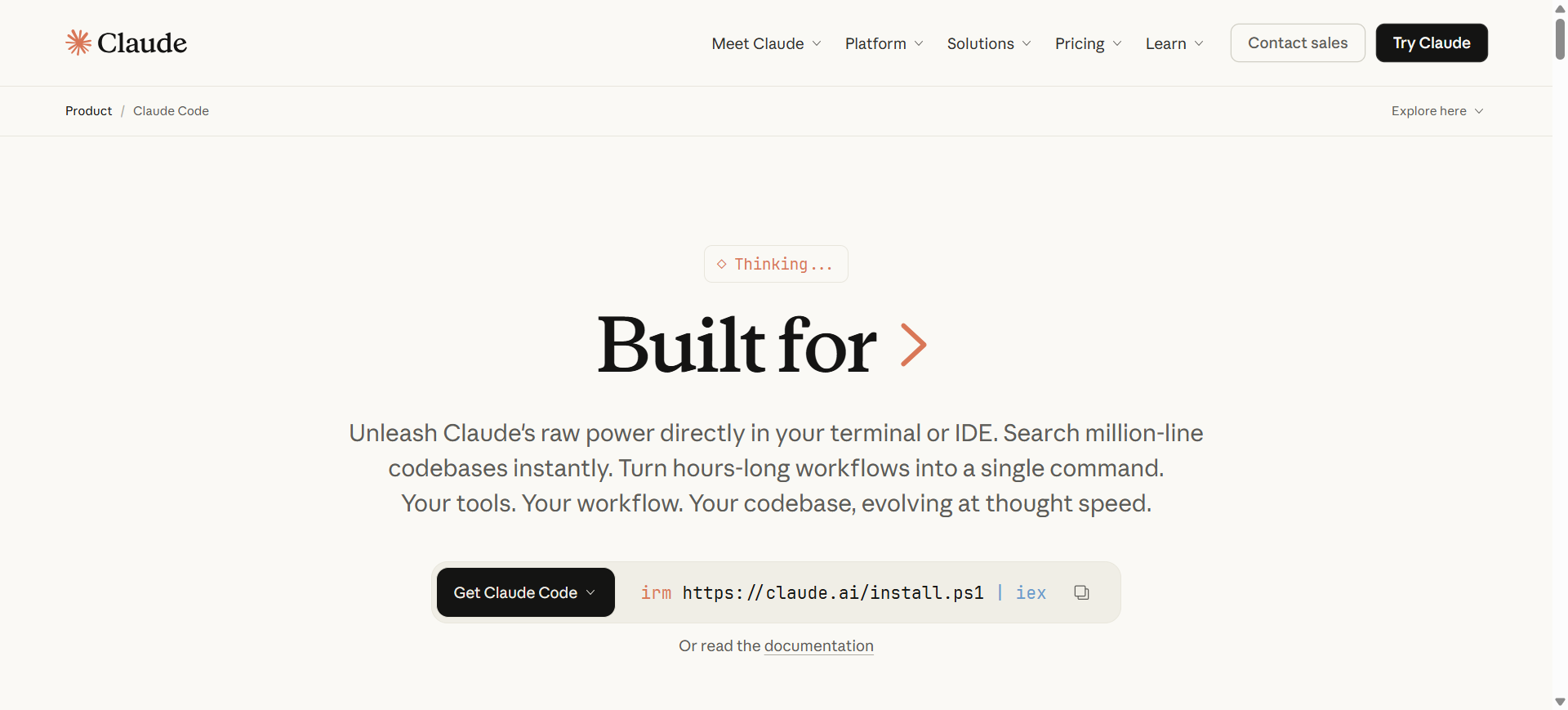
(1) Open the Claude Code website in your browser and install Claude Code; for installation issues please refer to the documentation ; beginners may also want to read this blog post "Claude Code Tutorial"
[Claude Code Website Page]
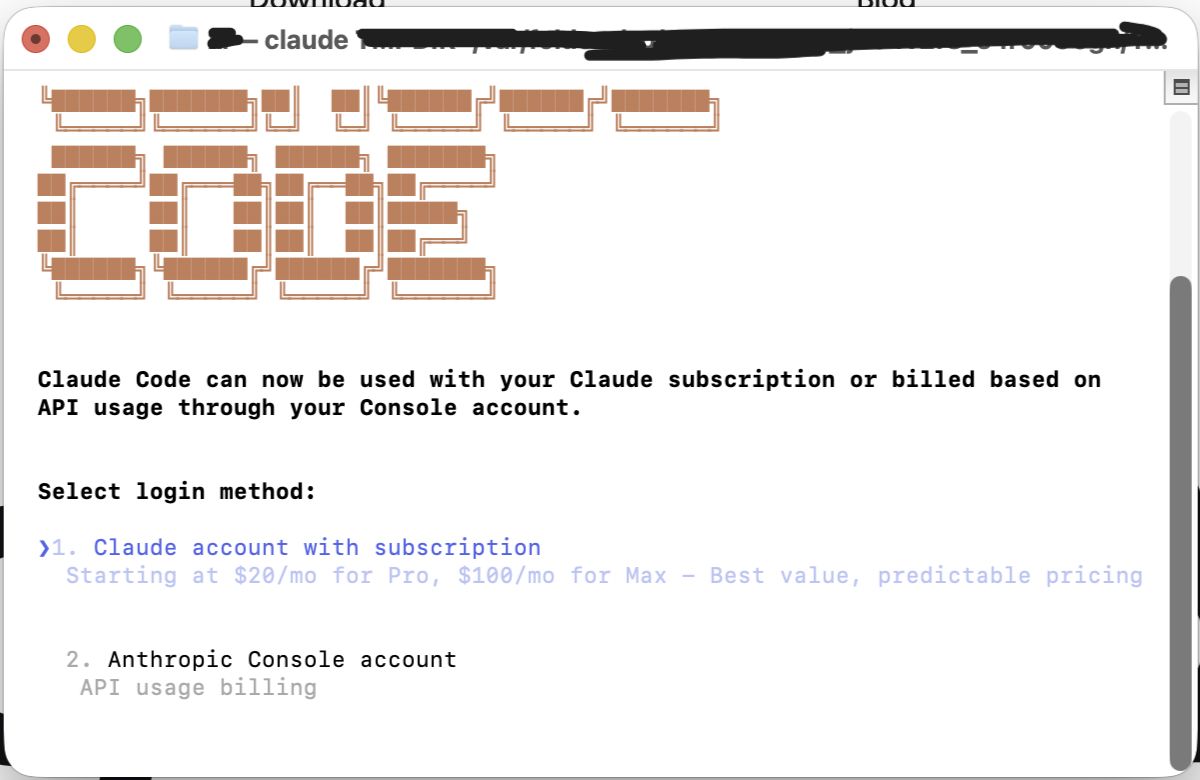
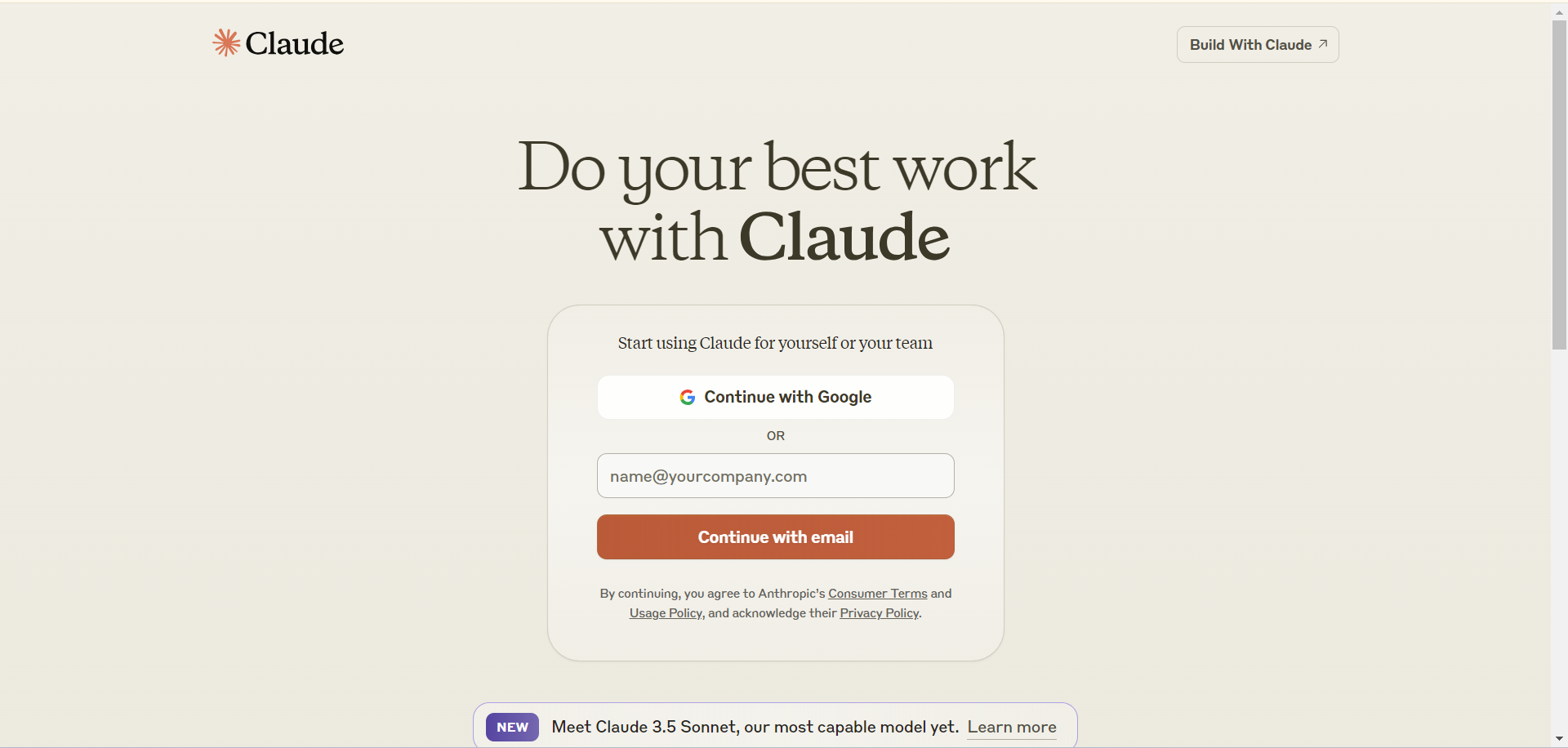
(2) Enter the Claude login page via the command line (Windows) or the terminal (MacOS), click "Claude account with subscription" and it will redirect to your default browser, automatically opening the Claude homepage . If your account is a Google account, click "Continue with Google" and enter your Google account password to log in (click to view the detailed Google login guide). If your account is a Microsoft email or another email, enter the email and click "Continue with email", then go to your inbox to receive the login verification email, and authorize Claude Code to complete the login. (For a local login, it will jump directly to the Claude user page; for a login from a different location, a verification code will be displayed.)
[Claude Code Login Display in the Terminal]
(3) If you are using Google Chrome on a Windows device, then use the Claude Sessionkey login, which is convenient, simple, and more stable! (click to view the detailed Claude Sessionkey login guide)
(4) If you use Claude through the Chrome browser (desktop version), then you may want to read this tutorial: Overview of the Google Chrome multi-user feature
(5) Do not use free or low-cost VPNs (special reminder: do not use Hong Kong or Macau nodes), and do not use mirror logins such as:
(6) It is strongly required that you enable the VPN's global mode when using Claude! (Do not use rules, split tunneling, etc.) Log in and use with a fixed node! (Do not switch nodes or use automatic switching, etc.)
[Claude KYC Verification]
Verification can be provided for the following countries (random, cannot be specified): Bangladesh, Indonesia, the Philippines, Sri Lanka, Uganda, Pakistan, India, Egypt, Rwanda, Kenya, and others
[Claude Login Page]
(7) Once you have successfully topped up (subscribed to) the membership, please refresh the webpage or restart Claude Code to view the subscription status.
This Site's After-Sales Policy:
(1) Due to Claude's risk-control policy, accounts are very easily banned, therefore this site does not provide after-sales service for accounts!
(2) After a Pro monthly membership is banned, a 25% handling fee will be deducted from the transaction price, and a refund will be issued based on the remaining usable days (for example: a Pro monthly membership purchased for 180 yuan, banned after 7 days of use, the refund amount is 180/30x(30-7)-180x25%=93 yuan)!
(3) After a Max monthly membership is banned, the user must submit a screenshot of the refund email to customer service for verification (except for accounts provided by this site, but a refund can still only be issued after the refund email is received); after a 20% handling fee of the transaction price is deducted from the transaction price, a refund will be issued based on the remaining usable days!
(4) Team membership can now be provided to enterprise users, please contact us to purchase!
(5) Because Claude bans are so brutal, in order to avoid losses for this site, users whose accounts are banned on the first day of purchase will still be subject to the handling fee deduction (the rules are as stated in items (2)~(3)).
(6) The KYC verification service may result in a ban; the KYC verification service provided by this site comes with no quality guarantee.
AI Hosting Service:
(1) This site provides a Claude hosting service that can avoid bans, please see the product: AI Hosting Service (cannot host Claude Code)
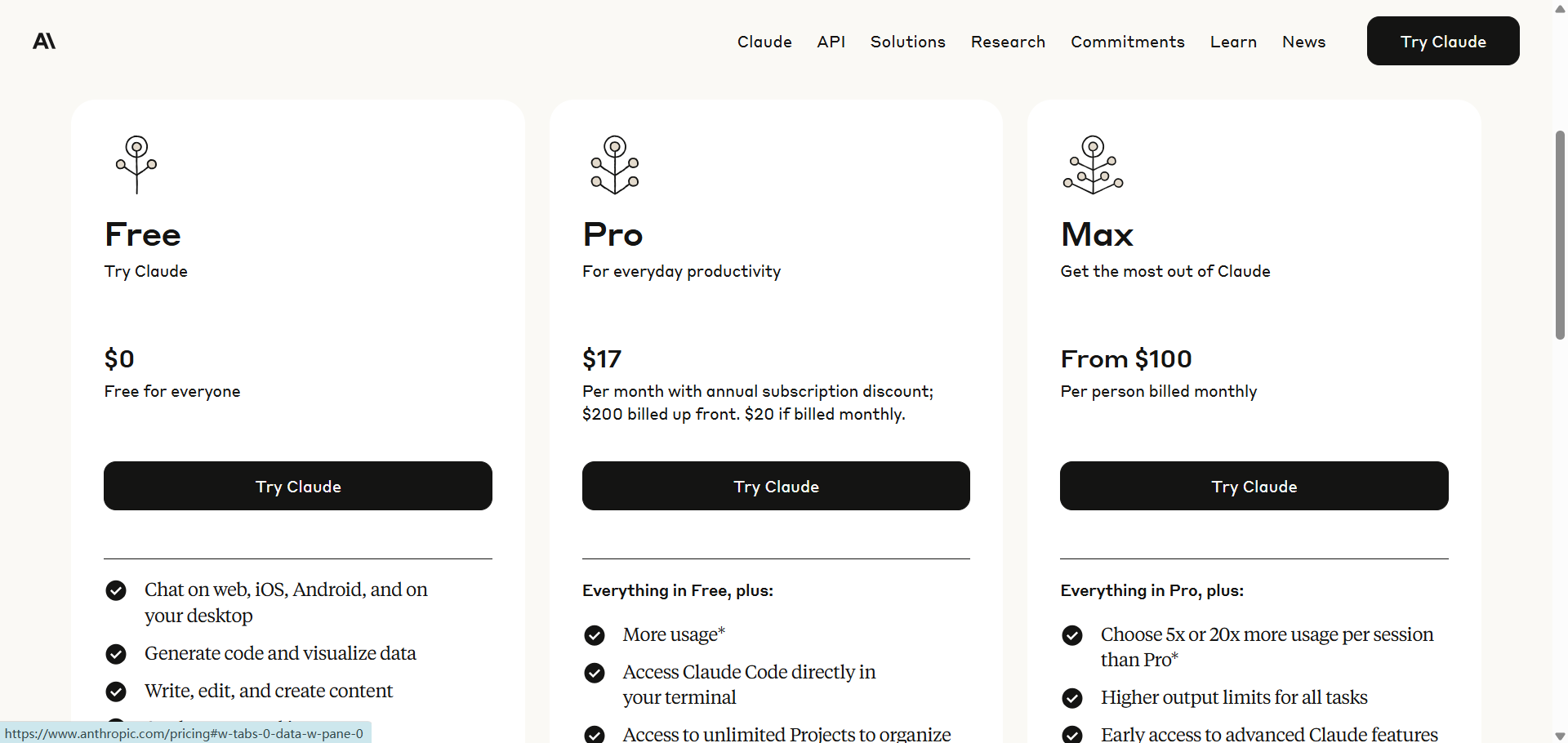
[Claude Pricing] A complete analysis of Claude's pricing mechanism and Max plan usage limits
Notes:
(1) If a Claude account that has logged in on your device has been banned, then when you use it again, you may face an extremely high ban risk; we recommend following the instructions in this tutorial: How to clear device data to protect the security of a new Claude account
(2) An OAuth token obtained through a Claude Free/Pro/Max account is restricted to use with the Claude Code CLI and claude.ai only. Using this token in any other product, tool, or service (including third-party agent frameworks and custom things beyond the Agent SDK, such as OpenClaw) clearly violates the Consumer ToS. The account will be banned, and any resulting losses will be borne by the user!
(3) To top up or renew a subscription, please wait until the membership expires before purchasing! If the membership has not yet expired, this site is not responsible for any loss of membership time caused by topping up or subscribing through this site!
Accounts, subscriptions and top-ups for ChatGPT, Claude, Midjourney, Gemini, Grok and other major AI tools.
The product will be shipped manually. After successful payment, the account or card code will be sent to your order email address during working hours.You can view them anytime on the order lookup page by order number, email or browser cache.
Alipay, WeChat Pay, USDT, and Credit Card payments. Credit card payments require first topping up your balance, and then using the balance to purchase products.
No. You can check out as a guest and receive items by email; registering lets you manage orders, balance and invoices in one place.
All prices are listed in Chinese Yuan (¥). When paying with USDT the amount is converted automatically at the live rate.
Yes. After-sales help is available via live chat or the order dispute page.
Please click the chat widget at the bottom-right corner to reach us and leave your email or other contact details. We will get back to you as soon as possible.
Important notice: Due to attacks on this site, to protect your interests and those of AIFUNS, please verify the payment merchant is:宇柒云阁 (Yuqi Yunge)
Note: If you find the payment processing fee high, you can contact the AIFUNS team directly and pay the original price via an Alipay password red packet. When paying with Alipay, please turn off your VPN and stay on a domestic (China) network. If you cannot complete the payment, you can click  to chat with the AIFUNS team (bottom-right corner).
If you have a credit card, you can register an account on this site, use your credit card to top up your balance in the personal center, and then use the balance to pay for purchasing our products or services.