Design directly with your agents. ⚡️💻
With the Stitch CLI, you can bring Stitch into your local development workflow. Watch it in action:
1️⃣ Connect your local coding agent via CLI
2️⃣ Generate UI screens directly from your codebase
3️⃣ Iterate on the visual design inside https://t.co/dtgbbJD9rQ
Nano Banana 2.1 is now live in Stitch 🍌
Try it the next time you’re generating hero graphics or vector-style logos for your UI, and let us know if you get cleaner visuals and more consistent results across your project. https://t.co/zliUuJtXPT
Check out the CLI at https://t.co/vKA9zjN1vN
And in case you’re up for a bit of an adventure…
A few months ago, we built an internal agentic workflow we all got excited about. Agents watch our codebases, logs, analytics, and user feedback 24/7, and autonomously surface https://t.co/Pzt9NkB52v
We have a Stitch MCP. We have a Stitch SDK. But, we don't have a Stitch CLI. Well, not until now.
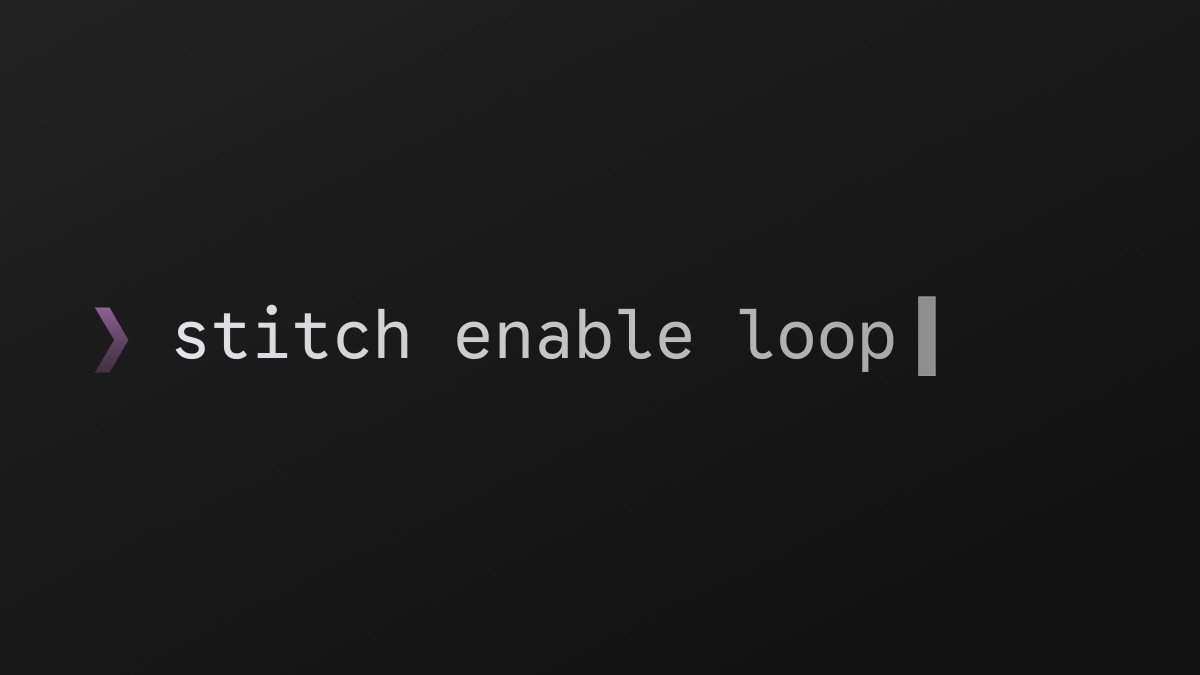
Introducing the @google/stitch CLI:
🔷 Connect to your local coding agents
🔷 Generate screens and design systems
🔷 Send a local dev server snapshot to Stitch
Do it all without
Gemini 3.8 Flash has landed in Stitch! 🚀
Your design partner just leveled up:
👁️Attention to Detail: Screens look production-ready faster, with more detailed and realistic UI elements
🖼️Richer Visuals: Generates smarter underlying image prompts, delivering visuals that better
🎨 Stop describing, start showing!
One of your most requested features. Your design inspiration is now a core part of the Stitch canvas. 🖼️
Bring in any inspirational image or screenshot to add rich visual context to every step of your design journey—from initial idea to final
Design exploration just got a major speed boost. ⚡
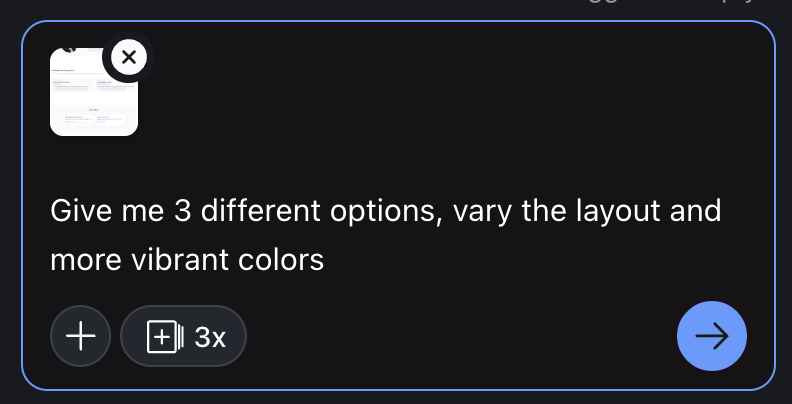
You can now ask Stitch for up to 6 different options for any new screen or edit (e.g., "show me 4 layouts...").
Or, for a quick spin, just use the new [+ 3x] button to get three variations with a single click.
Spend less time
From design to working front-end code, just like that. 🚀
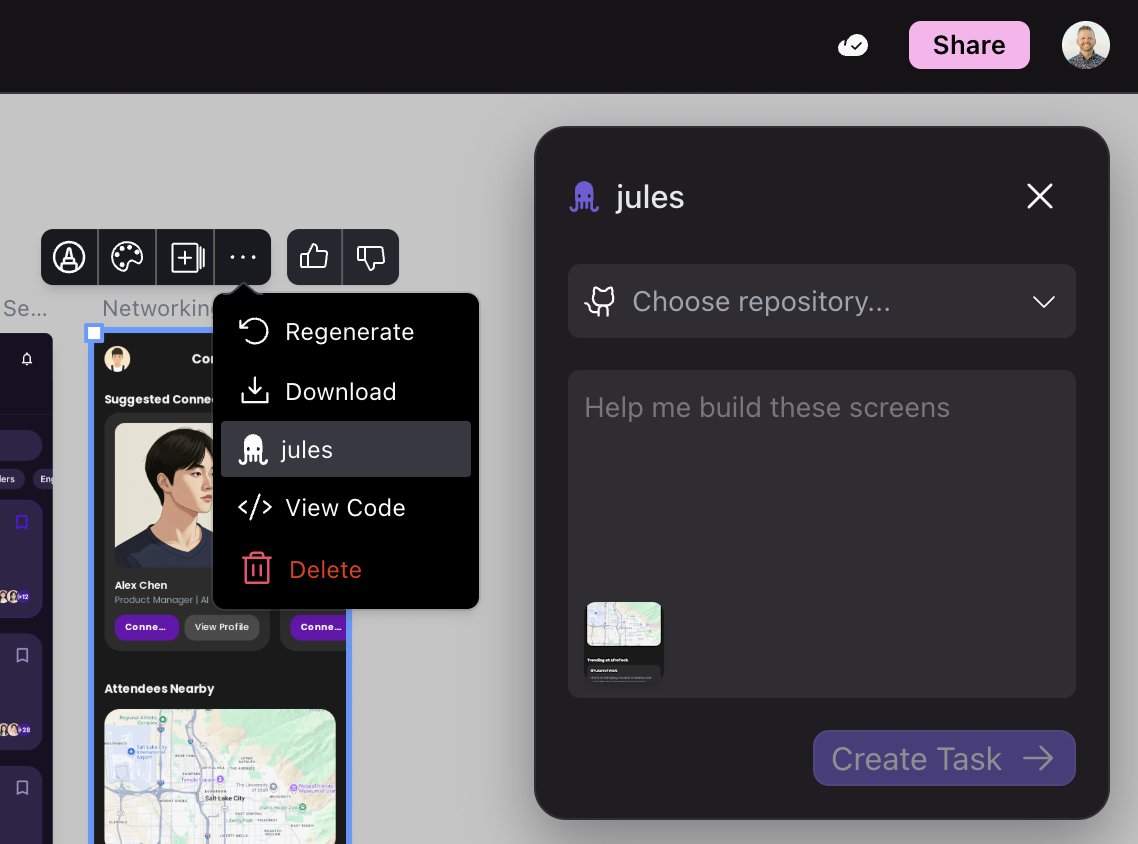
To celebrate the Jules team's big news at GitHub Universe, we're shipping a Preview of our new Stitch + Jules integration.
Select your screens, hit the "Jules" button, and let it connect to your repo to translate your
The Stitch team is on the move! ✈️
We have team members at both AfroTech in Houston (Oct 27-31) and GitHub Universe in SF (Oct 28-29) this week.
If you're there, we'd love to meet up, get your feedback, or just say hi. Let us know you're coming: https://forms.gle/kZGVgcMsfSBEUU8H6
Not
We just shipped a massive upgrade to our design agent.🚢
We’ve tuned it to push Gemini 2.5 Pro to its maximum creative limits. The results? More interesting layouts, richer colors, sharper copy, and better font/photo pairings.
In our testing, users preferred the new results by
Want instant, professional product shots for your screens?
Stitch just learned a new trick:
1. Click any screen and press CMD+C (or CTRL+C)
2. Paste the image into Gemini 🍌
3. Prompt it: "Put this screen on a phone held by a person."
It's that simple. Also works for pasting
Public sharing is here 🌎.
Share a read-only link to your Stitch projects with anyone and they will see it instantly, no login required. Show your work, get feedback, and move faster.
This lays the groundwork for more powerful collaboration, including a 'Remix' feature coming
Introducing Prompted Variants ✨. It's a creativity amplifier for your design process.
You can now guide your variants with a prompt. Get specific with UI changes ("show me different layouts") or describe a high-level goal like "make checkout easier" to rapidly iterate.
Or,
Great post from @kellyschaefer on making emerging tech more accessible. We're thrilled to see Stitch is a part of her prototyping workflow for turning vibes into reality.
It's a fantastic read. 👇
Make Stitch designs real with AI Studio
From design to a live app in under 60 seconds.
Here's how you can now take your Stitch designs and make them real with Google AI Studio:
1. Design in Stitch.
2. Export the HTML.
3. Prompt AI Studio to convert it into a working app.
And
Want to see your screens in dark mode or different colors with just a click? 🎨
Theming is now enabled for new projects in Experimental (Gemini 2.5 Pro) mode.
Instantly swap primary colors, fonts, and corner radiuses. Apply a dark mode theme to a single screen or your entire
🚢 We are excited to share 3 new features that shipped in Stitch today!
- Variants: Generate design variations of any screen in one click (custom prompts coming soon).
- Organizer: Magically clean up your messy canvas.
- Sharing: Send a link to share your canvas with coworkers
To all our new power users: we see you, and we're impressed.
To say thanks, we've doubled the experimental quota for everyone to 200 generations per calendar month. Go nuts.
A proper UI to track your usage will ship in a future release. Happy building 💕.
Stitch’s canvas just got a major workflow upgrade. V2 is here with screen resizing and responsive support ✨.
You can now resize any screen and watch it render in HTML mode to test responsiveness in real-time (responsive screens work best for web designs versus mobile designs).