A few ways you can start putting Brush to work for you:
🎨 Restyle an image
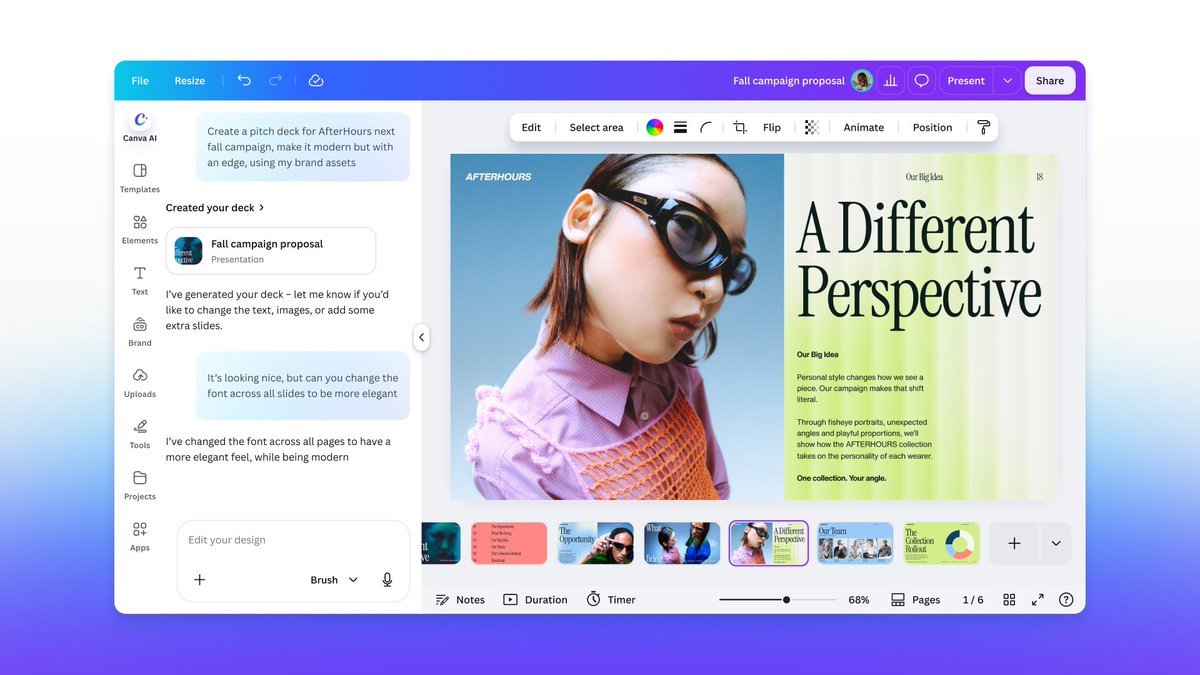
🪄 Make changes across a multi-page design
🔄 Remix and repurpose assets for different channels
Available for Canva Pro subscribers, with more availability coming soon.
Start working with Brush in
Great design happens in the edit. Brush is trained to support every step from draft to publish.
We started from a leading open-weights model, post-trained on real design and editing tasks using a combination of design expertise and anonymized insights from people who opted in to
With Brush, creating with Canva AI is now:
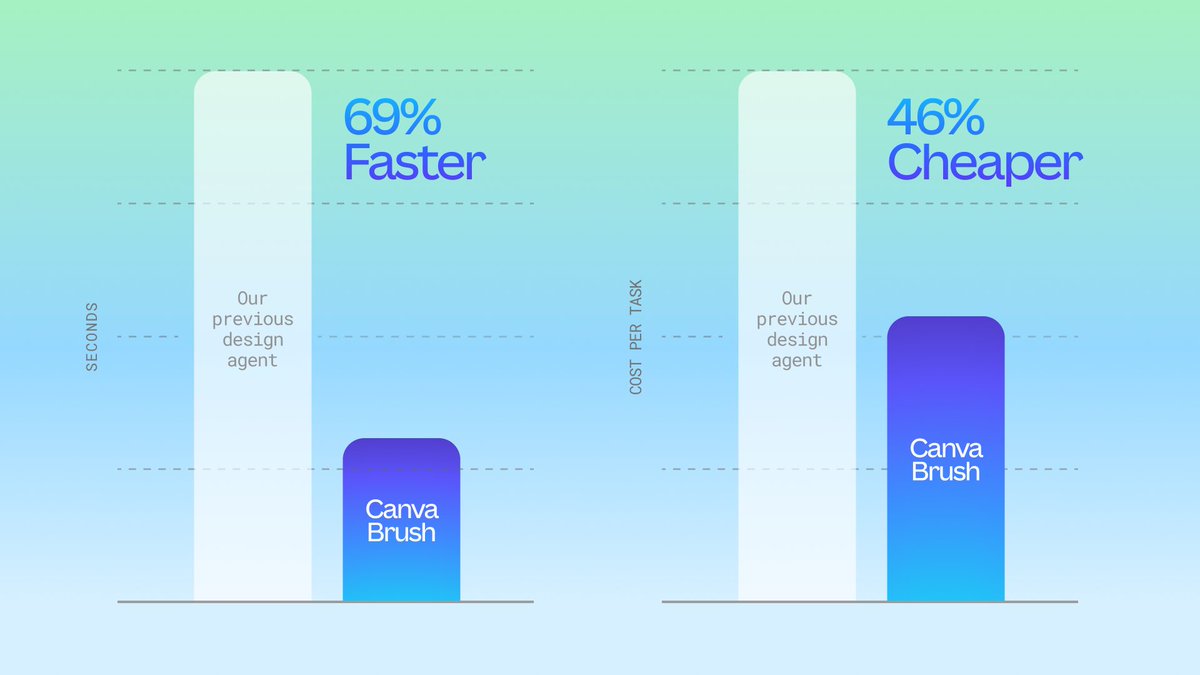
🚀 69% faster for general design editing tasks (vs. our previous agent)
🚀 46% lower cost per edit task (vs. our previous agent)
🚀 100% in your control, as every design is always editable
Remix and refine your ideas at the speed of
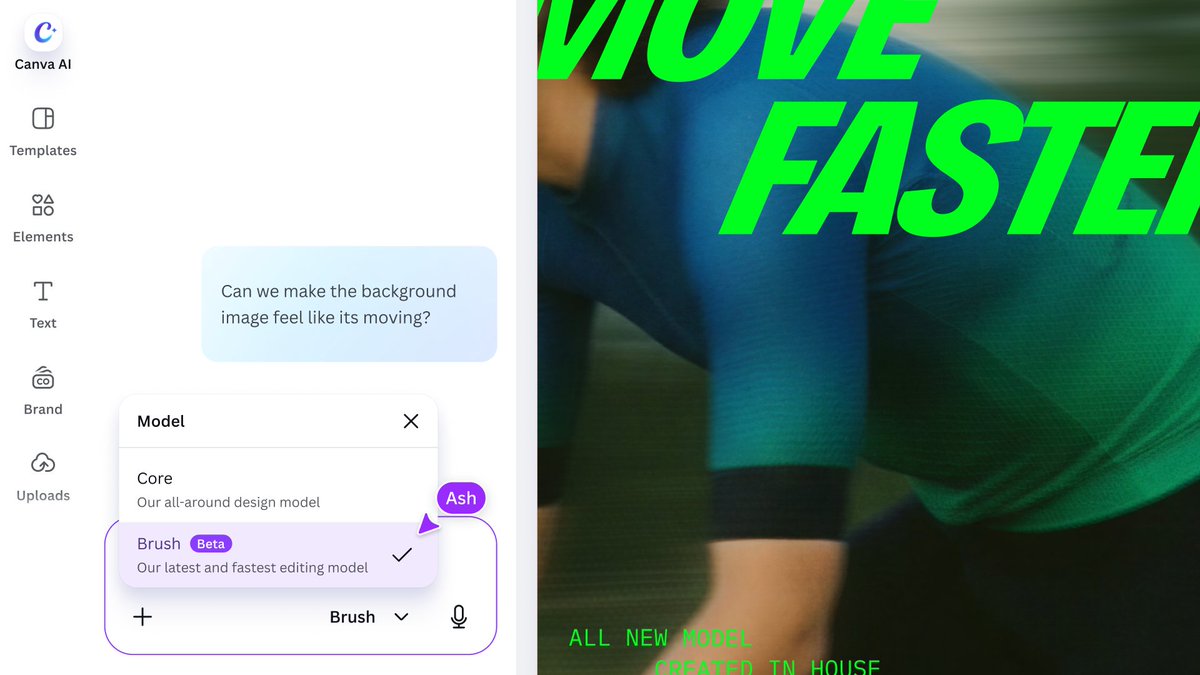
Introducing Brush: Our first vision-language model for design. 🖌️
Brush sees your design’s layout, layers and vibe the way you do, and edits alongside you. Fix one line of text, restyle a whole deck or build from a blank page.
See what Brush can do 👇
Warm plaster walls. Pink satin ribbon in the braid. The subtle vintage film grain all over.
Canva Craft got very into the details.
What else can it do?