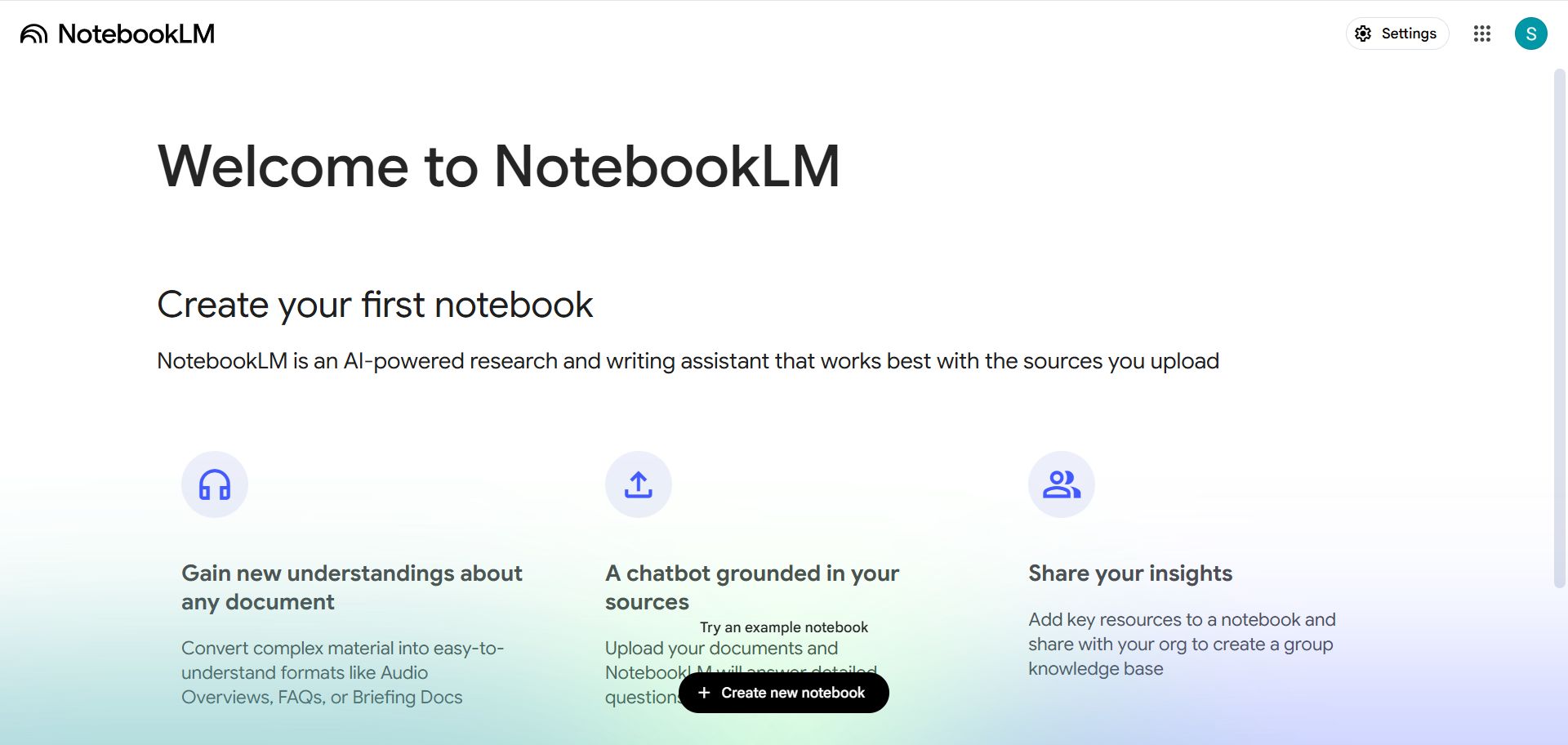
NotebookLM 是 Google 的 AI 研究和学习助手:把你的资料(PDF、Google 文档、网页、YouTube 视频、音频、文字)放进一个笔记本,它只基于这些来源回答问题,并给出引用出处,非常适合读论文、备考、整理会议和项目资料。它最出名的功能是「音频概览」——把资料变成两位 AI 主持人的播客式对话。
主要功能
基于来源问答:每个回答都标注出自哪份资料。
音频概览:生成播客式讲解,可选语言和深度,还能中途插话提问。
视频概览:生成带画面的讲解视频。
思维导图、学习卡片、测验:一键生成复习材料。
信息图和演示文稿:把资料整理成可视化内容。
联网找资料(Discover / Deep Research):帮你搜索并导入相关来源。
会员怎么选
先体验:「账号」即可登录免费使用,额度有限。
需要更多额度:开通 Google AI 会员(Plus / Pro / Ultra),同一个会员同时提升 Gemini、Flow、NotebookLM 等全部 Google AI 工具的用量(见上方「官方会员介绍」或 Google One 商品页)。
Google 出品。Gemini App(网页 / 手机 / 电脑)之外,还能在 Gmail、文档、Chrome 里直接用,配套 Flow 视频工作室、Gemini Notebook、Antigravity、Jules 等工具;会员按 Google AI Plus / Pro / Ultra 分档,含云端存储。
适用:账号、Google AI Plus (2 TB) 会员、12个月Google AI Pro (5 TB) 会员(教育优惠)、18个月Google AI Pro (5 TB) 会员(Google 内部计划,兑换链接)、Google AI Pro (5 TB) 月会员、Google AI Pro (10 TB) 月会员、Google AI Ultra 5x (20 TB) 月会员、Google AI Ultra 20x (30 TB) 月会员、Google AI Plus (400 GB) 月会员
为我的账号充值
付款后需要你在订单页提供:账号、密码、备注(选填)
适用:Google AI Plus (2 TB) 会员、12个月Google AI Pro (5 TB) 会员(教育优惠)、18个月Google AI Pro (5 TB) 会员(Google 内部计划,兑换链接)、Google AI Pro (5 TB) 月会员、Google AI Pro (10 TB) 月会员、Google AI Ultra 5x (20 TB) 月会员、Google AI Ultra 20x (30 TB) 月会员、Google AI Plus (400 GB) 月会员
将我的账号拉入家庭组
付款后需要你在订单页提供:账号、备注(选填)
适用:1个月Google AI Ultra 5x 会员(家庭版,Flow、Antigravity 可用)、1个月Google AI Ultra 20x 会员(家庭版,Flow、Antigravity 可用)
售后政策
① 因Google风控政策,购买账号后24小时内,若遇无法登录、封号等情况,可全额退款或补发新账号。
② 针对教育优惠会员,购买后30天内,可退款(扣除30元手续费)或补发新账号。
③ 针对半价会员,购买后30天内,可退款(扣除60元手续费)或补发新账号。
5buyai.com 支持哪些 AI 服务?可以开发票吗?
支持 ChatGPT、Claude、Midjourney、Gemini、Grok 等主流 AI 工具的账号、订阅与充值。通过人民币支付的AI 订单可以开发票。
免责声明 / Disclaimer
本站为独立第三方数字商品服务平台,与 OpenAI、Anthropic、Google、Apple、Microsoft、Meta 等品牌方无任何隶属、代理或授权关系,亦非其官方网站。相关名称及商标归各自所有者所有。本站不提供任何第三方服务的登录页面,不收集第三方账号凭证。
This is an independent third-party platform, not affiliated with, endorsed by, or authorized by any brand mentioned. We do not host any third-party login page and do not collect third-party credentials.
☎️ Calling all students:
You can now access hundreds of textbooks directly in Notebook, for no charge. From publishers like S Chand Publishing, OpenStax, and Open Textbook Library— browse, select and upload them as sources to ace all of your upcoming exams (no more excuses, ok?)
🚨 MAJOR MOBILE FEATURE 🚨
You can now record up to 1 hour of live audio directly in the mobile app. Capture lectures, team meetings, or your latest mad scientist rants and instantly use them as sources.
Pro tip: Combine your live audio recordings with photos of your
Now you can co-create Slide Decks & Video Overviews to make sure you're getting *exactly* what you want. Here's how it works:
—Select a suggested focus topic from your sources (or type your own)
—Select the format, length, language, and visual style
—Review and edit the slide


 Gemini 官方工具库
 Superpowers
核心技能库:TDD、调试、协作模式,以及经过验证的技巧
Superpowers
核心技能库:TDD、调试、协作模式,以及经过验证的技巧
 Ponytail
懒人高级开发模式。强制使用真正可行的最简单、最短方案:YAGNI、优先用 stdlib、不加任何未请求的抽象。
Ponytail
懒人高级开发模式。强制使用真正可行的最简单、最短方案:YAGNI、优先用 stdlib、不加任何未请求的抽象。
 Caveman
超压缩沟通模式。在保留技术内容、代码、命令和精确错误信息的前提下,缩短回复。
Caveman
超压缩沟通模式。在保留技术内容、代码、命令和精确错误信息的前提下,缩短回复。
 Last30days Skill
从过去 30 天内跨 Reddit、X、YouTube、TikTok、Instagram、Hacker News、Polymarket 和 web 研究一个主题。
Last30days Skill
从过去 30 天内跨 Reddit、X、YouTube、TikTok、Instagram、Hacker News、Polymarket 和 web 研究一个主题。
 Hyperframes
HeyGen 的 HyperFrames。写 HTML,渲染视频。支持 compositions、GSAP 和 runtime adapter 动画、字幕、配音、音频驱动视觉效果,以及 HyperFrames 的网站捕获。
Hyperframes
HeyGen 的 HyperFrames。写 HTML,渲染视频。支持 compositions、GSAP 和 runtime adapter 动画、字幕、配音、音频驱动视觉效果,以及 HyperFrames 的网站捕获。
 Context7
适用于任何提示的最新代码文档
Context7
适用于任何提示的最新代码文档
 I Have Adhd
为 ADHD 读者调整 Gemini CLI 输出:先给下一步行动,分步骤编号,压缩发散内容,重述当前状态,让成果更显眼。
I Have Adhd
为 ADHD 读者调整 Gemini CLI 输出:先给下一步行动,分步骤编号,压缩发散内容,重述当前状态,让成果更显眼。
 Chrome Devtools Mcp✓
用于编码 agents 的 Chrome DevTools
Chrome Devtools Mcp✓
用于编码 agents 的 Chrome DevTools
 Claude Code Workflows
多框架 agentic 插件市场 —— 83 个插件、191 个 agents、155 个 skills、102 个 commands,覆盖架构、基础设施、语言、安全、测试、ML 和全栈开发。原生支持 Claude Code;也可供 Codex CLI、Cursor、OpenCode 和 Gemini CLI 使用。
Claude Code Workflows
多框架 agentic 插件市场 —— 83 个插件、191 个 agents、155 个 skills、102 个 commands,覆盖架构、基础设施、语言、安全、测试、ML 和全栈开发。原生支持 Claude Code;也可供 Codex CLI、Cursor、OpenCode 和 Gemini CLI 使用。
 Github
GitHub 官方 MCP Server
Github
GitHub 官方 MCP Server
 Google Workspace Cli
用于通过 Discovery APIs 动态管理 Google Workspace 资源的 CLI 工具。
Google Workspace Cli
用于通过 Discovery APIs 动态管理 Google Workspace 资源的 CLI 工具。
 Pascal
通过 MCP 在 Pascal 中创建、检查、验证和评估家具布局,带有受限的下一步操作。
Pascal
通过 MCP 在 Pascal 中创建、检查、验证和评估家具布局,带有受限的下一步操作。