If you forget your Apple Account password, you can reset it using a trusted device.
Learn more about how to reset your Apple Account password: https://apple.co/4l3vraJ
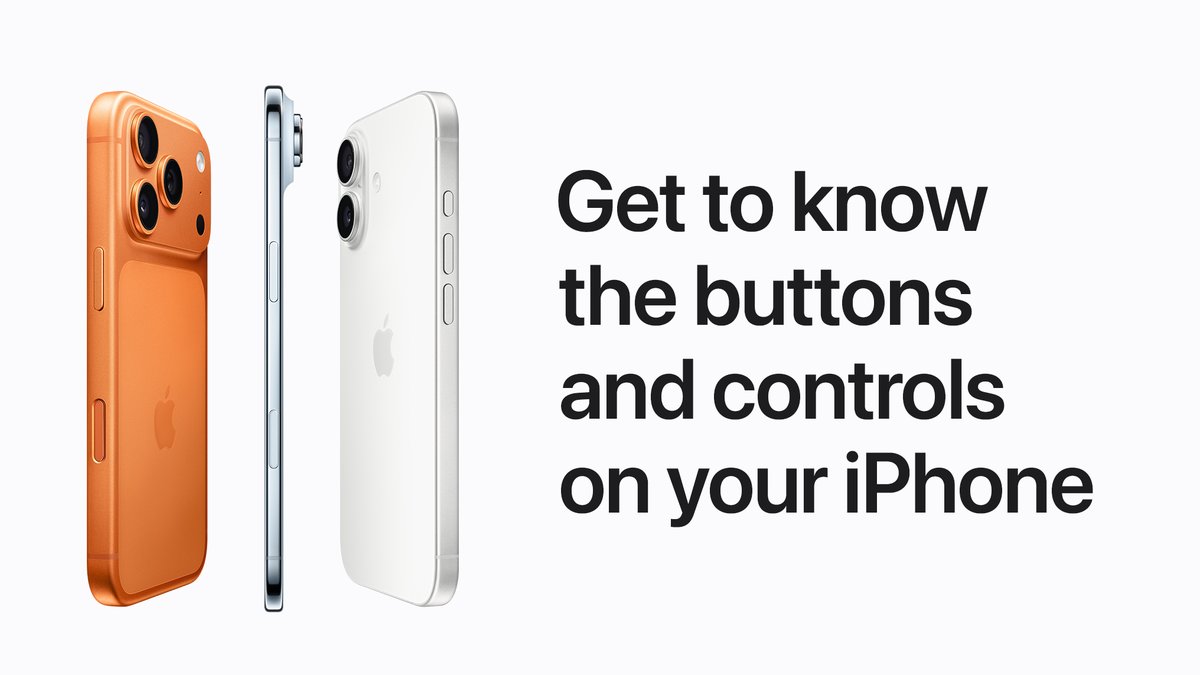
The physical buttons on your iPhone all perform different functions, and some can even be customized.
Learn more about the buttons on your iPhone: https://apple.co/4rjiCeV
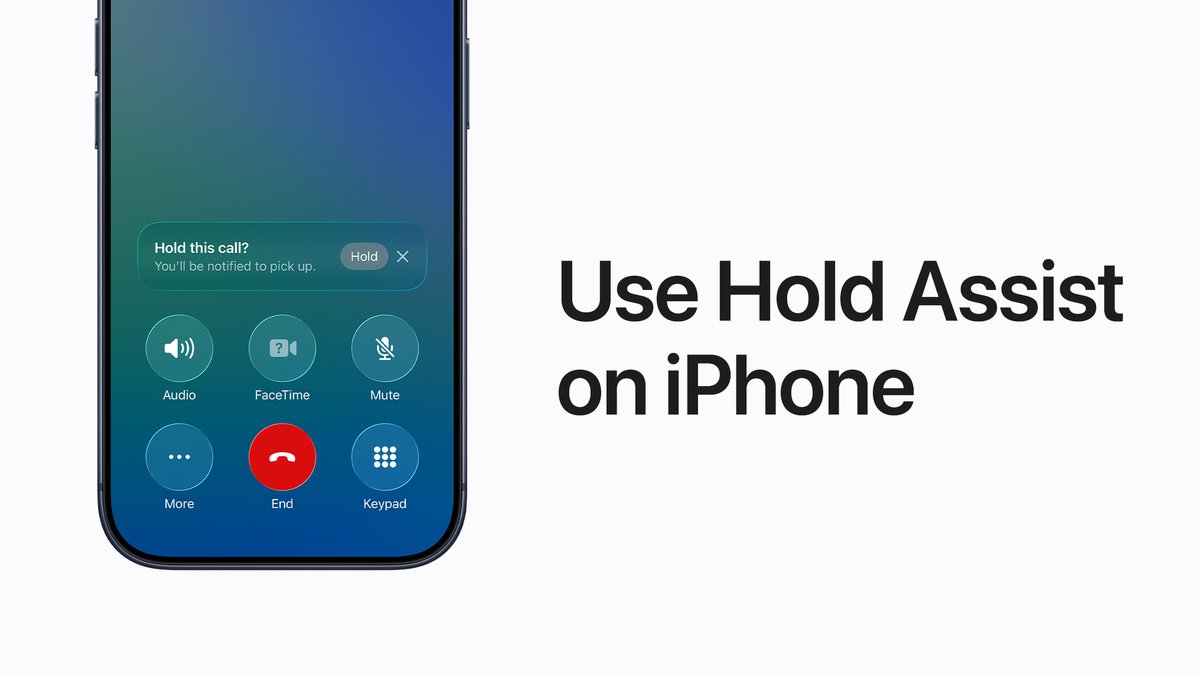
You have better things to do than wait on hold. 📞
You can use Hold Assist to notify you when a live agent is available. Learn more: http://apple.co/4sbSRy3
👵🏼 Your grandma
👨🏾🦱 Your dad
🐶 Your best friend
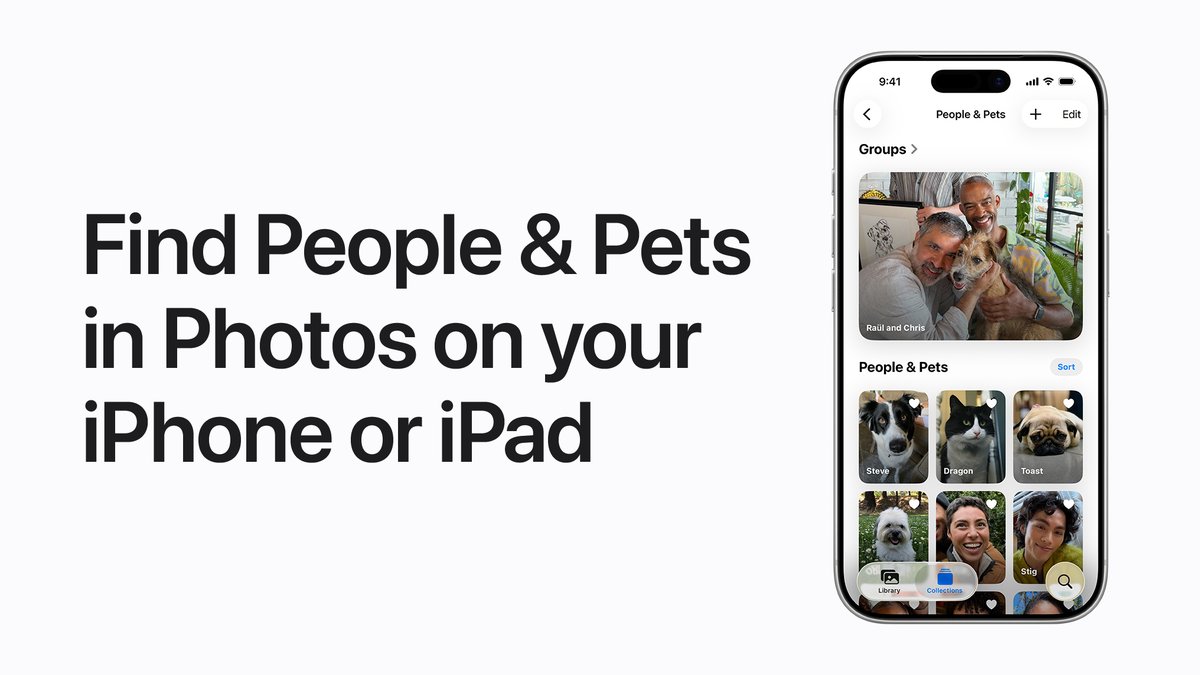
The Photos app recognizes the faces of people and pets in your photos, and organizes them together in the People & Pets collection so you can easily find them in the future. Learn more: https://apple.co/4k1VMFU
Workout Buddy encourages you during workouts and lets you know when you hit a new milestone or break your own personal bests. 🏃🏽🚴🏿♂️
Learn more: https://apple.co/49zy6Ug
You can transfer your personal data to your new iPhone or iPad from a backup that you made in Apple Devices, the Finder, or iTunes.
Learn more: https://apple.co/49okHOK
Your new iPhone or iPad, set up just the way you like it. 🤩
Here’s how to use your previous iPhone or iPad to automatically set up your new device with Quick Start and iCloud.
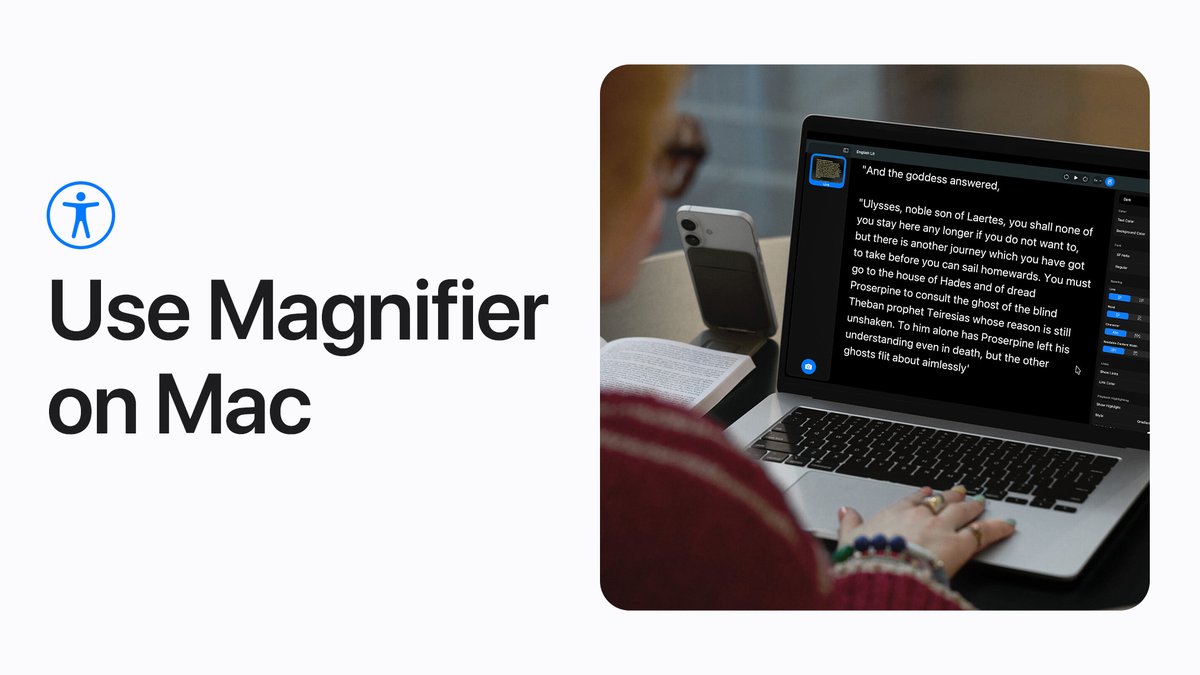
If you’re blind or have low vision, Magnifier for Mac can make it easier to read a whiteboard, follow along with a presentation, or enlarge the text in a book. #AppleAccessibility
Here’s how it works in #macOSTahoe: https://apple.co/3YgURqM
Whether you’re at a friend’s house, or at a shopping kiosk, you can temporarily share your #AppleAccessibility settings to another iPhone or iPad to make using a borrowed device easier for you.
Here’s how it works in #iOS26 and #iPadOS26.
Larger buttons, a simpler interface, and more focused features. Assistive Access is designed to reduce the cognitive load when using iPhone or iPad. #AppleAccessibility#IDPD
Here’s how it works.
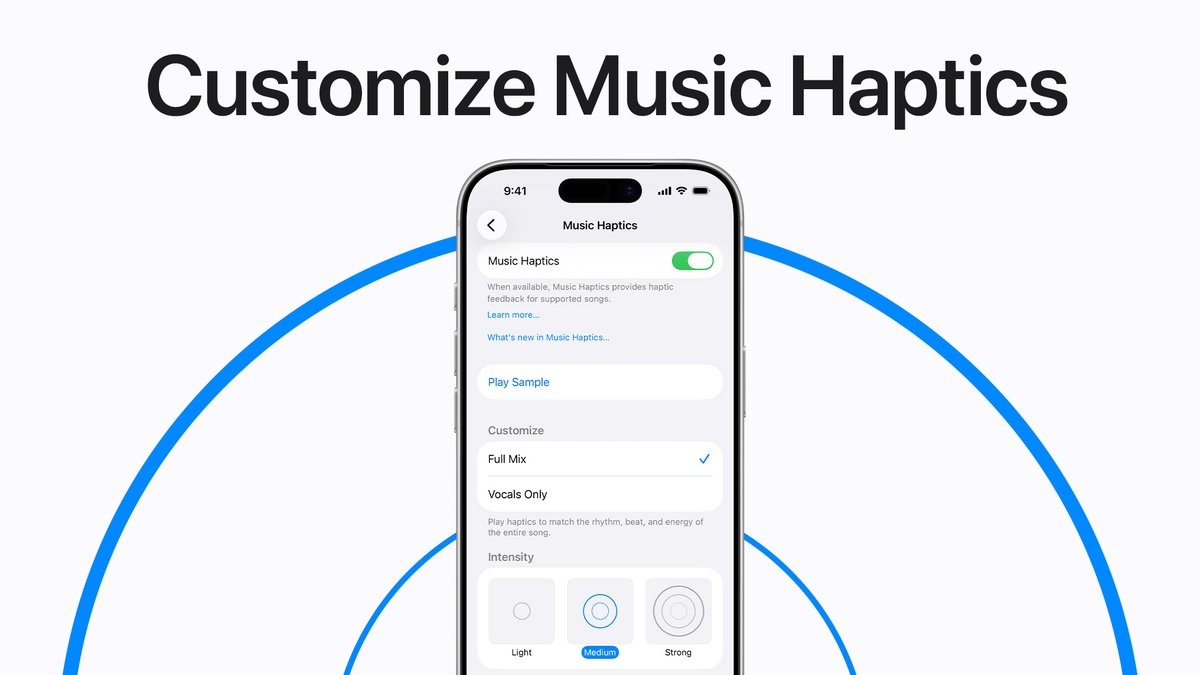
Feel the music. 🎶
In iOS 26, you can customize Music Haptics to feel the whole song or vocals only, and adjust the intensity of taps, textures, and vibrations. Learn more: https://apple.co/4pb1yqb#AppleAccessibility
🖼️ A museum tour
🛍️ Asking for prices
🗺️ Getting directions
Here’s how to use the Translate app for real-time translation with supported AirPods. To learn more, check out our video on YouTube: https://apple.co/4rd09kx
In iOS 26, you can track your heart rate on your iPhone while you work out using a connected heart rate monitor like AirPods Pro 3.
Here’s how it works. And watch our video on YouTube for tips to get the best fit for your AirPods Pro 3: https://apple.co/3WWJynb