A Microsoft Outlook email account for sending and receiving mail, signing up for websites and apps, and linking Microsof...
About this product
Outlook is Microsoft's free email (@outlook.com / @hotmail.com) and also a full Microsoft account: sign in to OneDrive (5 GB free), Word / Excel / PowerPoint on the web, Teams, Xbox, Copilot and every other Microsoft service. Like Gmail, Outlook is a mainstream mailbox accepted by sites worldwide.
What one Outlook account gives you
Email · Beginner
A mailbox accepted everywhere
Sign up for overseas sites and receive codes and bills.
Sign in at outlook.com or in the Outlook app
Use this address when signing up on overseas sites
Add a recovery email or phone: Account → Security → Advanced security options → Add a way to sign in or verify — required to avoid bans.
Turn on two-step verification on the same page and save the recovery code.
Change the language: Settings (gear) → General → Language and region.
Use other Microsoft services such as OneDrive, Copilot, Teams and Xbox with the same account.
Tips
Outlook accounts that are never signed in to get closed — sign in at least every few months.
Don't send bulk email right after first signing in.
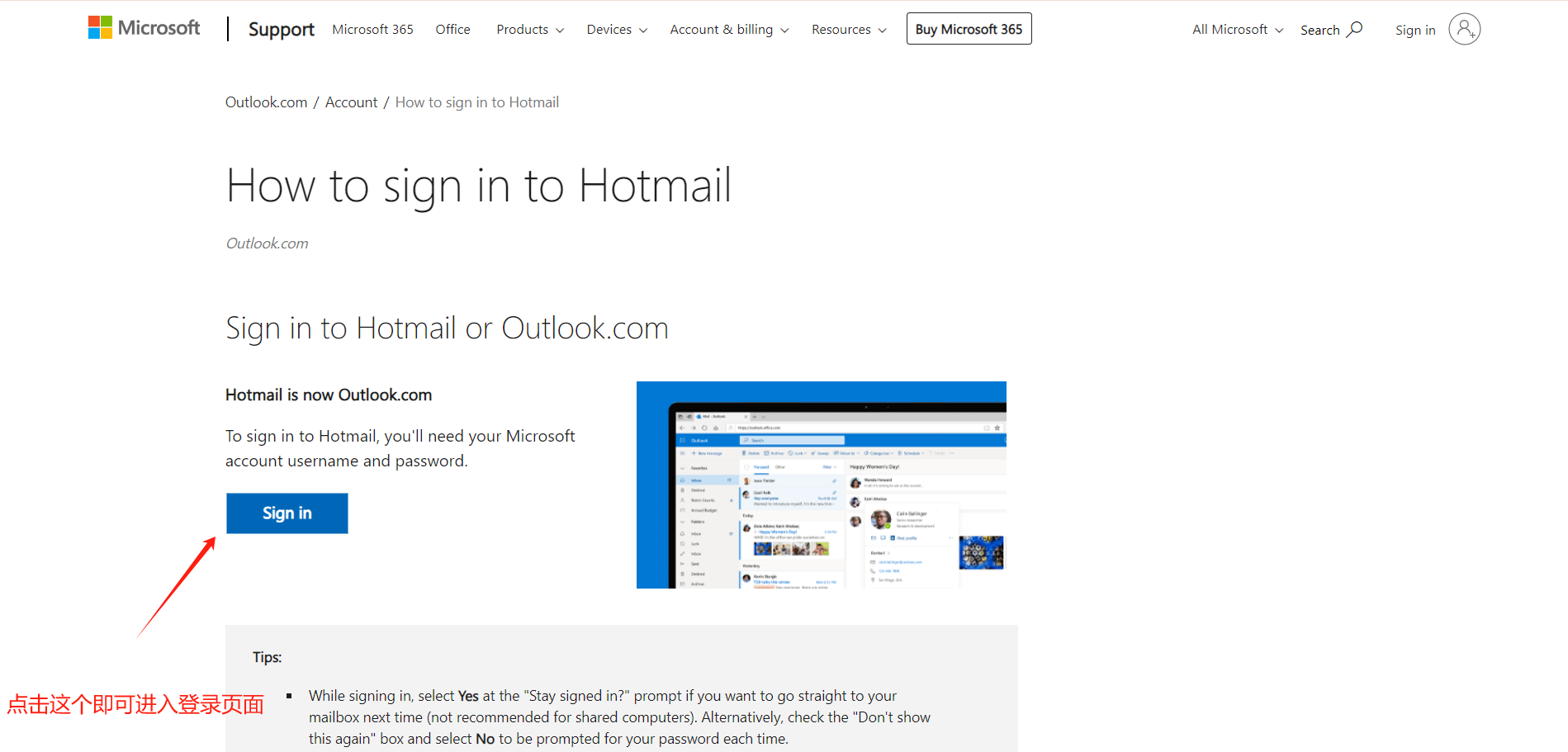
[Outlook website]
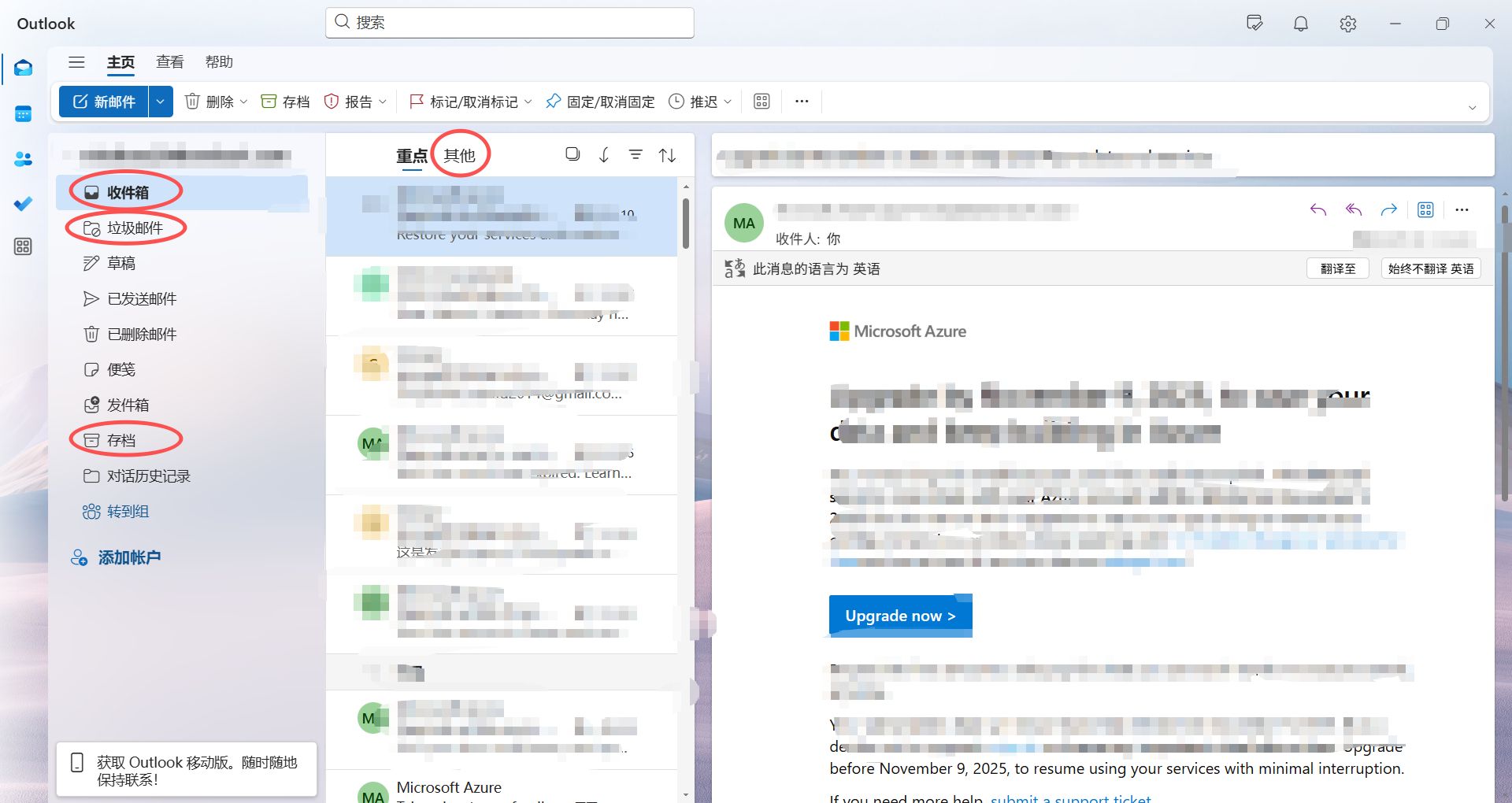
[Outlook inbox]
Check before buying
Add a recovery email or phone after signing in — required to avoid bans.
Sign-in guide
① Open the Outlook website in your browser.
② Sign in with the purchased account details.
③ After signing in, add a real recovery email or phone number (mainland China numbers work). Because of Microsoft's verification you may be asked to verify several times — please be patient. This step is required to avoid bans. See the blog post "About linked email, recovery email and 2FA codes".
How it is delivered
🙋 Manual delivery⏰ Working hours UTC+8 09:00–21:00📧 Sent to your order email, also viewable once on the order page
What AI services does 5buyai.com support? Can I get an invoice?
Accounts, subscriptions and top-ups for ChatGPT, Claude, Midjourney, Gemini, Grok and other major AI tools. Invoices are available for AI orders paid in Chinese yuan (CNY).
How do I receive my order after paying?
Orders are delivered manually: after successful payment, the account or card code is sent to your order email during working hours (9:00–21:00, UTC+8). You can check your order details anytime on the order lookup page by order number, email or browser cache.
What payment methods are supported?
Alipay, WeChat Pay, USDT, and Credit Card payments. Credit card payments require first topping up your balance, and then using the balance to purchase products.
Do I need an account to buy?
No. You can check out as a guest and receive items by email; registering lets you manage orders, balance and invoices in one place.
Are prices shown in CNY?
All prices are listed in Chinese Yuan (¥). When paying with USDT the amount is converted automatically at the live rate.
Is there after-sales support?
After-sales support is available for some products, handled via live chat or the order dispute page. Accounts are virtual products: once delivered, no refunds are given unless there is an after-sales issue. CNY refunds and USD refunds are only made back to the original payment method, and USDT refunds are only made on the BSC network.
I am a business buyer and need to make a bulk purchase. How can I get in touch?
Please click the chat widget at the bottom-right corner to reach us and leave your email or other contact details. We will get back to you as soon as possible.
No reviews yet — be the first to review after your purchase.
Disclaimer
This is an independent third-party platform, not affiliated with, endorsed by, or authorized by any brand mentioned. We do not host any third-party login page and do not collect third-party credentials.
As Microsoft 365 Copilot and Copilot come together, so are our social channels. Going forward, you'll find everything you love about Copilot, AI at work, productivity tips and product updates over at @MSFTCopilot.
Follow us there and join us for what's next.
We're back on October 6th | 9am PT for our next AI at Work webinar!
Join us for an inside look at exciting new feature updates, live demos, and stick around for our live Q&A.
Save your seat: https://msft.it/6015abSff