Official prices are list prices in USD published by each brand (before tax), for reference only; checked on 2026-11-01. We are not affiliated with these brands.
Muse account / subscription
Muse (muse.ai) is a personal AI agent officially launched by Meta on September 8, 2026; its official website is muse.ai.
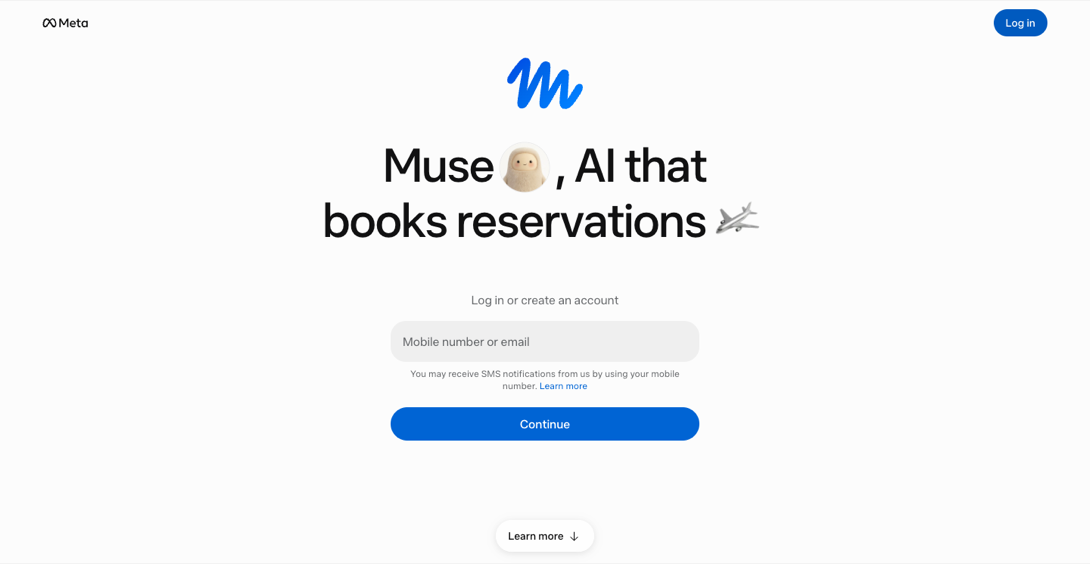
[Muse website]
About this product
Muse is the personal AI agent Meta launched on 8 September 2026; the official website is muse.ai. Unlike a traditional chatbot (such as Meta AI), it doesn't just answer questions — with your direction and approval it carries out long-running tasks, moves your goals forward and connects with other apps and services.
Key features
Gets things done: reads email, books trips and restaurants, fills in forms, compares and orders, even negotiates for you, and can pay with your linked card — it asks for approval before key actions such as payments.
Browses the web on its own to research and compare options.
Connects to your apps: email, calendar and more as needed; on a Mac it can also work with local files and apps.
Reminders and scheduled tasks: long tasks keep running in the background, with reminders, scheduled runs and progress updates.
Memory and personality: remembers earlier conversations, and you can customise its personality and memories; supports skills and artifacts.
Many entry points: the Muse app (iOS, Android), muse.ai on the web, WhatsApp, and Meta AI glasses (beta).
Muse is in a limited test and only available in some countries (18+, mainly the US). Free use has a weekly limit; after that you can subscribe or buy extra Muse tokens.
Which plan to choose
Power monthly (official $20/mo): 500M Muse tokens per week.
Maximum monthly (official Max plan, $100/mo): 3B Muse tokens per week, for long, continuous multi-task use.
Token options: extra Muse tokens added to your account. Per Meta, purchased tokens never expire, even if you cancel; they cannot be transferred, refunded or exchanged for cash.
1B tokens (invite): enter your Muse invite code at checkout (under Invite, top right of Muse on the web or the Windows / Mac app); the allowance comes through the invite.
Account (with tokens): a new account that comes with the listed amount of Muse tokens, ready to use.
Unused weekly allowance does not roll over to the next billing cycle; plans renew monthly and stay active until the end of the period after cancelling.
Let Muse handle it
Travel · Beginner
Book trips and restaurants
Compares options, books and sends confirmations.
Sign in to Muse and describe dates, budget and preferences
Let it compare options
Confirm and it books and sends you the details
Try asking
Book an Italian restaurant for two next Friday at 7 pm, within a 15-minute walk of my office, under $40 per person.
Email · Beginner
Email and forms
Reads email, lists to-dos and fills in forms.
Give it access to your email
Explain which emails to handle and the to-do format
Check the forms it fills and replies it drafts
Shopping · Intermediate
Compare and negotiate
Compares prices, negotiates and orders for you.
Tell it what to buy and your budget
It compares sellers and talks to them for you
It asks before payment and other key steps
Getting started
State your goal, e.g. "Find and book an Italian restaurant for 4 on Saturday night, under $50 a head".
Connect only the accounts needed (email, calendar) as prompted.
Confirm key steps: have it ask before paying, booking or sending messages.
Follow progress in the app, on the web or in WhatsApp; turn recurring jobs into scheduled tasks.
Check usage: Menu → Settings shows this week's token usage; upgrade or buy more tokens there.
Tips
The clearer your goal, budget, timing and preferences, the better the result — and the fewer tokens used.
Start with small, reversible tasks to learn how it works.
Only available in some regions — use a US network connection.
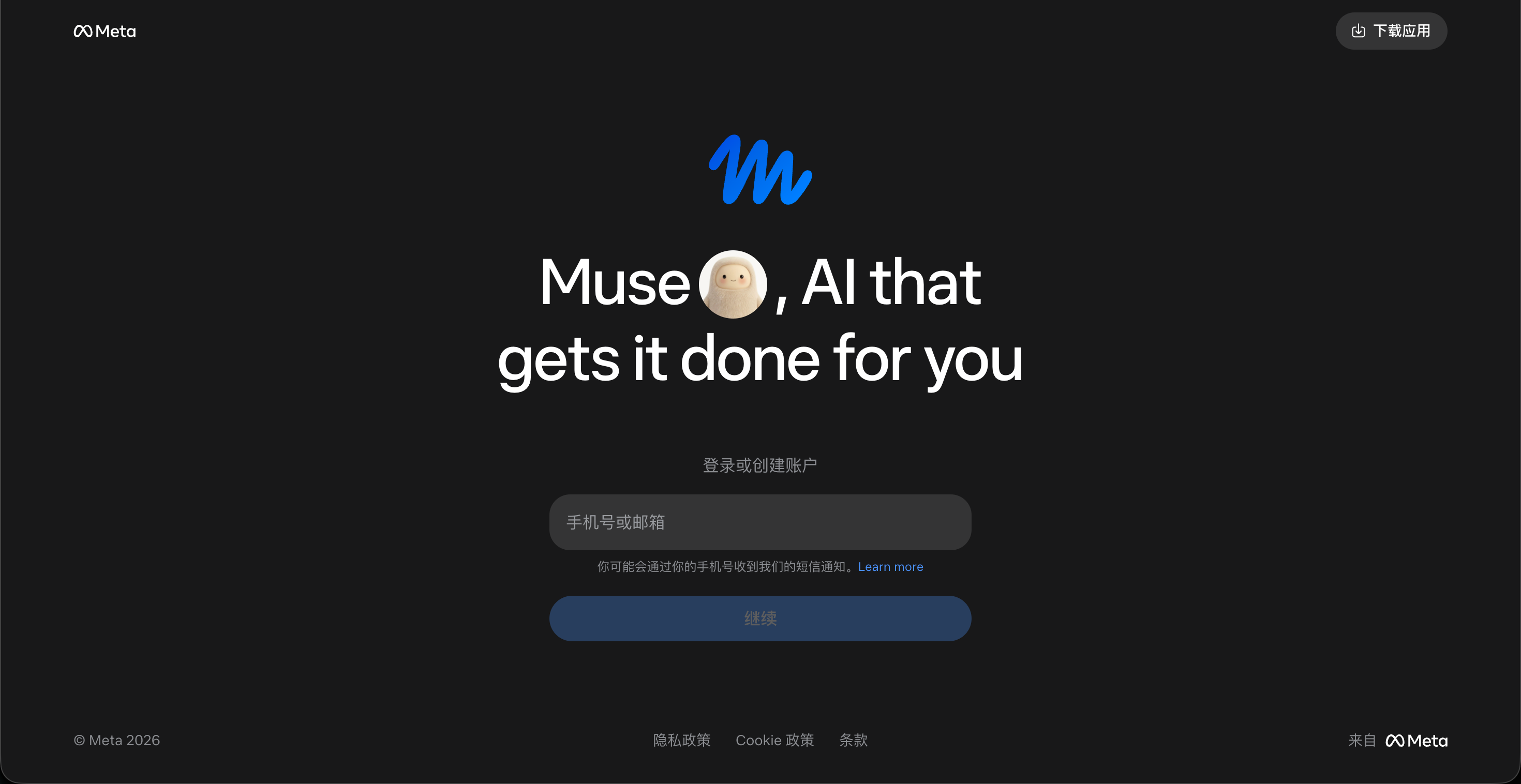
② Enter the account and the email verification code to sign in.
③ To subscribe (top up), provide your account and help us sign in; we'll finish quickly.
[Muse sign-in page]
How it is delivered
🙋 Manual delivery⏰ Working hours UTC+8 09:00–21:00📧 Sent to your order email, also viewable once on the order page
Buy a new account
Nothing needed from you — just wait for delivery after paying.
For: Account (1B tokens), Account (31B tokens)
Recharge my account
After paying, provide on the order page: Account, Password, Notes (optional)
For: Power monthly membership, Max monthly membership, 500M tokens, 2B tokens, 5B tokens, 12B tokens
Invite
After paying, provide on the order page: Your Muse invite code
For: 1B tokens (invite)
Good to know
US users 18+ only, on a US connection.
Require confirmation before payments and bookings.
What AI services does 5buyai.com support? Can I get an invoice?
We offer accounts, subscriptions and top-ups for major AI tools such as ChatGPT, Claude, Gemini, Grok, Midjourney and Cursor, plus related services including Apple IDs, international credit cards, international SMS verification, and WhatsApp and Telegram accounts. AI orders paid in RMB can be invoiced.
How do I receive my order after paying?
Most products are delivered manually: after payment, the account or card key is sent to your order email during working hours (9:00–21:00, UTC+8). Products marked "自动发货" (automatic delivery) on their page are sent automatically right after payment. You can check order details at any time on the Order Lookup page with your order number, email or browser cache.
What payment methods are supported?
Alipay, WeChat Pay, USDT, and Credit Card payments. Credit card payments require first topping up your balance, and then using the balance to purchase products.
Do I need an account to buy?
No. You can check out as a guest and receive items by email; registering lets you manage orders, balance and invoices in one place.
Are prices shown in CNY?
All prices are listed in Chinese Yuan (¥). When paying with USDT, the payment page shows the amount due at the current rate.
Is there after-sales support?
Some products include after-sales support, handled through live chat or the order report page. Accounts are virtual goods, so once delivered, refunds are not available unless there is a problem with the product itself; see the delivery and after-sales section on each product page for its exact coverage. To request a refund, submit it on the order page.
I am a business buyer and need to make a bulk purchase. How can I get in touch?
Please click the chat widget at the bottom-right corner to reach us and leave your email or other contact details. We will get back to you as soon as possible.
What does "non-standard / no warranty" mean?
Some products (for example certain ChatGPT Pro skus) are labeled "non-standard, no warranty": they cost less and do not include account warranty or replacement, so they suit short trials where you accept that risk. For stable use and after-sales coverage, choose regular skus without that label. Exact coverage is on each product page under delivery and after-sales.
No reviews yet — be the first to review after your purchase.
Disclaimer
This is an independent third-party platform, not affiliated with, endorsed by, or authorized by any brand mentioned. We do not host any third-party login page and do not collect third-party credentials.