5 TB, Gemini Pro, Deep Research, Flow, Antigravity; plus Home Premium, Health Premium, YouTube Premium Lite
Google AI Pro (10 TB)
$49.99/mo
US price
All Google AI Pro benefits + 10 TB storage
Google AI Ultra 5x
$99.99/mo
From 20 TB, 5x Pro usage, YouTube Premium
Google AI Ultra 20x
$200/mo
20x Pro usage, Project Genie, YouTube Premium
Official prices are list prices in USD published by each brand (before tax), for reference only; checked on 2026-10-03. We are not affiliated with these brands.
Mixboard account / subscription
Mixboard is an experimental AI mood-board tool from Google Labs, powered by Gemini and Nano Banana, letting you generate...
About this product
Mixboard is an AI concept board from Google Labs (launched September 2025 and opened to 180+ countries from October). Put reference images, text and ideas on an infinite canvas, and use Google's Nano Banana / Nano Banana Pro image models to create and edit images or blend several into a new idea — great for mood boards, product concepts, event planning, home makeovers and outfit inspiration.
Key features
Text to image: generate a set of reference images from one sentence.
Edit and blend: select an image and say "make it retro", or merge two images into one.
Upload material: images, PDF, HEIC, TIFF and more.
Presentations: turn a board into a slide deck in one click.
Multi-board projects with larger boards.
Which plan to choose
To try it: the "Account" option signs in to the free tier with limited usage.
Need more: a Google AI plan (Plus / Pro / Ultra) raises limits across Gemini, Flow, NotebookLM and all other Google AI tools at once (see "Official membership info" above or the Google One page).
Long-term use: the 12-month education offer is better value.
Already have a Google account: choose "Top up my account" when ordering.
Shape ideas with Mixboard
Ideas · Beginner
Mood boards
Home, fashion and brand looks on one board.
Open Mixboard on labs.google and sign in
Describe a theme or upload reference images
Arrange them on the board and generate more
For example
Small Nordic-style living room: light wood, white walls, plants, warm light.
Edit · Beginner
Edit and blend with words
Nano Banana restyles and blends images.
Select one or more images on the board
Describe the change or how to combine them
Keep the versions you like
Present · Intermediate
One-click presentations
Turn your board into slides.
Organise the board
Choose to generate a presentation
Check each page and share it
Getting started
Create a board with a topic, e.g. "Scandinavian living room makeover", and it generates initial ideas.
Add material: drag in your photos or references.
Edit: select an image and describe the change.
Remix: select several images and blend them into a new concept.
Export images, or create a presentation to share.
Tips
Generate several directions, then refine the ones you like.
Use specific style, colour and material words for closer results.
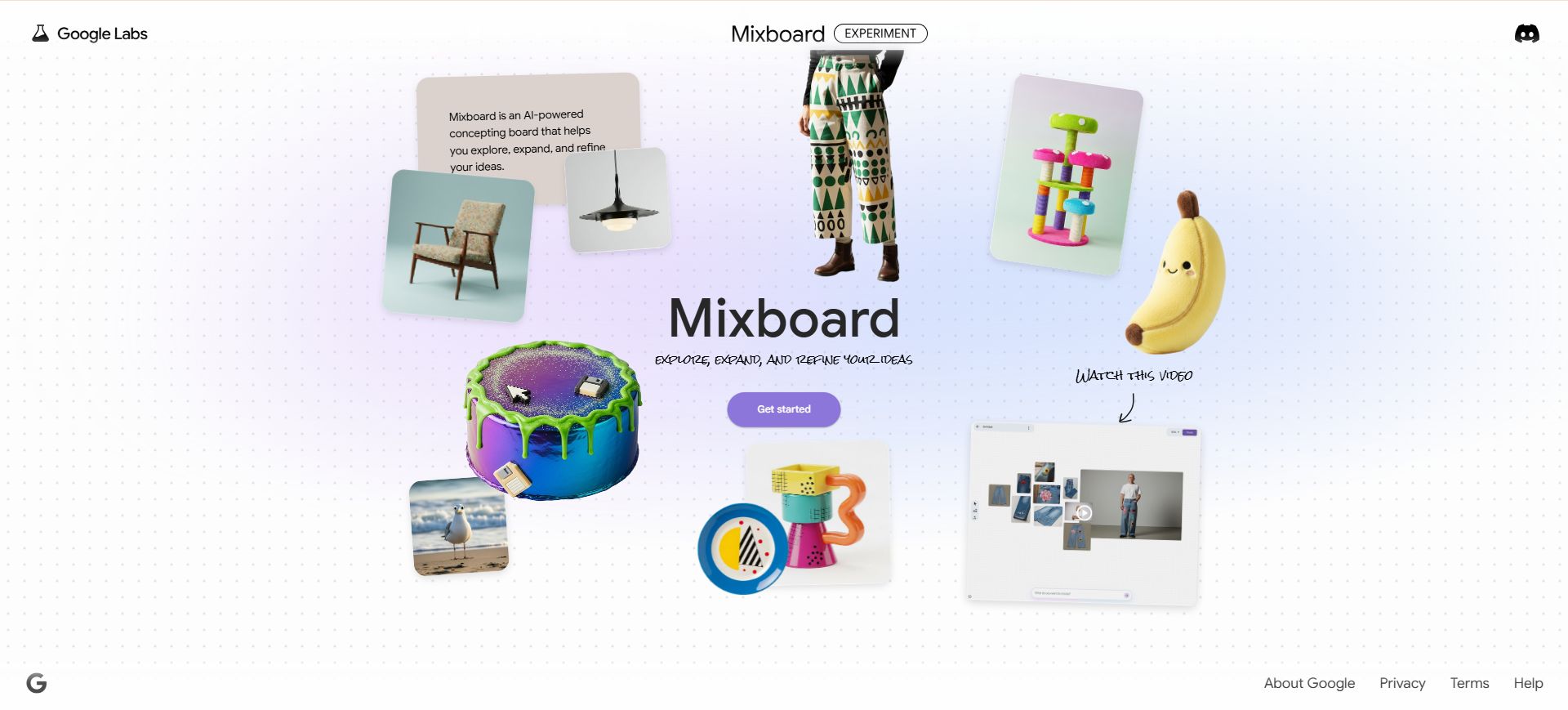
[Mixboard homepage]
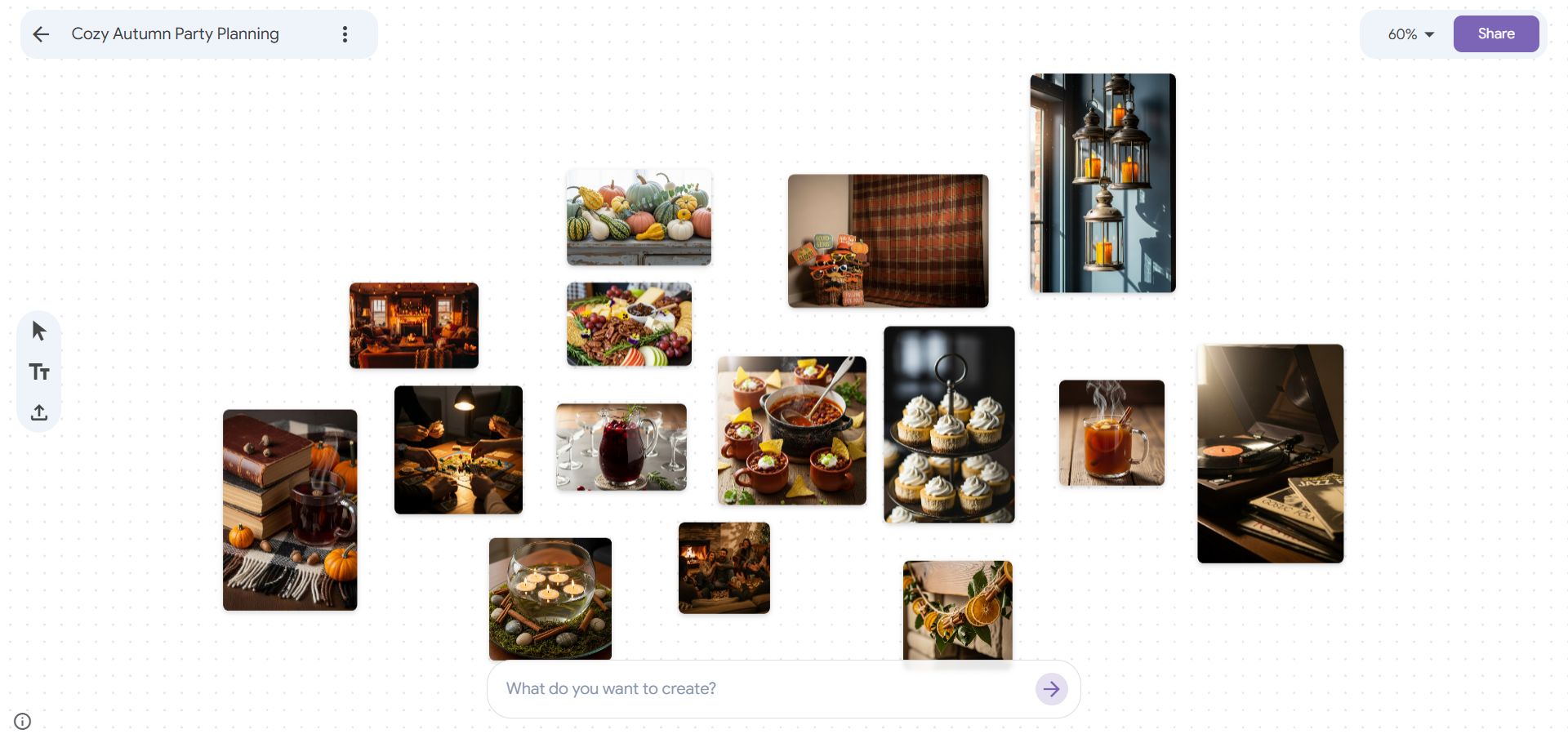
[Board editor]
[Video introduction]
Check before buying
Google services are region-restricted — use a US or Japan node and turn on 2-Step Verification after signing in.
Sign-in guide
① Open the Mixboard website in your browser.
② Click "Get started" to go to the Google sign-in page — see the Google sign-in guide.
🙋 Manual delivery⏰ Working hours UTC+8 09:00–21:00📧 Sent to your order email, also viewable once on the order page
Buy a new account
Nothing needed from you — just wait for delivery after paying.
For: Account, Google AI Plus (2 TB) membership, Google AI Pro (5 TB) 12-month membership (education discount), Google AI Pro (5 TB) monthly membership, Google AI Pro (10 TB) monthly membership, Google AI Ultra 5x (20 TB) monthly membership, Google AI Ultra 20x (30 TB) monthly membership, Google AI Ultra 20x 1-month membership (family plan, 25,000 shared credits, Antigravity included), Google AI Plus (400 GB) monthly membership
Recharge my account
After paying, provide on the order page: Account, Password, Notes (optional)
For: Google AI Plus (2 TB) membership, Google AI Pro (5 TB) monthly membership, Google AI Pro (10 TB) monthly membership, Google AI Ultra 5x (20 TB) monthly membership, Google AI Ultra 20x (30 TB) monthly membership, Google AI Ultra 20x 1-month membership (family plan, 25,000 shared credits, Antigravity included), Google AI Pro (5 TB) 12-month membership (education discount), Google AI Plus (400 GB) monthly membership
What AI services does 5buyai.com support? Can I get an invoice?
Accounts, subscriptions and top-ups for ChatGPT, Claude, Midjourney, Gemini, Grok and other major AI tools. Invoices are available for AI orders paid in Chinese yuan (CNY).
How do I receive my order after paying?
Orders are delivered manually: after successful payment, the account or card code is sent to your order email during working hours (9:00–21:00, UTC+8). You can check your order details anytime on the order lookup page by order number, email or browser cache.
What payment methods are supported?
Alipay, WeChat Pay, USDT, and Credit Card payments. Credit card payments require first topping up your balance, and then using the balance to purchase products.
Do I need an account to buy?
No. You can check out as a guest and receive items by email; registering lets you manage orders, balance and invoices in one place.
Are prices shown in CNY?
All prices are listed in Chinese Yuan (¥). When paying with USDT the amount is converted automatically at the live rate.
Is there after-sales support?
After-sales support is available for some products, handled via live chat or the order dispute page. Accounts are virtual products: once delivered, no refunds are given unless there is an after-sales issue. CNY refunds and USD refunds are only made back to the original payment method, and USDT refunds are only made on the BSC network.
I am a business buyer and need to make a bulk purchase. How can I get in touch?
Please click the chat widget at the bottom-right corner to reach us and leave your email or other contact details. We will get back to you as soon as possible.
No reviews yet — be the first to review after your purchase.
Disclaimer
This is an independent third-party platform, not affiliated with, endorsed by, or authorized by any brand mentioned. We do not host any third-party login page and do not collect third-party credentials.
🚨 NEW LABS EXPERIMENT 🚨
Great minds t̵h̵i̵n̵k̵ play alike!
Play with Putty is a collaborative vibe coding tool that lets you build tools and websites together in real time.
Ready for your imagination to go multiplayer? Join the waitlist at https://labs.google/playwithputty and
(1/2) Introducing annotations in Mixboard! With the annotations tool, you can doodle directly on your board to add or edit elements. Just mark the area, describe it, and watch it appear.
Big news: We're expanding Opal, our no-code AI app builder, to 160+ countries!
From automating complex research to generating full marketing campaigns from one idea, builders are turning their ideas into mini-apps with natural language.
Show us what you build! See the details