Hailuo AI account / subscription (overseas version)
Hailuo AI (overseas version) is MiniMax's AI video generator that supports text-to-video and image-to-video, turning pro...
About this product
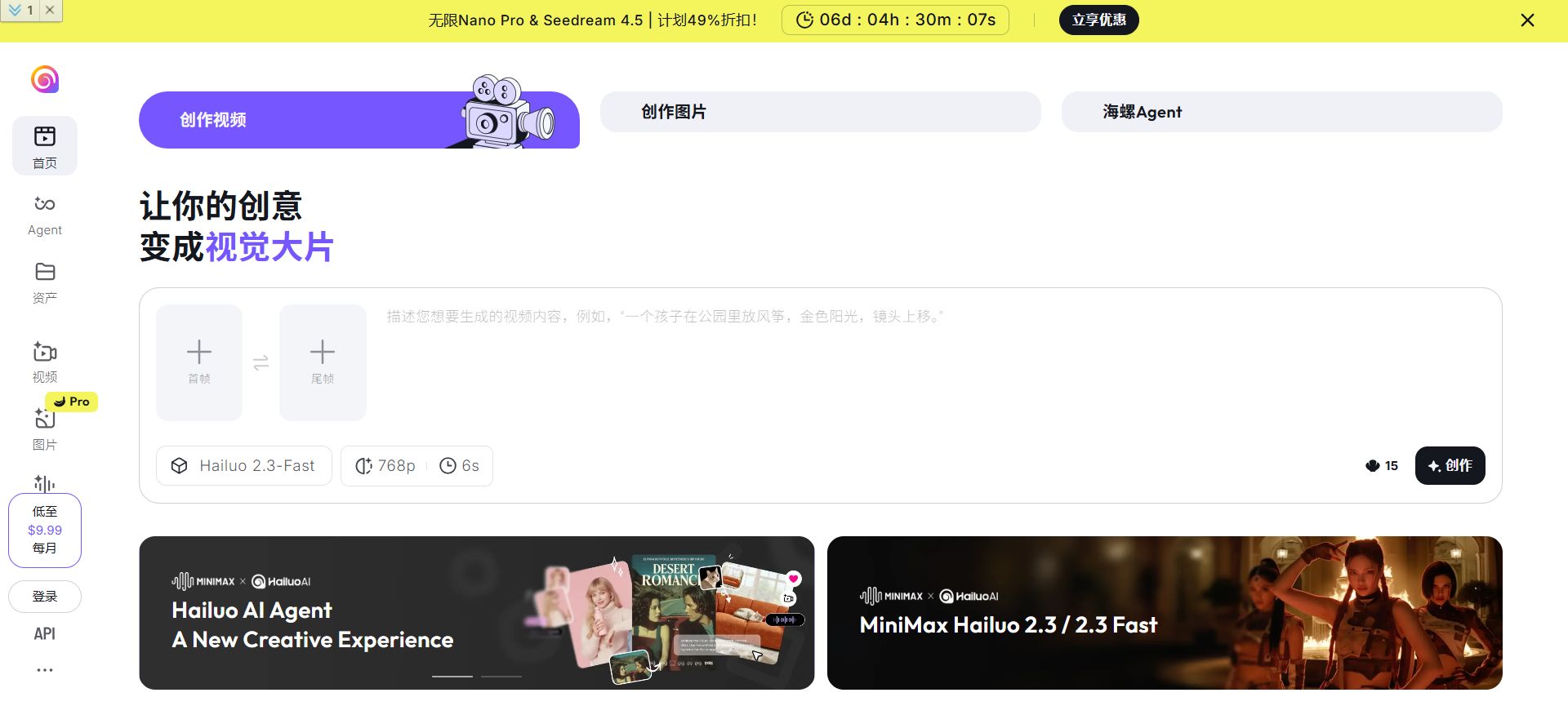
Hailuo AI is MiniMax's multimodal AI product line, best known for AI video. Its Hailuo video models are known for smooth human motion, realistic physics and good value, and rank near the top of global video model leaderboards. The platform also offers lots of ready-made AI agent templates for making viral-style videos in one click.
Key features
Text to video: describe the scene, action and camera for HD clips.
Image to video: bring photos to life, with first/last frame support.
Subject reference: upload a person's photo to keep them consistent across videos.
Viral templates / agents: apply trending effects in one click.
Image generation for first frames.
Which plan to choose
Account: the free plan with daily credits.
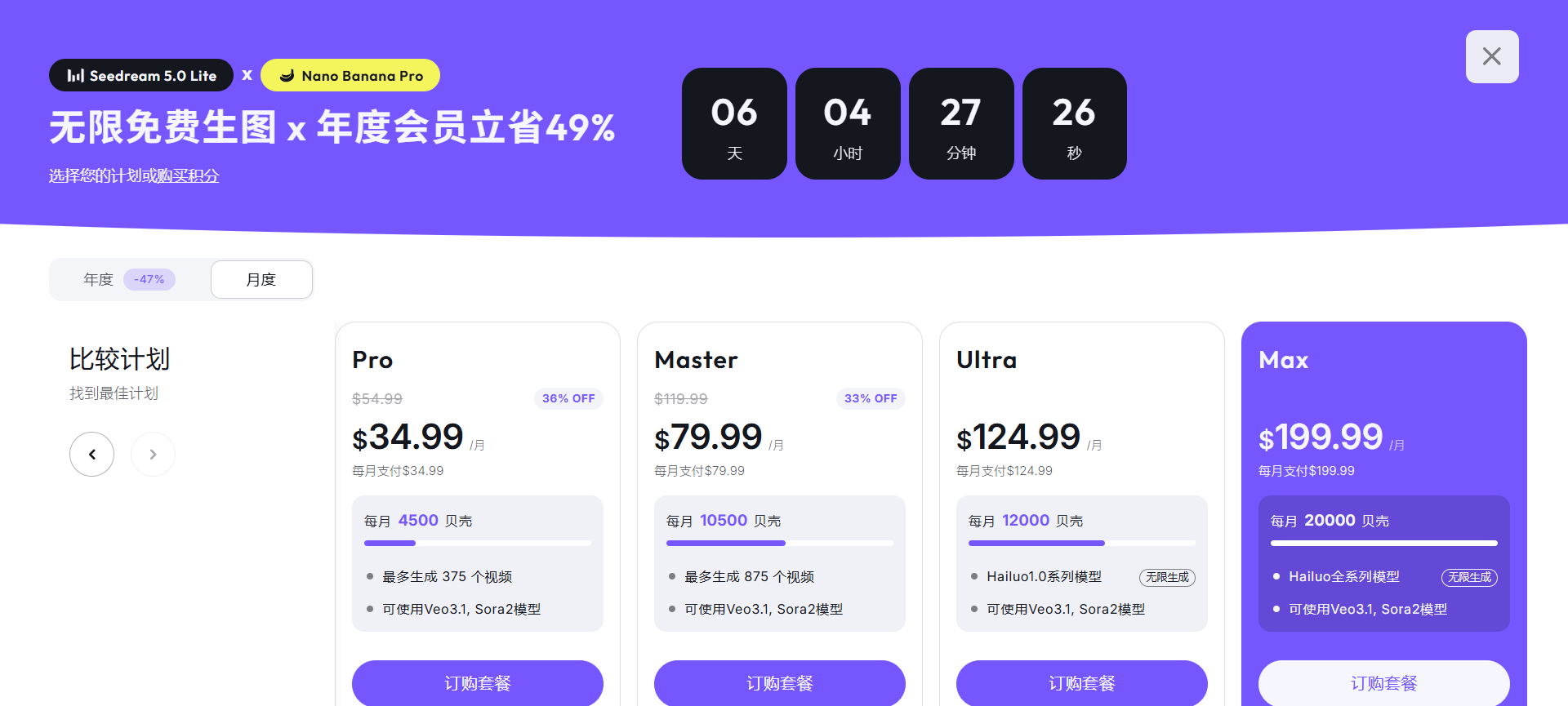
Membership: more monthly credits, higher quality, no watermark and faster generation; see Hailuo's pricing page.
Make videos with Hailuo AI
Video · Beginner
Text and image to video
Smooth human motion and realistic physics.
Sign in at hailuoai.video
Enter a description or upload a first-frame image
Preview and download
Prompt example
A dancer spinning in an empty warehouse, sunlight slanting through high windows, slow motion.
Templates · Beginner
One-click viral effects
Apply trending templates to your photo.
Open the templates page
Pick a trending template and upload a photo
Generate the clip
People · Intermediate
Same person, many videos
Subject reference keeps a person consistent.
Choose subject reference mode
Upload a photo of the person
Write a different scene each time and the person stays consistent
Getting started
Choose a mode: text or image to video.
Write the prompt: subject + action + scene + camera, e.g. "A girl turns and smiles under a cherry tree, slow push-in".
Pick a model and length, then generate.
Use templates: pick a trending effect under Agents / Templates and upload a photo.
Tips
Use sharp images with a clear subject for image-to-video.
Describe motion specifically and don't ask for too many changes at once.
[Hailuo AI website]
[Hailuo AI pricing page]
Check before buying
Subscriptions need your account and help signing in.
Sign-in guide
① Open the Hailuo AI website in your browser.
② Click "Log in" at the bottom left and choose "Continue With Google" — it works like any Google account; see the sign-in guide.
③ To subscribe (top up), provide your account and help us sign in; we'll finish quickly.
How it is delivered
🙋 Manual delivery⏰ Working hours UTC+8 09:00–21:00📧 Sent to your order email, also viewable once on the order page
What AI services does 5buyai.com support? Can I get an invoice?
Accounts, subscriptions and top-ups for ChatGPT, Claude, Midjourney, Gemini, Grok and other major AI tools. Invoices are available for AI orders paid in Chinese yuan (CNY).
How do I receive my order after paying?
Orders are delivered manually: after successful payment, the account or card code is sent to your order email during working hours (9:00–21:00, UTC+8). You can check your order details anytime on the order lookup page by order number, email or browser cache.
What payment methods are supported?
Alipay, WeChat Pay, USDT, and Credit Card payments. Credit card payments require first topping up your balance, and then using the balance to purchase products.
Do I need an account to buy?
No. You can check out as a guest and receive items by email; registering lets you manage orders, balance and invoices in one place.
Are prices shown in CNY?
All prices are listed in Chinese Yuan (¥). When paying with USDT the amount is converted automatically at the live rate.
Is there after-sales support?
After-sales support is available for some products, handled via live chat or the order dispute page. Accounts are virtual products: once delivered, no refunds are given unless there is an after-sales issue. CNY refunds and USD refunds are only made back to the original payment method, and USDT refunds are only made on the BSC network.
I am a business buyer and need to make a bulk purchase. How can I get in touch?
Please click the chat widget at the bottom-right corner to reach us and leave your email or other contact details. We will get back to you as soon as possible.
No reviews yet — be the first to review after your purchase.
Disclaimer
This is an independent third-party platform, not affiliated with, endorsed by, or authorized by any brand mentioned. We do not host any third-party login page and do not collect third-party credentials.
Opus 5.5 on #MiniMaxDesign | Code Your Next Video
Turn text into video—from code to motion.
✨ JavaScript Animation
✨ Motion Graphics
✨ Explainer Videos & Visual Storytelling
✨ Web & Product Demos
More than a language model—it can interpret visuals and keep refining your
💥 MiniMax Design Major Upgrade!
🤖 GPT-6 Astra is Now Live!
🔌 New MCP integrations for Blender, PS, AE and more
👥 Collaborative Projects for seamless teamwork
Create 3D models with a single prompt; turn AI clips directly into editable AE projects...
💡Bring AI Creativity
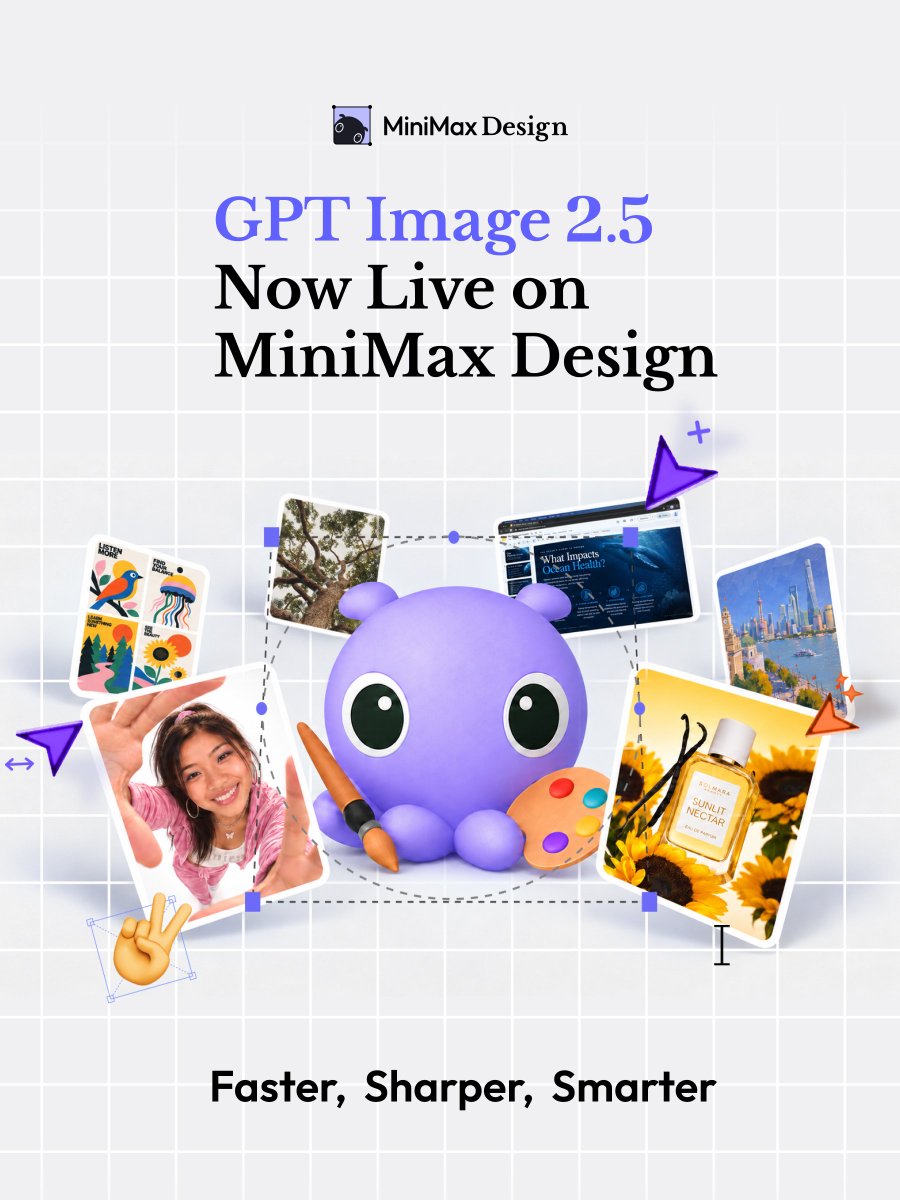
GPT Image 2.5 is now available on MiniMax Design!
#MiniMaxDesign#MiniMax
✍️ More precise edits. Better consistency.
⚡ Richer details. Faster generation.
💰 Same price as Image 2 on MiniMax Design.