BrowserAct is a web-automation and scraping tool for AI agents: describe the data you want in plain language and it driv...
About this product
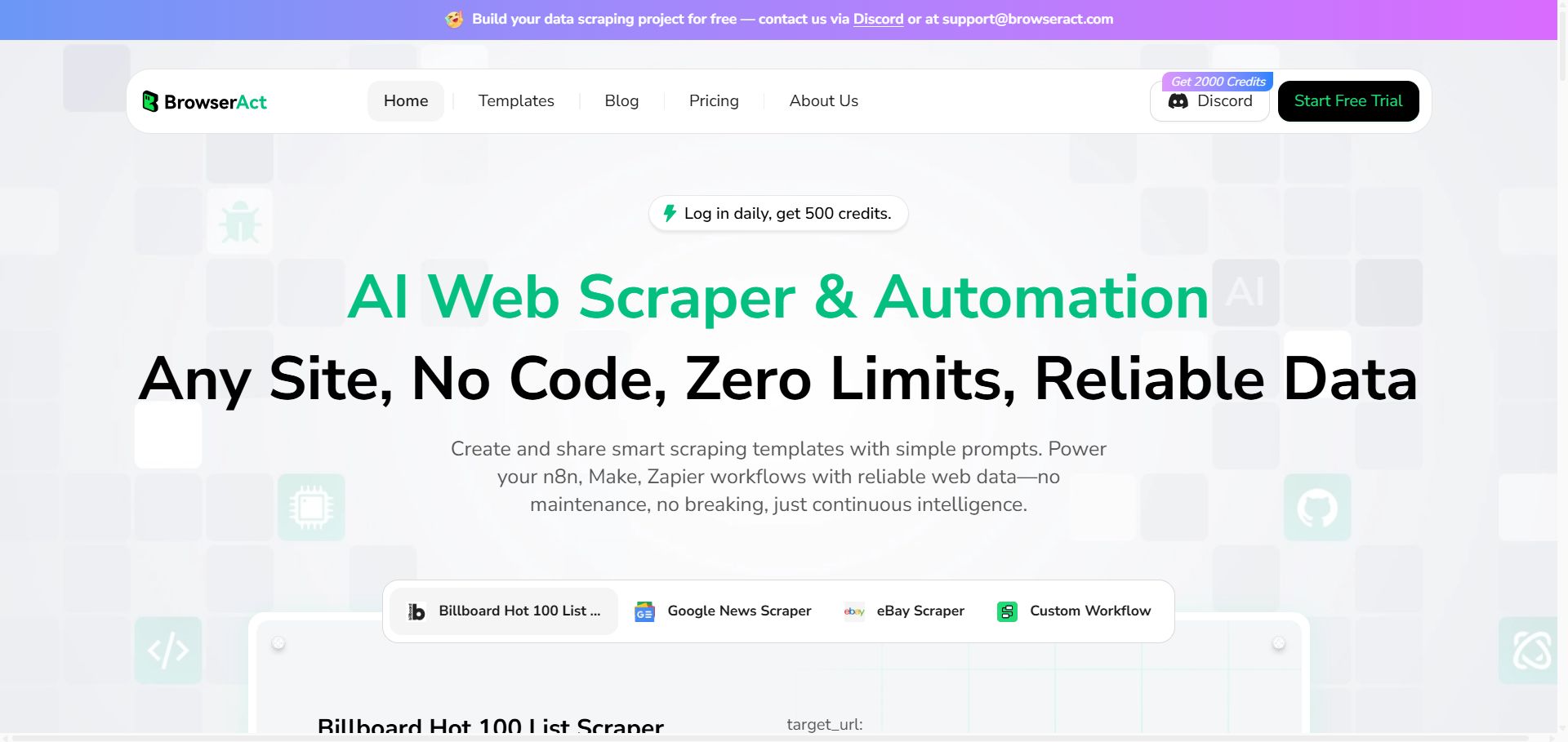
BrowserAct is an AI web scraping and browser automation tool. Without code, describe what to collect or do in plain language and it opens sites, pages through results, clicks and turns the data into tables. Runs can be scheduled, with results synced to Google Sheets, webhooks, n8n, Zapier and more. Use it for competitor price monitoring, job and property listings, market research and lead lists.
Collect data automatically with BrowserAct
Monitor · Beginner
Competitor price monitoring
Track price changes on a schedule into a spreadsheet.
Sign in to Browseract and create a scraping task
Enter the competitor product URLs and describe the fields (name, price)
Schedule it and sync results to a sheet
Research · Beginner
Market research data
Turn website listings into Excel.
Enter the URL of the list page
Describe which columns to extract
Run it and export to Excel
For example
Scrape company name, country, booth number and website from this exhibitor list, across all pages.
Automation · Advanced
Connect n8n and Zapier
Pipe data straight into your workflows.
Get an API key or webhook URL in Browseract
Add the matching node in n8n or Zapier
Scraped data flows into the next steps automatically
Getting started
Create a task: enter the target URL and describe the data (e.g. "Collect the name, price and rating of every product in this category").
Confirm fields: preview results and add or remove fields.
Choose a schedule: run once, hourly or daily.
Export CSV / Excel, or sync to Google Sheets or a webhook.
Tips
Test on a few pages first, then run at scale.
Respect each site's terms and robots rules, and don't collect personal data.
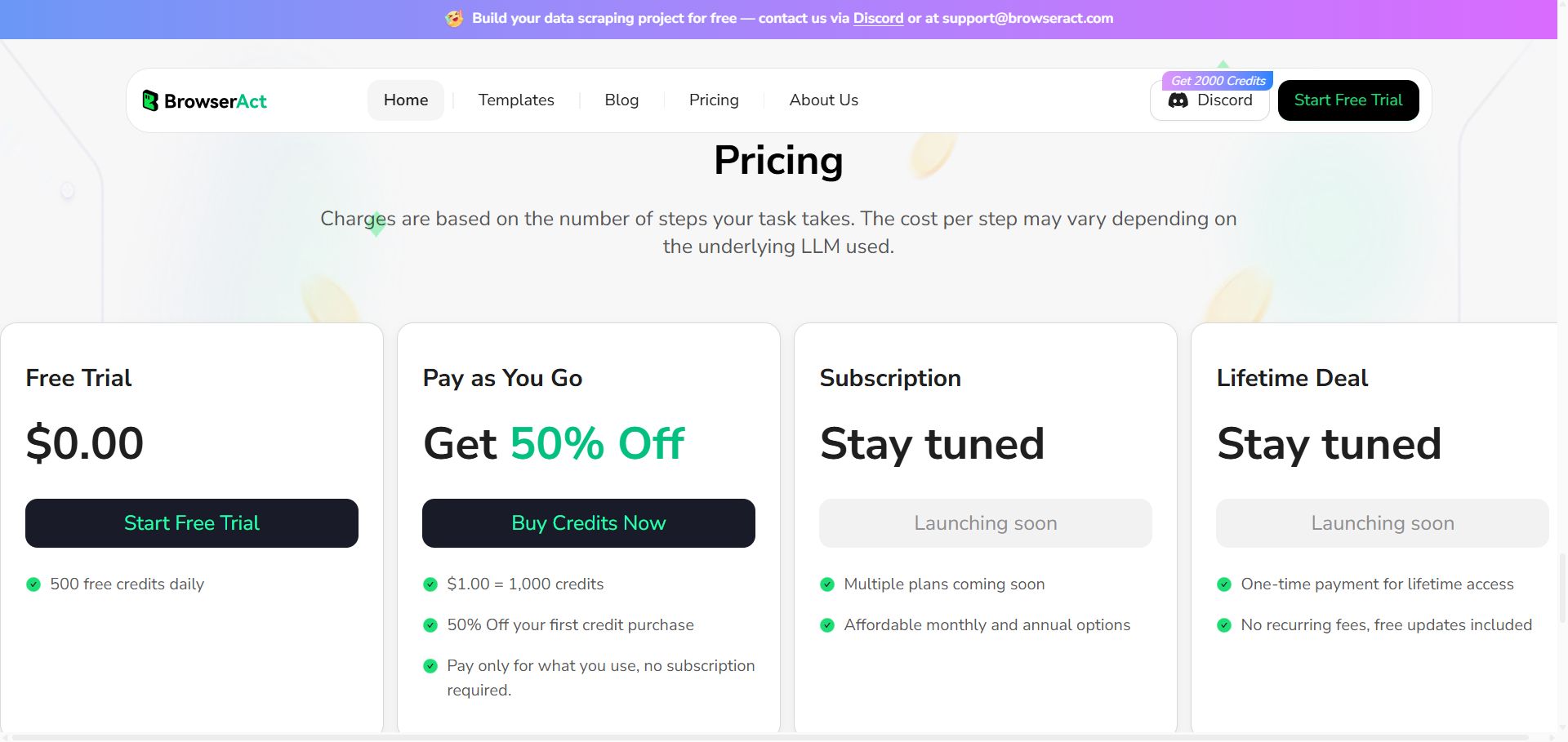
[BrowserAct pricing]
Check before buying
Follow each site's terms and don't collect personal data.
② Click Start Free Trial at the top right and sign in as prompted.
How it is delivered
🙋 Manual delivery⏰ Working hours UTC+8 09:00–21:00📧 Sent to your order email, also viewable once on the order page
What AI services does 5buyai.com support? Can I get an invoice?
Accounts, subscriptions and top-ups for ChatGPT, Claude, Midjourney, Gemini, Grok and other major AI tools. Invoices are available for AI orders paid in Chinese yuan (CNY).
How do I receive my order after paying?
Orders are delivered manually: after successful payment, the account or card code is sent to your order email during working hours (9:00–21:00, UTC+8). You can check your order details anytime on the order lookup page by order number, email or browser cache.
What payment methods are supported?
Alipay, WeChat Pay, USDT, and Credit Card payments. Credit card payments require first topping up your balance, and then using the balance to purchase products.
Do I need an account to buy?
No. You can check out as a guest and receive items by email; registering lets you manage orders, balance and invoices in one place.
Are prices shown in CNY?
All prices are listed in Chinese Yuan (¥). When paying with USDT the amount is converted automatically at the live rate.
Is there after-sales support?
After-sales support is available for some products, handled via live chat or the order dispute page. Accounts are virtual products: once delivered, no refunds are given unless there is an after-sales issue. CNY refunds and USD refunds are only made back to the original payment method, and USDT refunds are only made on the BSC network.
I am a business buyer and need to make a bulk purchase. How can I get in touch?
Please click the chat widget at the bottom-right corner to reach us and leave your email or other contact details. We will get back to you as soon as possible.
No reviews yet — be the first to review after your purchase.
Disclaimer
This is an independent third-party platform, not affiliated with, endorsed by, or authorized by any brand mentioned. We do not host any third-party login page and do not collect third-party credentials.
New for Standard Browser, for Bots created with Workflow and Build with Agent.
Open Browser settings, select Standard Browser, and turn on Parallel multitasking. Each task starts independently and won’t overwrite the saved Profile when it finishes.
#BrowserAutomation
🚀 New in Standard Browser: run more BrowserAct tasks in parallel.
Standard Browser now starts multiple browser automation tasks from the same saved Browser Profile to reduce waiting.
Try it: https://t.co/EYTvot9D1F
Google Search data is now one click away. 🔎
Run 10 BrowserAct templates for organic results, AI Overviews, news, shopping, local listings, jobs, and more.
No code. Structured output. Under 50 credits per run.
https://t.co/5VT0yqcZIK#WebScraping