


5buyai × AIFUNS
Promoted
Apple accounts for other countries and regions (password-changeable)
Apple Account (formerly Apple ID) for South Korea, Hong Kong, Mainland China, Taiwan, Japan, Philippines, India, Singapo...

About this product

An Apple Account (formerly Apple ID) with the region set to the country or region you choose at checkout: South Korea, Hong Kong, Mainland China, Taiwan, Japan, Philippines, India, Singapore, Malaysia, United Kingdom, Germany, Vietnam, Australia or Canada. Use it to download apps and games that are only listed in that region, or to subscribe at local prices.

The accounts for this product are categorized into two types, depending on the circumstances:

① Accounts with full security details (account, password, three security questions and date of birth): you can change the password and other details directly with the security information.

② Accounts without full security details (account and password only): change the password after "changing the bound phone number".

⚠️ Before you buy

① The email address on the account is not a real mailbox you control. To control the account by email you would need to own that mailbox, and because randomly registered addresses may already be taken, you cannot control the account through email after purchase. For your security, be sure to change the password and security details.

② Don't add gift card balance to an account that is less than a month old: risk controls and hacking risks may get the account disabled or lost, and you may lose money.

③ Bind a phone number as soon as you sign in (a Chinese number works and does not change the account region). See How to change the phone number on an Apple Account.

What these Apple accounts are for
Apps · Beginner
Download local apps
Get apps that are only listed in that region, such as Japanese or Korean games and Hong Kong or Taiwan apps.
Subscribe · Beginner
Subscribe at local prices
Top up with a gift card from that region and in-app subscriptions are charged at local prices.

Getting started

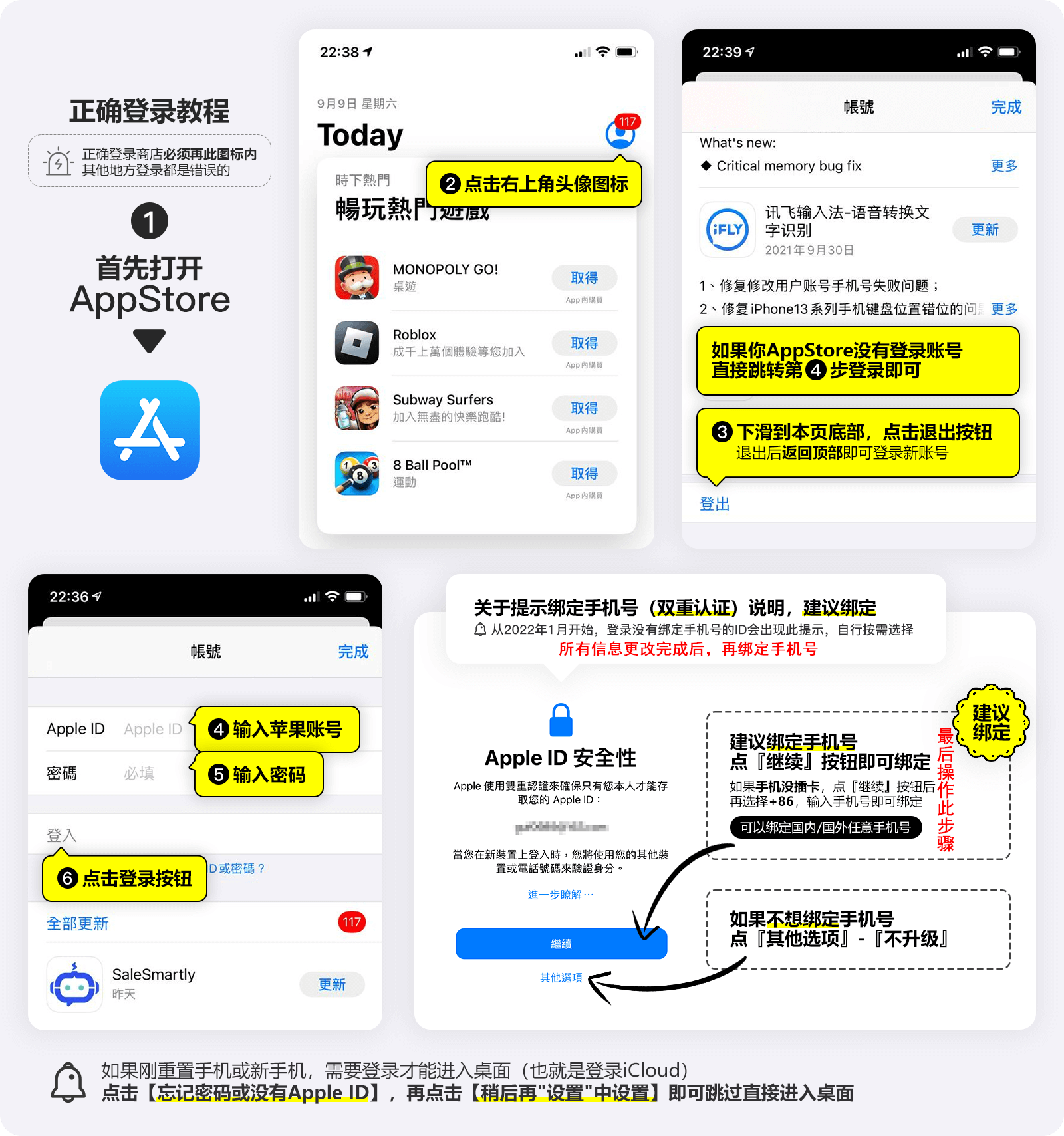
  1. Switch accounts in the App Store: App Store → avatar → scroll down to "Sign Out" → sign in with the account you bought. Only sign in to the App Store, never at the top of Settings.
  2. Compare prices on the app's subscription page and buy gift cards for that region as needed.
  3. Redeem gift cards: App Store → avatar → "Redeem Gift Card or Code".
  4. Subscribe in the app and the balance is charged; manage under Settings → Apple Account → Subscriptions.
  5. Change the password and security details soon and bind your own phone number.

Tips

  • Wait until the account is a month old before adding gift card balance (see the notes).
  • Not every app is available or cheaper in every region — search the App Store first.
  • Keep the account, password and security answers safe.
Check before buying
Choose the right region at checkout; it cannot be changed after delivery.
Sign in only in the App Store, never under Settings.
Wait a month before adding gift card balance, and change the password and security details soon.

Sign-in guide

① Sign in as shown in the picture below. (Important: never sign in under Settings!)

For long-term use, be sure to change the security details and password (links go to the official sites):

How it is delivered

🙋 Manual delivery ⏰ Working hours UTC+8 09:00–21:00 📧 Sent to your order email, also viewable once on the order page
What AI services does 5buyai.com support? Can I get an invoice?

Accounts, subscriptions and top-ups for ChatGPT, Claude, Midjourney, Gemini, Grok and other major AI tools. Invoices are available for AI orders paid in Chinese yuan (CNY).

How do I receive my order after paying?

Orders are delivered manually: after successful payment, the account or card code is sent to your order email during working hours (9:00–21:00, UTC+8). You can check your order details anytime on the order lookup page by order number, email or browser cache.

What payment methods are supported?

Alipay, WeChat Pay, USDT, and Credit Card payments. Credit card payments require first topping up your balance, and then using the balance to purchase products.

Do I need an account to buy?

No. You can check out as a guest and receive items by email; registering lets you manage orders, balance and invoices in one place.

Are prices shown in CNY?

All prices are listed in Chinese Yuan (¥). When paying with USDT the amount is converted automatically at the live rate.

Is there after-sales support?

After-sales support is available for some products, handled via live chat or the order dispute page. Accounts are virtual products: once delivered, no refunds are given unless there is an after-sales issue. CNY refunds and USD refunds are only made back to the original payment method, and USDT refunds are only made on the BSC network.

I am a business buyer and need to make a bulk purchase. How can I get in touch?

Please click the chat widget at the bottom-right corner to reach us and leave your email or other contact details. We will get back to you as soon as possible.

No reviews yet — be the first to review after your purchase.
Disclaimer
This is an independent third-party platform, not affiliated with, endorsed by, or authorized by any brand mentioned. We do not host any third-party login page and do not collect third-party credentials.
Related videos
View more
Latest posts 4
See all posts →
Apple Support
@AppleSupport
1.6MFollowers
20Cached
If you forget your Apple Account password, you can reset it using a trusted device. Learn more about how to reset your Apple Account password: https://apple.co/4l3vraJ
518 280
View on X →

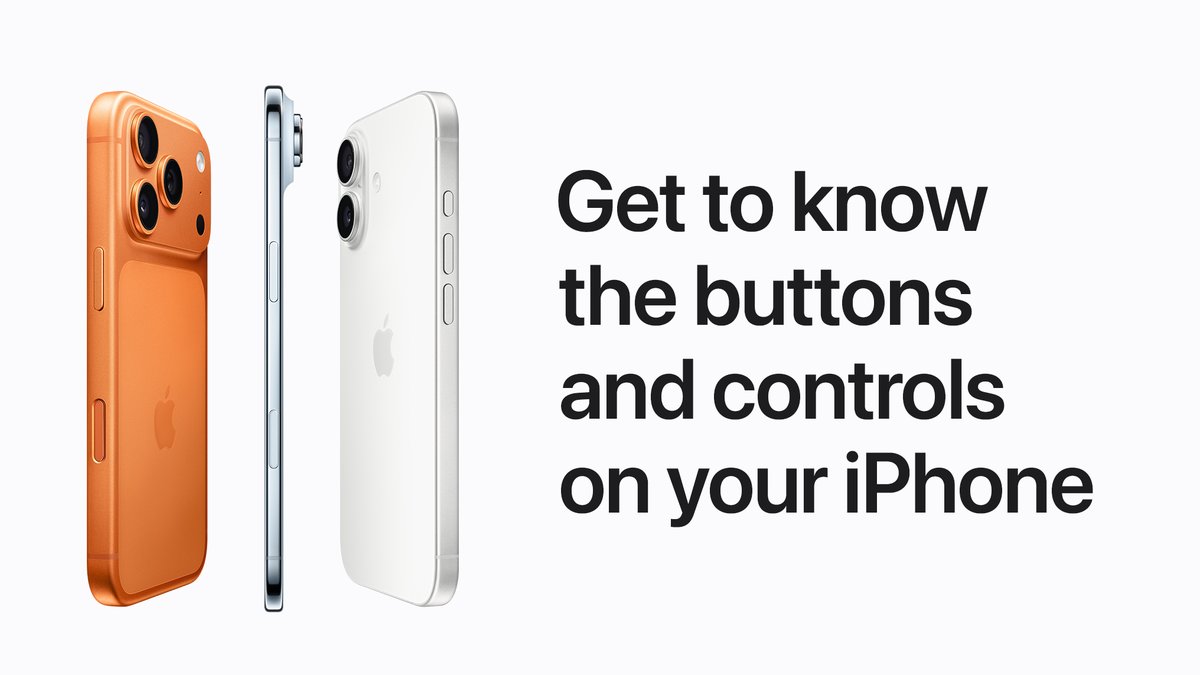
The physical buttons on your iPhone all perform different functions, and some can even be customized. Learn more about the buttons on your iPhone: https://apple.co/4rjiCeV
352 88
View on X →
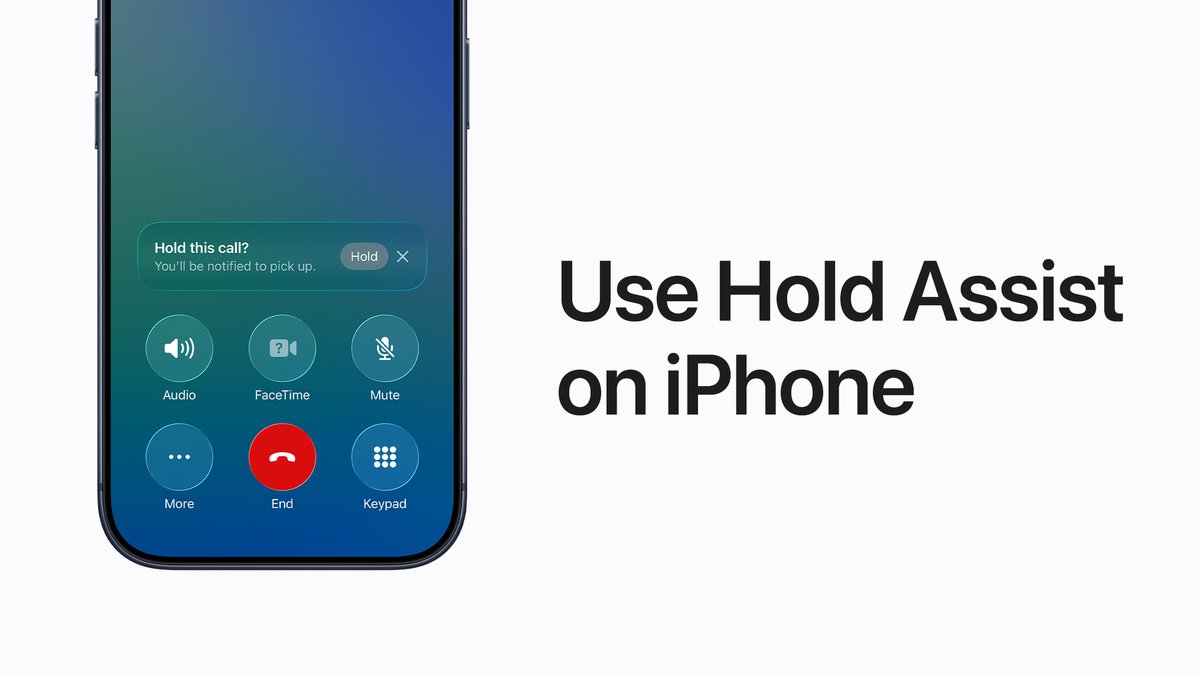
You have better things to do than wait on hold. 📞 You can use Hold Assist to notify you when a live agent is available. Learn more: http://apple.co/4sbSRy3
421 59
View on X →
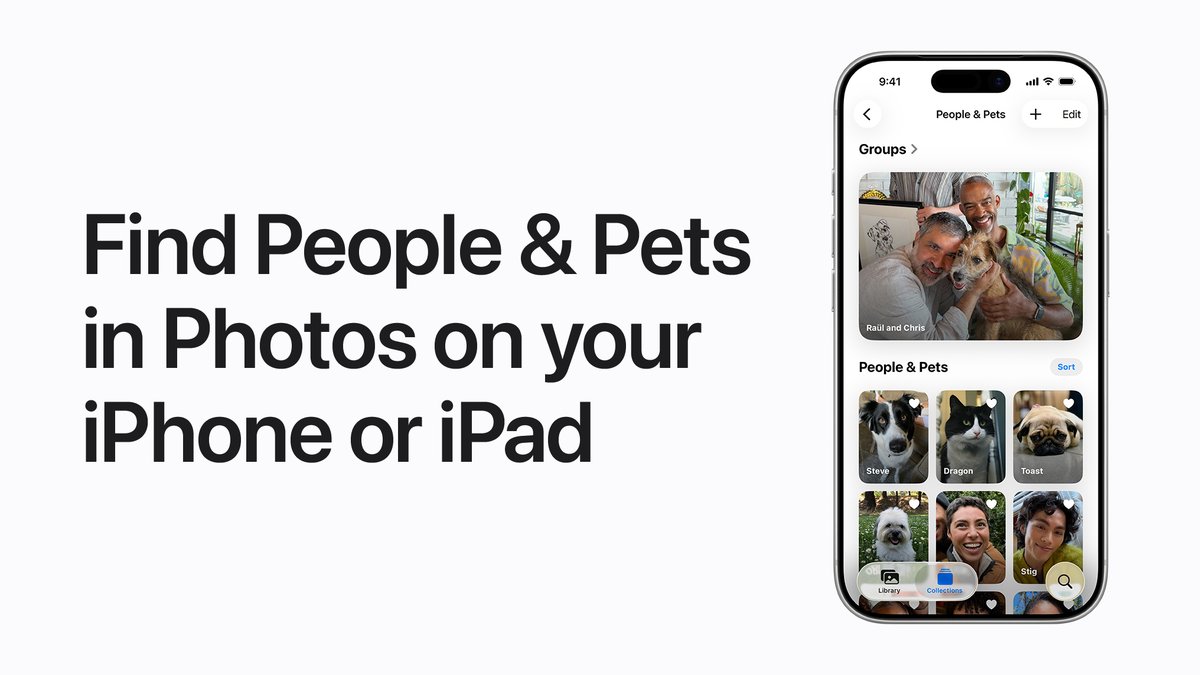
👵🏼 Your grandma 👨🏾‍🦱 Your dad 🐶 Your best friend The Photos app recognizes the faces of people and pets in your photos, and organizes them together in the People & Pets collection so you can easily find them in the future. Learn more: https://apple.co/4k1VMFU
259 36
View on X →
✓ Since 2024 ✓ 600+ buyers served ✓ 1,000+ paid orders
Need a hand?
Purchase / payment / account help — chat with us →