
Verified on 2026-11-05: Based on two Google Account Help articles, "Verify your account" and "Set recovery options". For the full Google sign-in flow, recovery email and 2FA prompts, see our Google sign-in guide.
"This phone number has been used too many times for verification" means the number has hit Google's verification limit. Google's own fix is simple: use a different number. Here's how to tell the two similar errors apart, how to pick a replacement number, and how to set up recovery so you're asked to verify less often.
1. Why Google asks for a phone number
Google says that to protect you and stop spammers, it sometimes requires phone verification to confirm you're a real person when you create an account or sign in. Text or call charges depend on your phone plan and are usually the same as a standard message or call; with the call option you can also use a home phone.
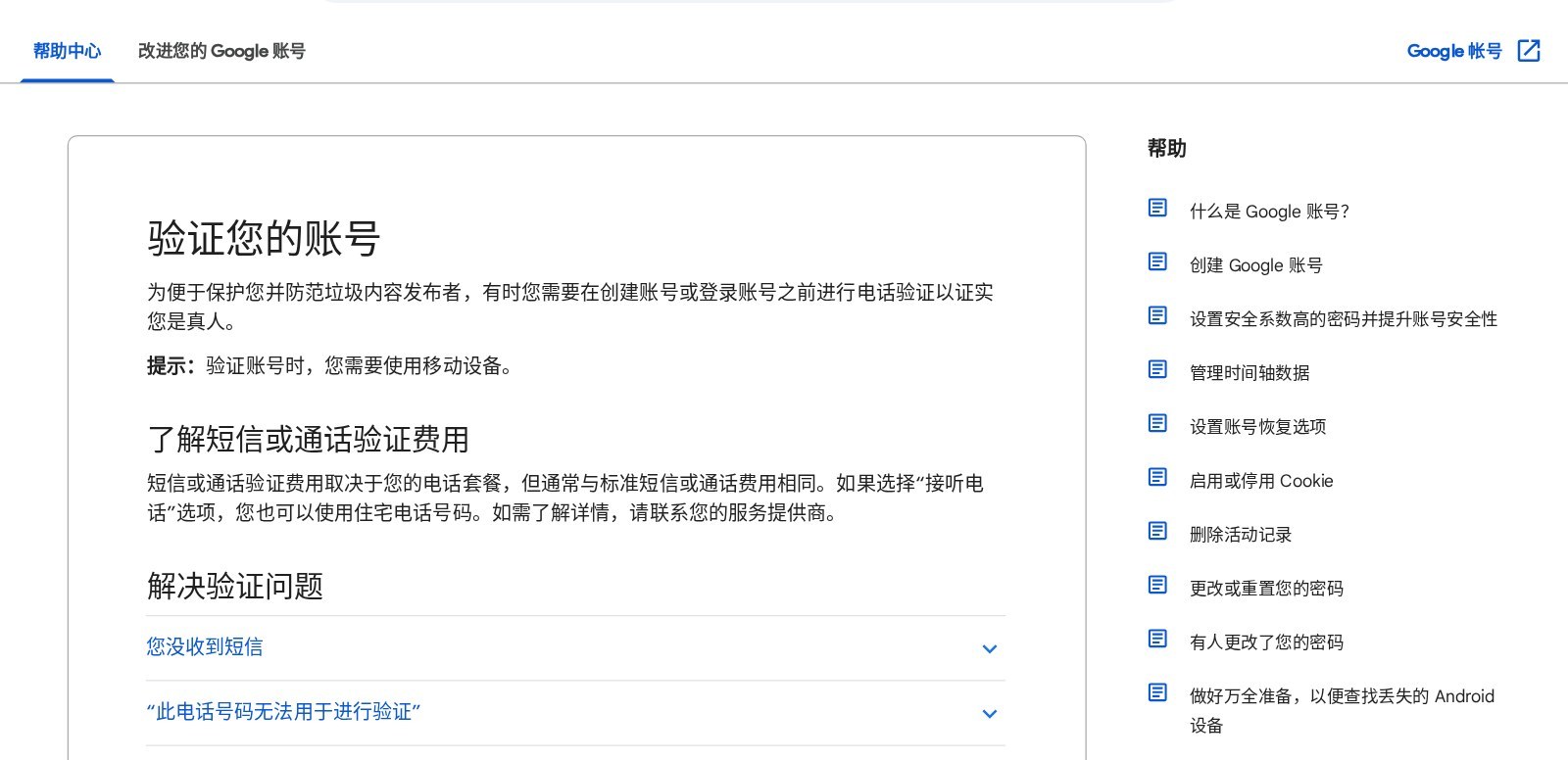
Google Account Help page on phone verification (Chinese page shown).
2. Which error do you have?
| Error | Google's explanation | Google's advice |
|---|---|---|
| This phone number has been used too many times for verification | Google limits how many times one number can be used for verification | Use a different number, such as a family member's or friend's |
| This phone number cannot be used for verification | Google limits how many accounts one number can create | Use a number from a friend, family member or a different carrier |
| No text message arrives | Messages can be delayed in dense areas or by carrier issues | Wait a few minutes or choose the phone-call option |
Google doesn't publish the exact limit and offers no way to reset it, so retrying the same number won't help.
3. Picking a replacement number
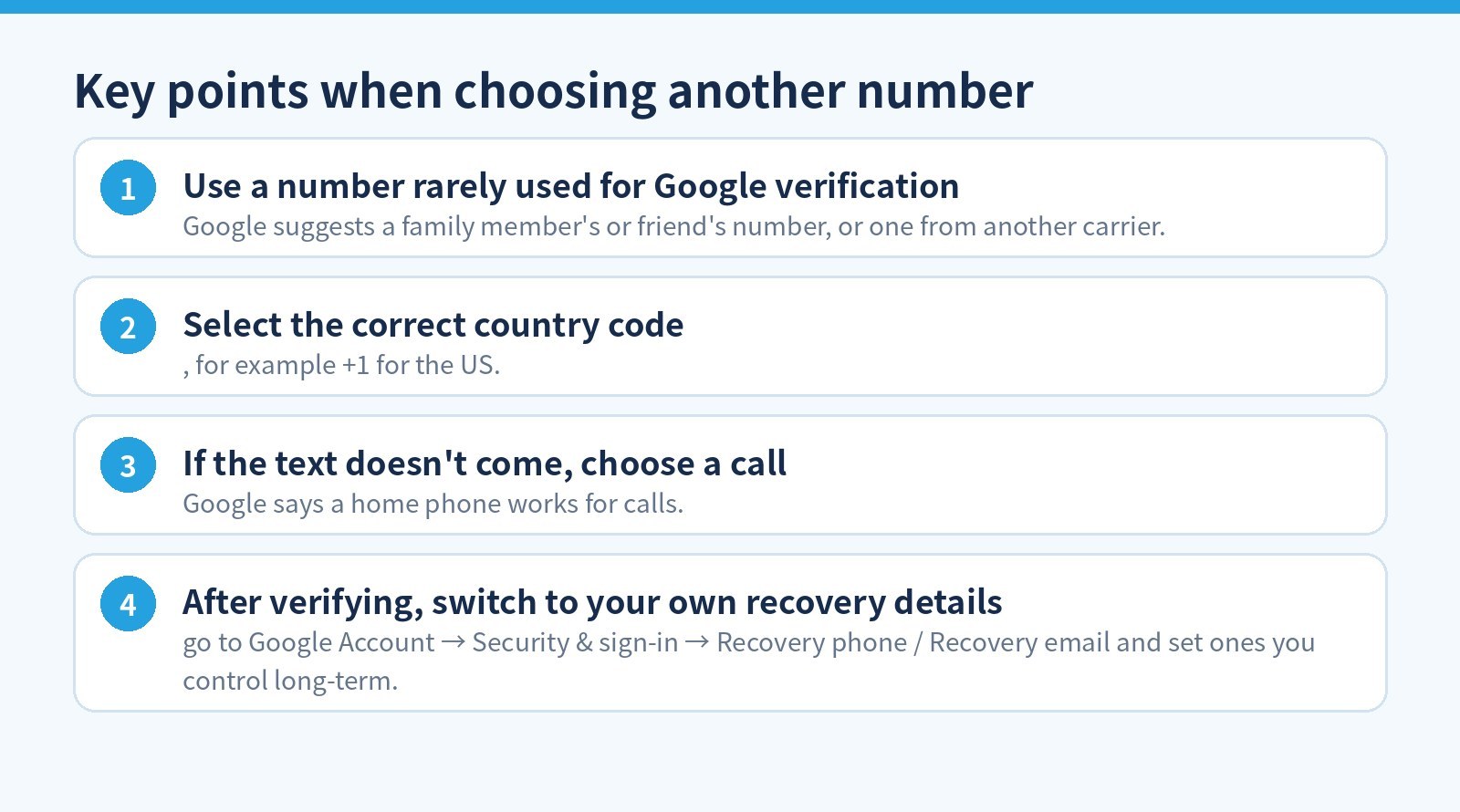
- Use a number rarely used for Google verification: Google suggests a family member's or friend's number, or one from another carrier.
- Select the correct country code, for example +1 for the US.
- If the text doesn't come, choose a call: Google says a home phone works for calls.
- After verifying, switch to your own recovery details: go to Google Account → Security & sign-in → Recovery phone / Recovery email and set ones you control long-term.
4. After verification: fewer prompts later
Recovery info helps you prove the account is yours when sign-in looks unusual. Google recommends:
- Recovery phone: a mobile that receives texts, belongs only to you, and that you use regularly and keep with you. A new or changed recovery phone may take up to 7 days to take effect; a trusted passkey or security key can speed this up.
- No Google Voice number as recovery phone: if you're locked out, the code goes to Google Voice, which you can't open, so you lock yourself out.
- Recovery email: one you use regularly, but not the address you sign in with.
- Recovery selfie video: on some accounts, if you can't sign in, Google may ask you to record a short video (for example turning your head) and compare it with the selfie video you added earlier.
Don't verify a long-term Google account with a public "free SMS" number: anyone can read codes sent to it, and once it's gone you may not recover the account. Ask before borrowing someone's number and replace it with your own recovery phone afterwards. Google decides when verification is required, and no method can guarantee skipping it.
5. FAQ
Will deleting old accounts on this number reset the count?
Google provides no reset; its help page only advises using a different number.
Does the verification number stay on my account?
No. You can change or delete the recovery phone any time under Security & sign-in.
Official sources (verified 2026-11-05): Google Account Help: Verify your account, Google Account Help: Set recovery phone and email.
Don't want to get stuck at verification? 5buyai.com offers ready-registered Google accounts and Gmail addresses. After delivery, add your own recovery phone and email as in section 4. See product pages for current prices.