LUMA (Dream Machine) is Luma AI's video generator for turning text and images into short, cinematic clips with realistic...
About this product
Luma AI's Dream Machine is a popular AI video and image platform known for cinematic visuals and realistic motion. Its latest Ray3 video models support HDR output, stronger visual reasoning and camera control; Modify restyles or reimagines existing footage, and the Photon model creates and edits images.
Which plan to choose
Account: the free plan with limited credits.
Plus monthly: more credits, no watermark, commercial use.
Pro monthly: many more credits for regular creators.
Ultra monthly: the most credits, for studios and heavy use.
Options marked "legacy, discontinued" are out of stock — choose a current plan.
Make videos with Dream Machine
Video · Beginner
Cinematic video
Ray3 delivers HDR visuals and realistic motion.
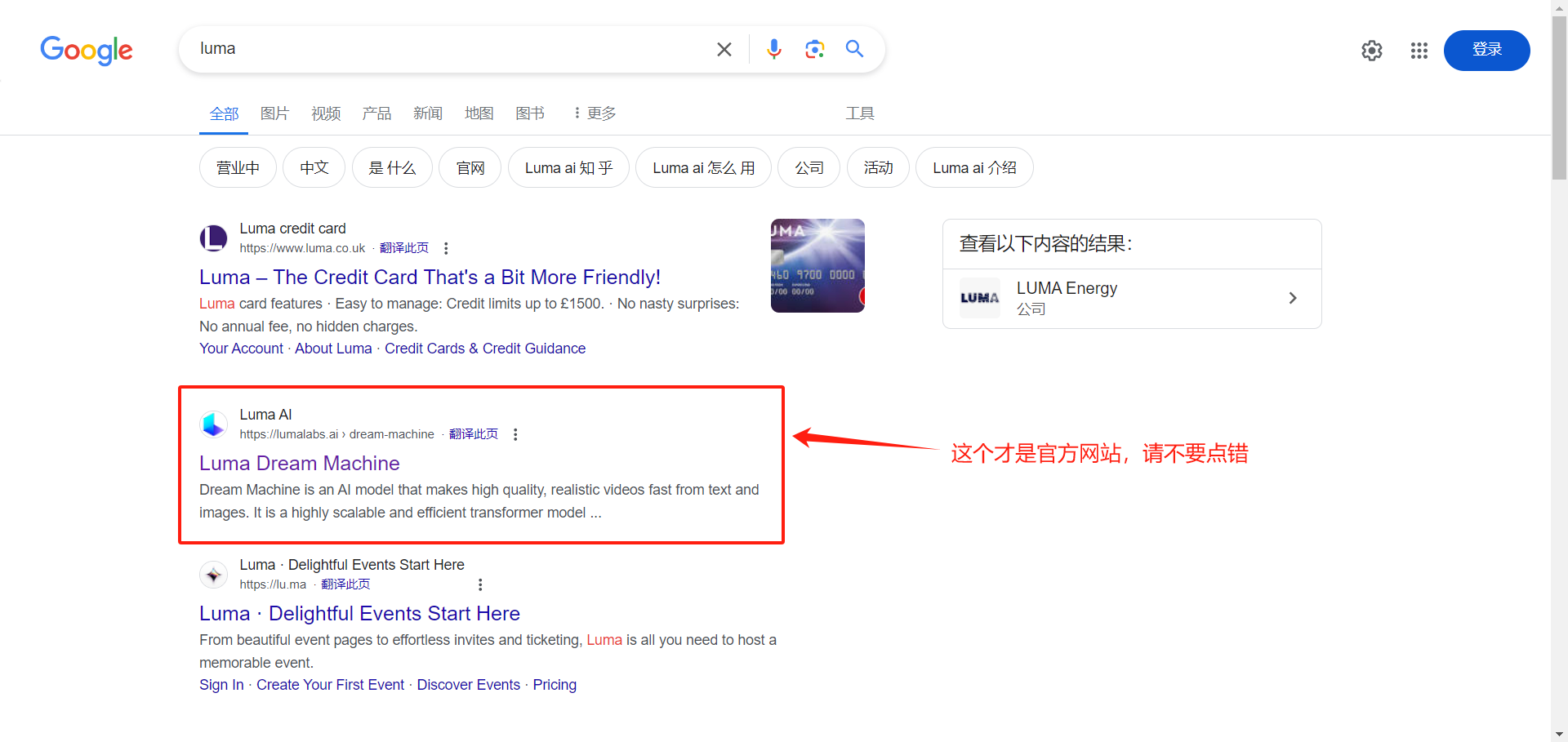
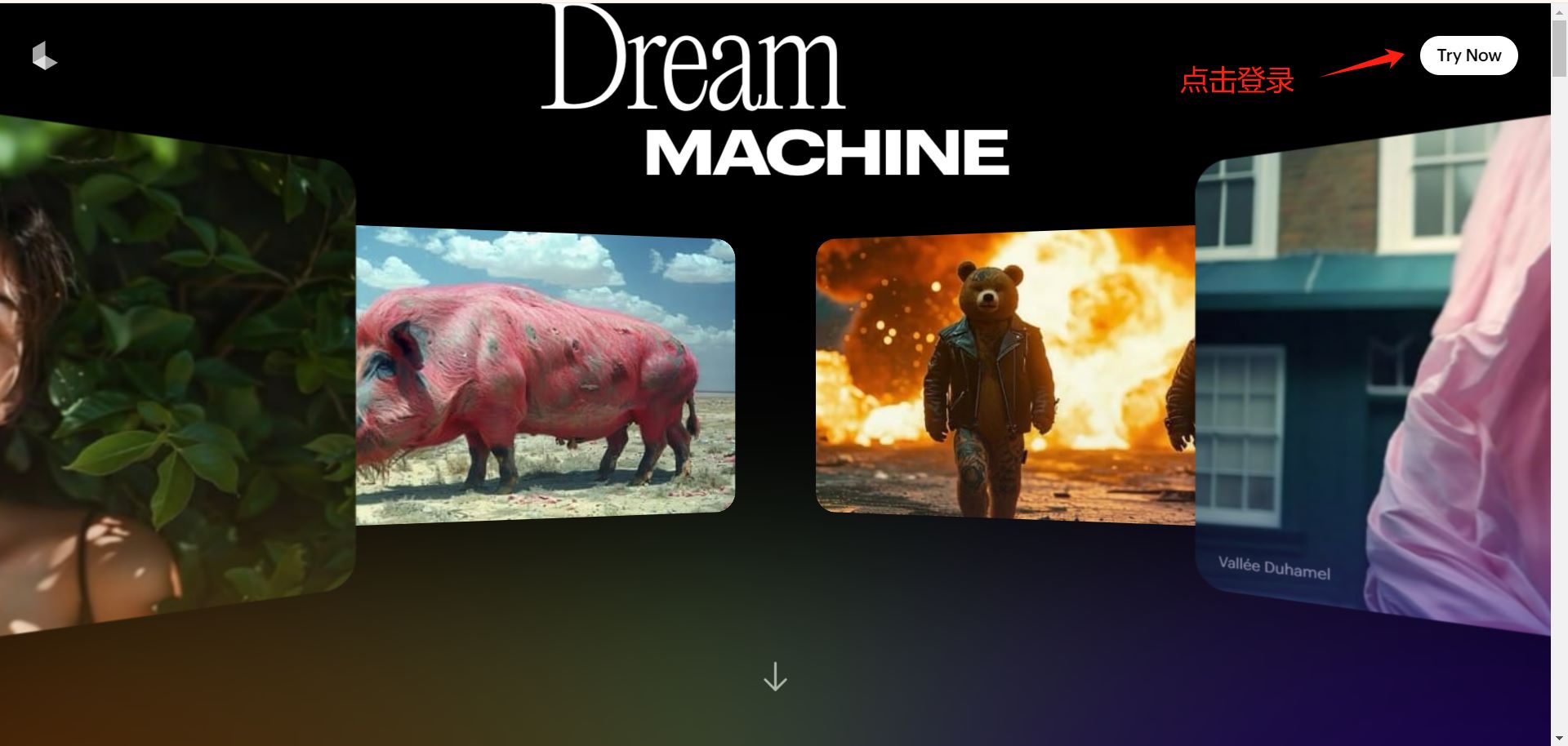
Sign in to Dream Machine at lumalabs.ai
Create a board and describe the scene, camera move and lighting
Extend the clip or download it
Prompt example
A vintage red sports car driving along a coastal road at sunset, aerial tracking shot, cinematic.
Modify · Intermediate
Restyle footage
Upload footage and change scene or style with text.
Upload a video
Describe the new setting or style in words
Compare the result and download it
Try asking
Turn this street-walking clip into a snowy winter night with warm yellow street lights.
Images · Beginner
Images with Photon
Create stills, then animate them.
Choose image generation in a board
Enter a description or upload a reference image
Pick an image you like and turn it into a video
Getting started
Text to video: describe the scene in Boards, choose a Ray3 model, aspect ratio and length.
Image to video: upload a first frame (or first and last frames) and describe the motion and camera.
Modify: upload footage and change its style, setting or characters with text.
Images: create with Photon, then turn your favourites into video.
Tips
Describing camera moves (push in, orbit, tracking) noticeably improves results.
Test with low-resolution drafts before rendering in high quality to save credits.
Check before buying
"Legacy, discontinued" options are out of stock.
Sign in again after the subscription is activated.
Format 1: account----password----recovery email. Sign in to the Gmail inbox and use the code Luma sends (the email may only contain a confirmation link — just click it). See the Gmail sign-in guide. You can also sign in with Google (sign in to Google first, then authorise LUMA).
② After the subscription is activated, sign in to the app or website again.
How it is delivered
🙋 Manual delivery⏰ Working hours UTC+8 09:00–21:00📧 Sent to your order email, also viewable once on the order page
What AI services does 5buyai.com support? Can I get an invoice?
Accounts, subscriptions and top-ups for ChatGPT, Claude, Midjourney, Gemini, Grok and other major AI tools. Invoices are available for AI orders paid in Chinese yuan (CNY).
How do I receive my order after paying?
Orders are delivered manually: after successful payment, the account or card code is sent to your order email during working hours (9:00–21:00, UTC+8). You can check your order details anytime on the order lookup page by order number, email or browser cache.
What payment methods are supported?
Alipay, WeChat Pay, USDT, and Credit Card payments. Credit card payments require first topping up your balance, and then using the balance to purchase products.
Do I need an account to buy?
No. You can check out as a guest and receive items by email; registering lets you manage orders, balance and invoices in one place.
Are prices shown in CNY?
All prices are listed in Chinese Yuan (¥). When paying with USDT the amount is converted automatically at the live rate.
Is there after-sales support?
After-sales support is available for some products, handled via live chat or the order dispute page. Accounts are virtual products: once delivered, no refunds are given unless there is an after-sales issue. CNY refunds and USD refunds are only made back to the original payment method, and USDT refunds are only made on the BSC network.
I am a business buyer and need to make a bulk purchase. How can I get in touch?
Please click the chat widget at the bottom-right corner to reach us and leave your email or other contact details. We will get back to you as soon as possible.
No reviews yet — be the first to review after your purchase.
Disclaimer
This is an independent third-party platform, not affiliated with, endorsed by, or authorized by any brand mentioned. We do not host any third-party login page and do not collect third-party credentials.
When the shot gets harder, the tool matters.
@Kling_ai 4.0 is now in Luma for fast action and bigger camera moves.
Build with the best.
Created in Luma using multiple creative models, including Kling 4.0.