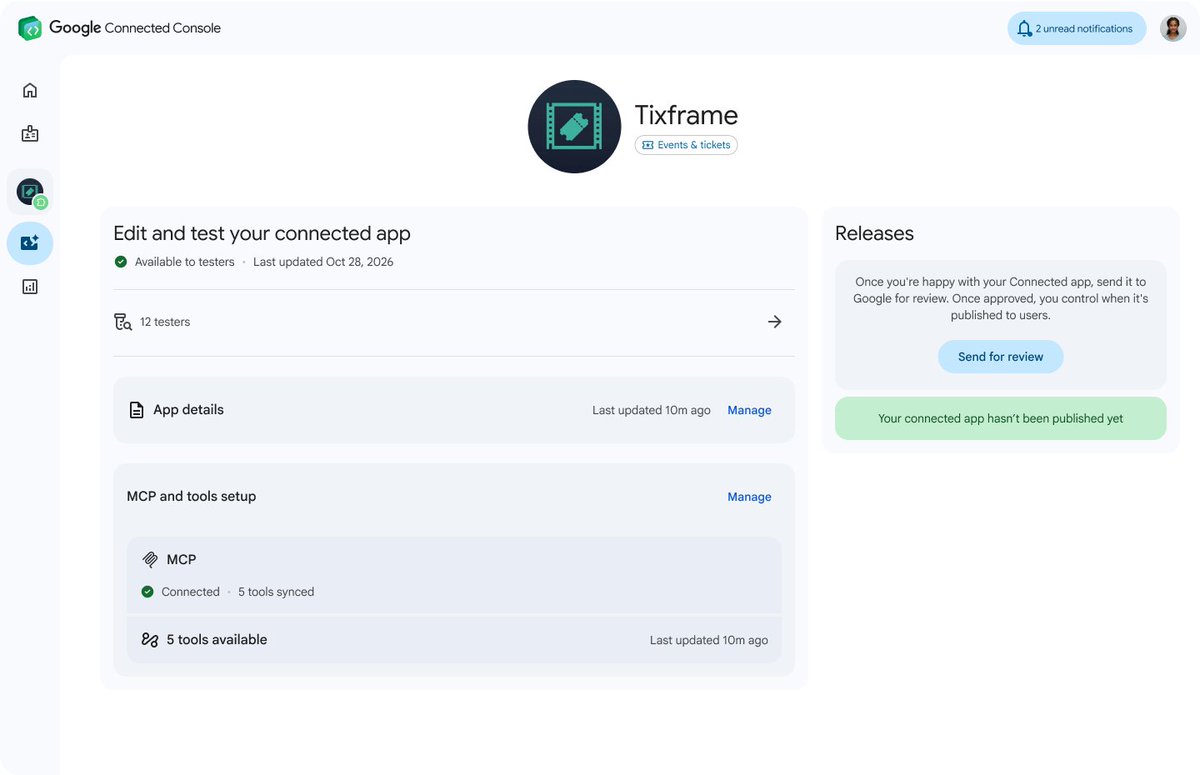

RT @GeminiApp: You can now generate, preview, and edit documents, PDFs, presentations, spreadsheets, and more directly in Gemini.
Easily t…
0
264
View on X →
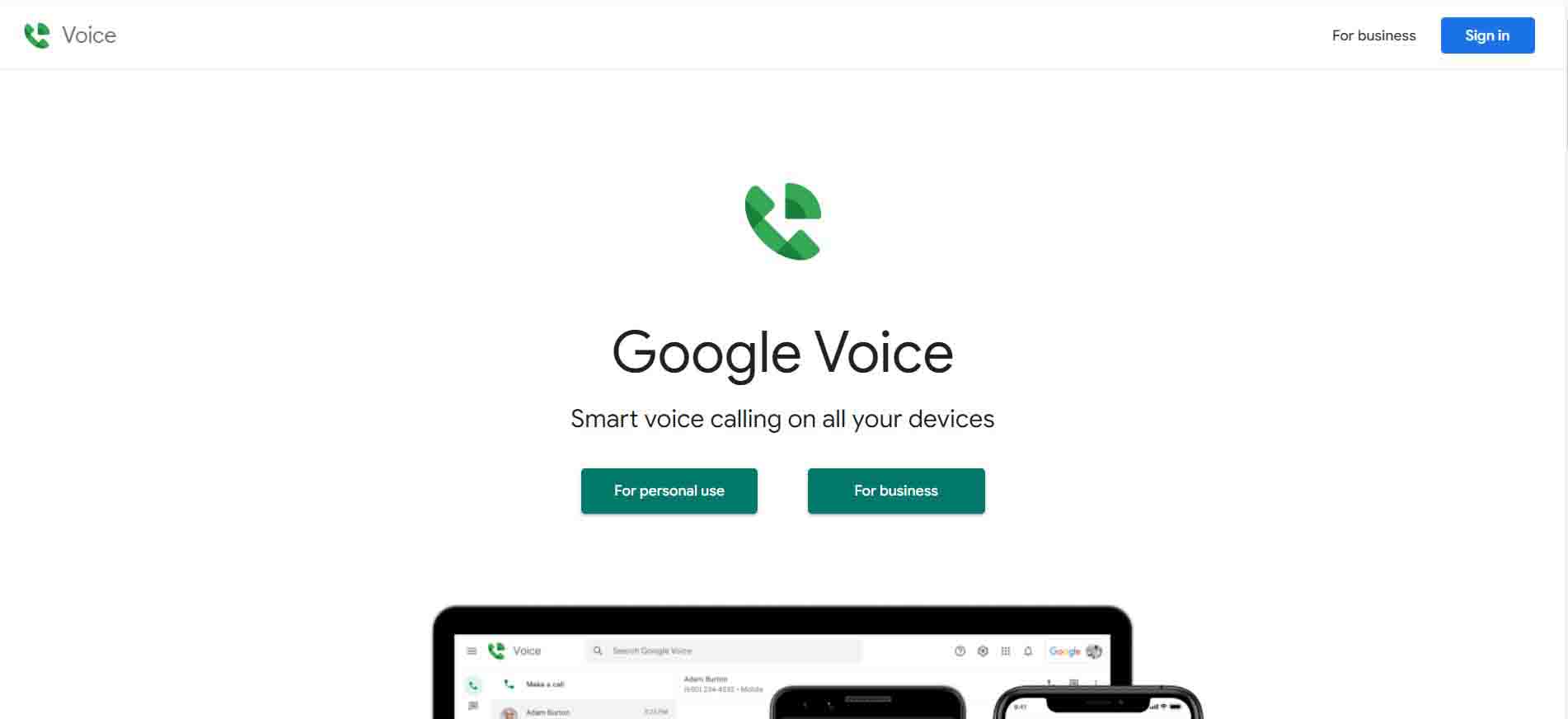
Google Voice is Google's US virtual phone number service. One number lets you send and receive texts, make and take calls, and get voicemail (transcribed) on the web and in the mobile app. Many overseas sites and apps require a US phone number at sign-up; a Google Voice number can be kept long-term for verification codes and calls with US contacts at very low cost. Read more in our blog post: What is Google Voice?
① If asked for SMS verification, your own Chinese phone number works (if it can't be verified, stop and contact support).
② Use only with a US IP address, don't sign in to multiple Google accounts from the same IP, and don't break Google's policies.
③ Number transfer: use the account for about three months first. The receiving Google account must be US-based (registered and used in the US for some time). Successful transfer is not guaranteed.
④ If you don't transfer: change the recovery email, bind your own phone number, turn on 2-Step Verification and change the password.
① Open the Google Voice official website or download the Google Voice app.
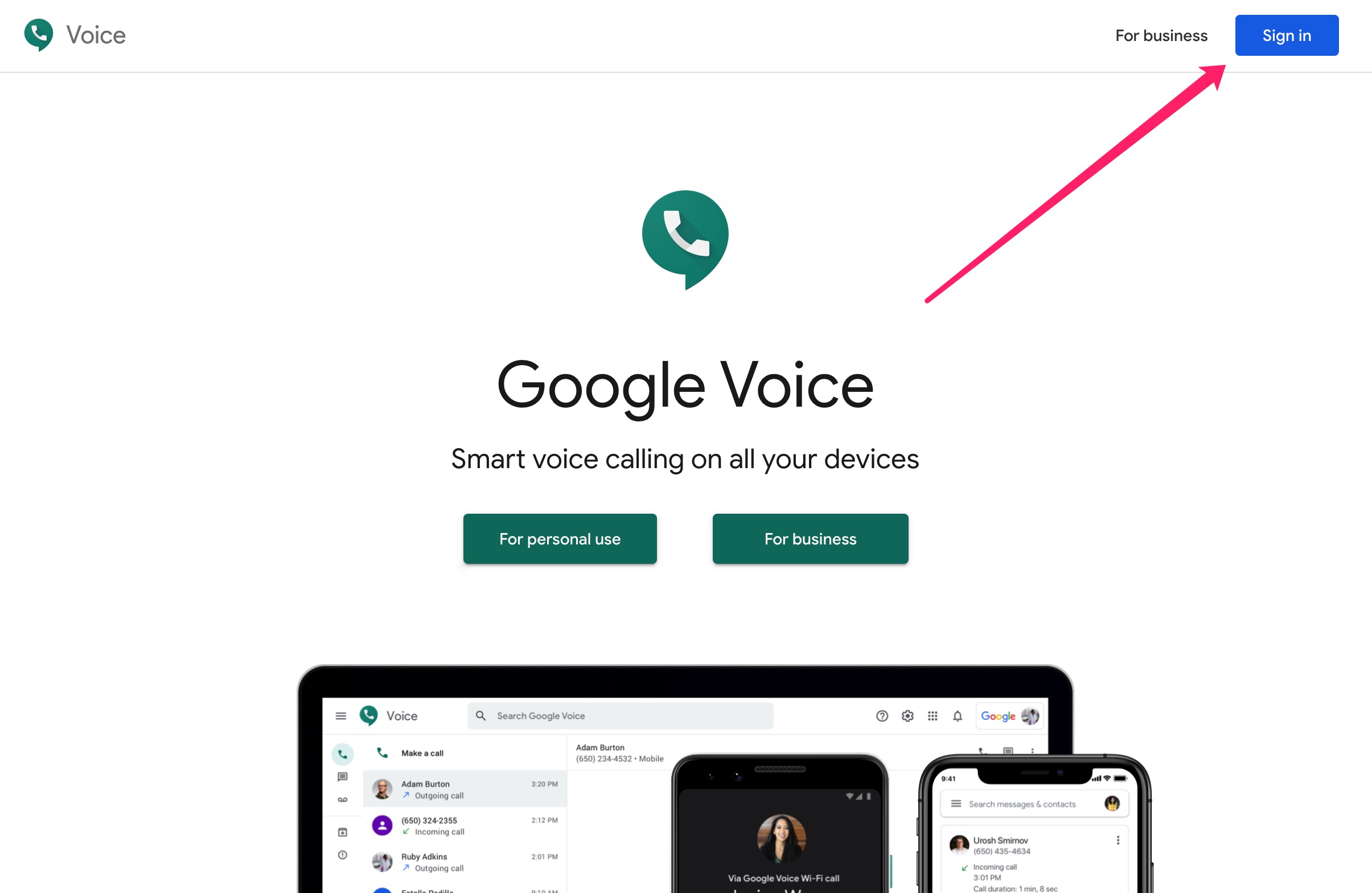
② Sign in just like any Google account — see the detailed Google sign-in guide.
Because this product is highly specialised, we only guarantee a successful sign-in, with no further warranty.
Accounts, subscriptions and top-ups for ChatGPT, Claude, Midjourney, Gemini, Grok and other major AI tools. Invoices are available for AI orders paid in Chinese yuan (CNY).
Orders are delivered manually: after successful payment, the account or card code is sent to your order email during working hours (9:00–21:00, UTC+8). You can check your order details anytime on the order lookup page by order number, email or browser cache.
Alipay, WeChat Pay, USDT, and Credit Card payments. Credit card payments require first topping up your balance, and then using the balance to purchase products.
No. You can check out as a guest and receive items by email; registering lets you manage orders, balance and invoices in one place.
All prices are listed in Chinese Yuan (¥). When paying with USDT the amount is converted automatically at the live rate.
After-sales support is available for some products, handled via live chat or the order dispute page. Accounts are virtual products: once delivered, no refunds are given unless there is an after-sales issue. CNY refunds and USD refunds are only made back to the original payment method, and USDT refunds are only made on the BSC network.
Please click the chat widget at the bottom-right corner to reach us and leave your email or other contact details. We will get back to you as soon as possible.