Flagship models, Codex & Work agents, deep research, no ads
Pro 100
$100/mo
5x Plus usage, Pro models & Codex
Pro 200
$200/mo
10x Plus usage (new subscriptions since 2026-09-29)
Pro 500
$500/mo
25x Plus usage, exclusive Ultrafast
Business Standard seat
$25/mo
per seat; $20/seat billed yearly
Team workspace, min. 2 seats, billed per seat
Business Premium seat
$125/mo
per seat; $100/seat billed yearly
5x Standard seat usage, no 5-hour cap, dot access
Official prices are list prices in USD published by each brand (before tax), for reference only; checked on 2026-10-03. We are not affiliated with these brands.
ChatGPT account / subscription
ChatGPT is OpenAI's conversational AI assistant for chatting, writing, translation, coding, and analysis, with multimoda...
About this product
ChatGPT is OpenAI's AI assistant. It can answer questions, write and translate, understand the files and images you upload, analyse spreadsheet data, create and edit images, search the web and run "deep research", and act as an agent that completes multi-step tasks for you across websites and apps. One account works everywhere below:
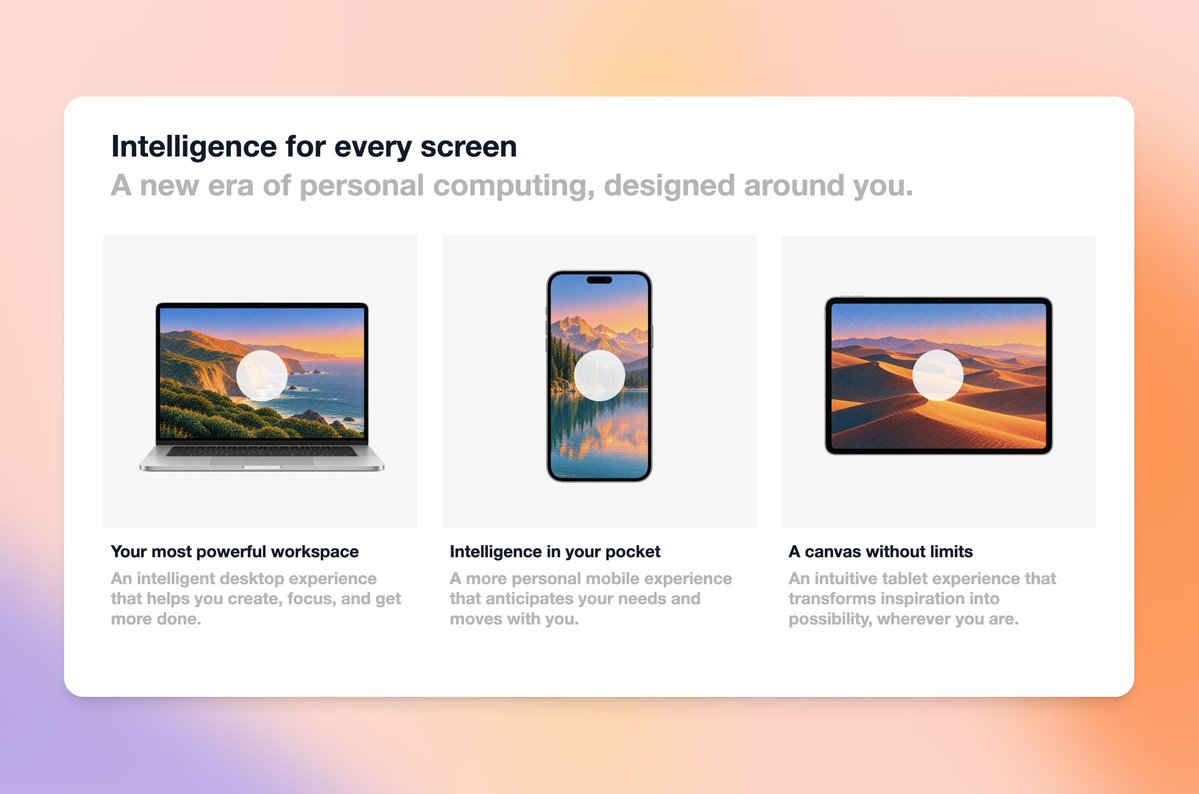
Desktop app (macOS, Windows): redesigned in 2026 to combine chat, the ChatGPT Work agent and Codex in one app, with a built-in browser and, with your permission, access to local files
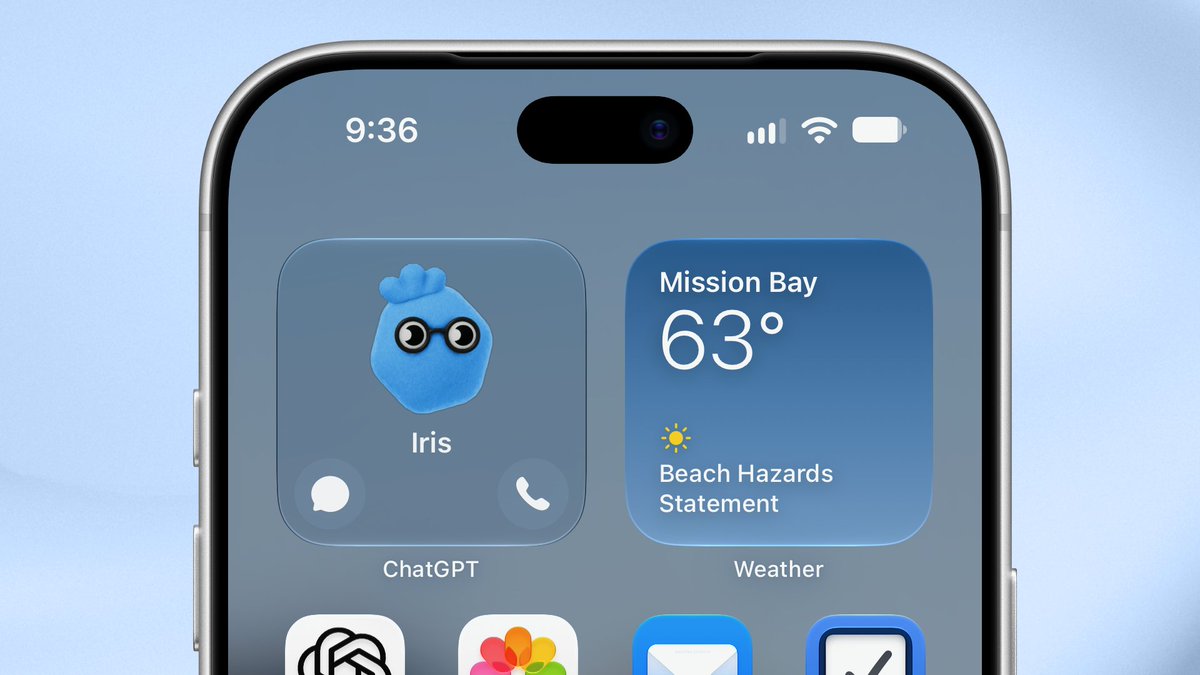
Mobile app (iOS, Android): voice conversations and photo questions (Android installer)
Browser extension: Chrome, Edge, Brave, Opera and Vivaldi
Codex: OpenAI's coding agent, available in the desktop app, on the command line (CLI) and as an editor extension
API: for developers and businesses building on OpenAI models, billed separately from ChatGPT plans
Note: OpenAI retired the Atlas browser on 9 August 2026 and moved its features into the desktop app and browser extension above. The Sora video app was shut down in April 2026.
Which plan to choose
Go: light use, more usage than the free plan, may show ads.
Plus: the right choice for most people, with the main models, deep research, agents and Codex.
Pro (100 / 200 / 500): the same features as Plus with much higher usage, for heavy coding and long-running agent tasks; the three tiers differ by usage.
Business: for teams, billed per seat, with an admin console.
Prices and usage limits for each plan are shown in "Official membership info" at the top of this page (checked against the official site). We can supply a new account or activate a plan on your own account; see "Delivery & support" for the difference.
⚠️ Before you buy
Your registration mailbox may have its own risk controls that stop you from receiving verification codes, which can block sign-in. We recommend turning on ChatGPT's multi-factor authentication (MFA): it does not depend on the mailbox and reliably prevents this kind of sign-in problem.
Describe what you need in one line and get a usable first draft, then refine it with feedback.
Open chatgpt.com or the ChatGPT app and start a new chat
Say in one line what to write, who it is for, how long and in what tone
If it is not right, say exactly what to change, e.g. "more formal" or "cut it to 200 words"
Try asking
I'm applying for an overseas marketing role. Rewrite my CV below in English, highlight measurable results and keep it to one page:
(paste your CV)
Files · Beginner
Read, summarise and compare files
Upload PDFs, Word, slides or screenshots to pull out key points or compare versions in seconds.
Click "+" on the left of the input box and upload a PDF, Word file, slides or a screenshot
Say what you need: a summary, extracted tables or the differences
When checking details, ask it to cite the page number in the original
Try asking
Here are two versions of a contract. List every change in version 2 compared with version 1 and flag any clause that is unfavourable to us.
Data · Intermediate
Analyse spreadsheets
Drop in an Excel or CSV file to clean data, run calculations, draw charts and write up findings.
Drag an Excel or CSV file into the chat
First ask it to explain each column and point out missing or unusual values
Then ask for the analysis, e.g. monthly totals, a line chart and key findings
Try asking
This is our shop's 2025 order sheet. Total sales and order count by month, draw a line chart and name the three fastest-growing products.
Research · Intermediate
Deep research reports
Searches many sources on its own and returns a report with citations within minutes.
Click "+" on the left of the input box and choose "Deep research"
State the question, the scope and the report format you want
Wait a few minutes for the report, then open the citations to check the sources
Try asking
Research the main payment methods for cross-border e-commerce in Southeast Asia in 2026. Compare fees and adoption by country in a table, with sources.
Images · Beginner
Create and edit images
Generate images from a description, or upload one and change its style, background or text.
Describe the image: subject, style, layout and any text it should contain
Or upload an image and say what to change
Keep refining, e.g. "make the background white" or "make the text bigger"
Try asking
Create a 16:9 product poster: an iced americano on a white background, "Summer special $3" on the right, in a clean Japanese style.
Agents · Advanced
Let ChatGPT Work get things done
Completes multi-step tasks across websites, apps and files, such as comparing prices or filling forms, and checks with you before key steps.
Choose Agent mode from the "+" menu in the input box
State the goal, the constraints and the format of the result in one go
It pauses at key steps such as signing in or paying and waits for your confirmation
Try asking
Compare the cheapest monthly price for a 2-vCPU, 4 GB server at three major cloud providers. Put it in a table with links to the purchase pages.
Coding · Advanced
Code with Codex
Let the AI read, change and test code in the desktop app, on the command line or in your editor.
Choose how hard it should think: ask everyday questions directly; for maths, coding or planning, pick a "Thinking" model or ask it to think longer for more reliable results.
Upload files: tap "+" next to the message box to upload PDFs, Word, Excel, PowerPoint files or images, then ask it to summarise, compare, extract tables or rewrite.
Use Projects for ongoing work: keep the files and chats for one piece of work in a project; ChatGPT remembers the project's material and instructions, so you don't have to repeat yourself.
Deep research: when a question needs many sources, turn on deep research; it searches on its own and returns a report with citations after a few minutes.
Agents / ChatGPT Work: hand over multi-step tasks such as comparing prices, organising information into a table or filling in web forms; it asks you to confirm before key actions such as signing in or paying. New features roll out in stages, so what you see depends on your account.
Voice: tap the voice button in the mobile app and just talk; great for speaking practice or asking on the go.
Memory and personalisation: turn on memory in Settings, or describe your role, industry and preferred style under Personalisation, and answers will fit you better.
Tips
Give context, a goal and a format, e.g. "You are a senior recruiter. Rewrite the CV below for international companies, as bullet points."
Break complex tasks into steps and check each one; this works better than asking for everything at once.
For facts and figures, ask it to cite sources and check them yourself.
Never send passwords, ID numbers or other sensitive data to an AI.
Try to sign in from a consistent network; frequently switching between IPs in different countries can trigger the platform's risk controls.
Check before buying
Usage limits differ by plan; compare them in "Official membership info" above before you buy.
New features such as agents and ChatGPT Work roll out in stages; availability depends on your account.
Codex requires multi-factor authentication (MFA); see the sign-in guide under "Sign-in & subscription".
ChatGPT official tools
Made by OpenAI. Beyond the web app there are desktop and mobile apps, a Chrome extension, Office extensions, the Codex coding agent, the ChatGPT Work agent, and hundreds of official plugins.
OpenAI’s coding agent for pull requests, refactors, code review and automation in parallel — in the ChatGPT desktop app, on the web and in the terminal.
All plans, including FreeDesktop · Web · Terminal · IDE
Where
Open Codex in the ChatGPT desktop app or on the web; the CLI is on GitHub at openai/codex
Note
Limited on Free and Go, more on Plus, extended on Pro.
Compiled by 5buyai from official websites, directories and GitHub repositories — not an official page; plan details follow the official terms · Plans checked 2026-10-21
① Provide your account and sign in together with our support team, or
② Provide your Session token.
③ Credits top-up: we provide virtual card details and you add the card to your account yourself. (Important: your first purchase must include the card opening fee, and the minimum top-up is US$100. After-sales: any remaining balance is refundable. Do not make payments when the balance is insufficient, and turn off auto top-up; otherwise the card will be frozen and no refund will be given.)
How it is delivered
🙋 Manual delivery⏰ Working hours UTC+8 09:00–21:00📧 Sent to your order email, also viewable once on the order page
Buy a new account
Nothing needed from you — just wait for delivery after paying.
For: Account, Plus first month (new account only, unstable, for temporary use), Account (includes Codex, phone-verified), Plus monthly membership, Business monthly (Standard seat, 1 seat), Pro 100 monthly (unofficial, no warranty), Pro 200 monthly (unofficial, no warranty), Go monthly membership, Business monthly (Premium seat, 1 seat), Pro 100 monthly membership, Pro 200 monthly membership, Pro 500 monthly membership
Recharge my account
After paying, provide on the order page: Account (optional), Session token, Notes (optional)
For: Plus monthly membership, Business monthly (Standard seat, 1 seat), Go monthly membership, Business monthly (Premium seat, 1 seat), Pro 100 monthly membership, Pro 200 monthly membership, Pro 500 monthly membership
Cyber verification
Nothing needed from you — just wait for delivery after paying.
For: Trusted Access for Cyber(TAC) verification (Daybreak Blue), Daybreak Red Certification
Credit card (new)
Nothing needed from you — just wait for delivery after paying.
For: Card opening fee (first Credits top-up)
Top up my credit card
After paying, provide on the order page: Last 4 digits of the card number (optional)
For: Credits top-up ($100)
Other
Nothing needed from you — just wait for delivery after paying.
① ChatGPT accounts come with one week of after-sales support. If the account is banned, we will replace it.
② If a Plus monthly membership loses its Plus status, we refund the remaining days: refund = price paid ÷ 30 × remaining days − ¥10 handling fee. (Example: a Plus monthly membership bought for ¥165 is banned after 7 days; the refund is 165 ÷ 30 × (30 − 7) − 10 = ¥116.50.) Note: no after-sales support if the account is banned.
③ If a Pro monthly membership loses its Pro status, we refund the remaining days: refund = price paid ÷ 30 × remaining days − ¥30 handling fee. (Example: a Pro monthly membership bought for ¥1,550 is banned after 7 days; the refund is 1550 ÷ 30 × (30 − 7) − 30 = ¥1,158.33.) Note: no after-sales support if the account is banned.
④ Team (Business) monthly memberships currently have no after-sales support.
⑤ The Cyber verification service may lead to the account being banned; our Cyber verification service comes with no warranty.
What AI services does 5buyai.com support? Can I get an invoice?
Accounts, subscriptions and top-ups for ChatGPT, Claude, Midjourney, Gemini, Grok and other major AI tools. Invoices are available for AI orders paid in Chinese yuan (CNY).
How do I receive my order after paying?
Orders are delivered manually: after successful payment, the account or card code is sent to your order email during working hours (9:00–21:00, UTC+8). You can check your order details anytime on the order lookup page by order number, email or browser cache.
What payment methods are supported?
Alipay, WeChat Pay, USDT, and Credit Card payments. Credit card payments require first topping up your balance, and then using the balance to purchase products.
Do I need an account to buy?
No. You can check out as a guest and receive items by email; registering lets you manage orders, balance and invoices in one place.
Are prices shown in CNY?
All prices are listed in Chinese Yuan (¥). When paying with USDT the amount is converted automatically at the live rate.
Is there after-sales support?
After-sales support is available for some products, handled via live chat or the order dispute page. Accounts are virtual products: once delivered, no refunds are given unless there is an after-sales issue. CNY refunds and USD refunds are only made back to the original payment method, and USDT refunds are only made on the BSC network.
I am a business buyer and need to make a bulk purchase. How can I get in touch?
Please click the chat widget at the bottom-right corner to reach us and leave your email or other contact details. We will get back to you as soon as possible.
No reviews yet — be the first to review after your purchase.
Disclaimer
This is an independent third-party platform, not affiliated with, endorsed by, or authorized by any brand mentioned. We do not host any third-party login page and do not collect third-party credentials.
GPT-6.1 Terra means business.
Our new fast, efficient model pairs sharper visual reasoning and precise computer use with clearer, more natural writing.
From decoding technical drawings to drafting proposals, filling forms to editing videos—it’s built for the whole workday.
Keep sensitive conversations out of view with Locked Chats in ChatGPT.
Move chats out of your regular history and search into a protected space you can unlock with a PIN on web and desktop, or a PIN, Face ID, Touch ID, or device unlock on supported mobile devices.
New messages https://t.co/tV0wBj8f0i
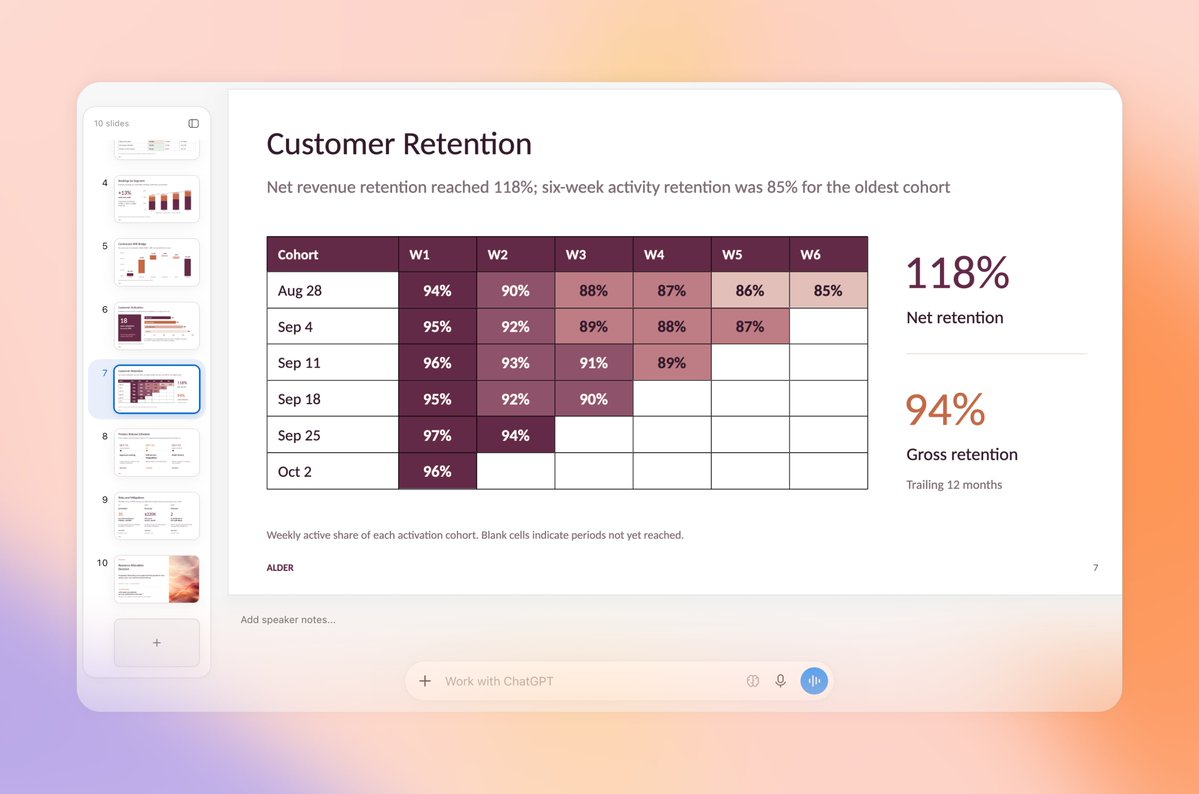
ChatGPT Slides has new ways to get your deck ready—and get everyone on the same page.
• Work together in real time in ChatGPT: Share decks, edit together, and leave comments. Ask ChatGPT or your dot to turn feedback into updates.
• Edit right on the slide: Click to change https://t.co/tTxwf6cZdA


 ChatGPT official tools