
Verified on 2026-11-05: This guide is based on Telegram's official FAQ, its spam FAQ and the login section of Telegram's developer documentation. It covers signing in and protecting your own number and your own account. If you see "you can only send messages to mutual contacts", read our Telegram mutual-contact limit guide.
A Telegram account is tied to a phone number: whoever controls the number controls the account. Missing codes, a new phone or a lost phone all have the same fix: keep at least one device signed in, then add two-step verification, a passkey and a login email as extra layers.
1. Before you sign in: number format and device
- Enter your number in international format: +country code + number, for example +1 for the US. An extra leading 0 or a missing country code is a common reason codes never arrive.
- Telegram only works with mobile numbers. The FAQ says landlines are not supported.
- Sign in with an official mobile app first. The developer docs say that in some cases only official mobile apps can receive SMS or call codes; desktop and third-party apps use other methods such as Telegram messages, email, QR codes or passkeys.
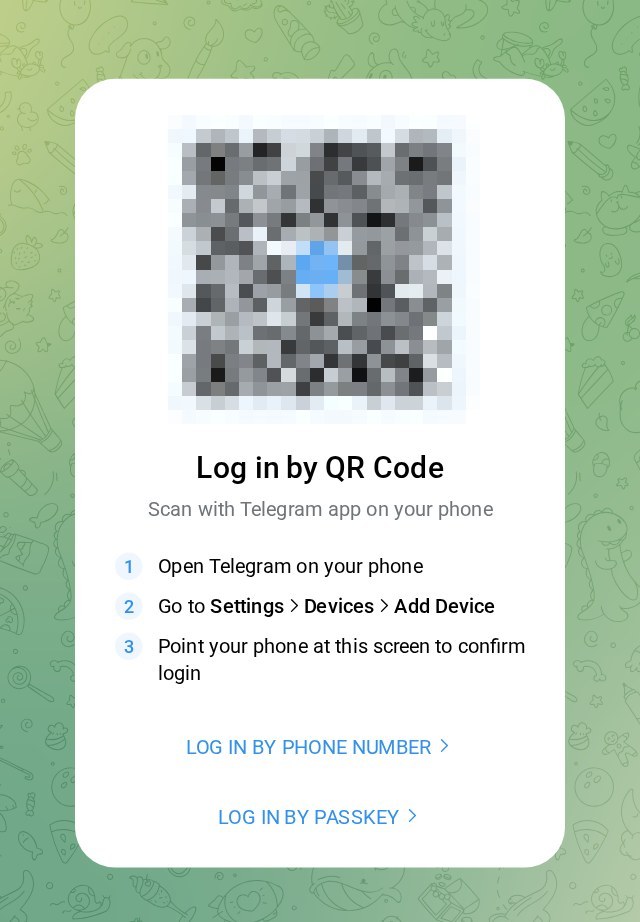
Telegram Web login page (web.telegram.org). QR code blurred.
2. Not getting the SMS code?
Check the official Telegram chat on a signed-in device
If you recently used the account on another device (or another Telegram app on the same device), Telegram may send the code inside Telegram instead of by SMS. Open any signed-in device and look in the chat with "Telegram", the verified account with a blue check.
Use a call or email instead
- Phone call: some carriers don't support voice codes, or require two-step verification to be on first.
- Login email: if you sign in often, Telegram asks you to verify an email, and future login codes go there instead of SMS.
- Passkey: create one on a signed-in device, then sign in on a new device with your PIN, fingerprint or face, no SMS needed.
Still stuck: use the official form
If none of this works, contact Telegram through the login-problems form linked in its FAQ. Ignore anyone who messages you offering to "unban" your account or receive codes for you.
Telegram warns that getting codes inside Telegram is not a substitute for a phone number you control. If you change numbers, move the account to the new number in Settings first, or you may lose the account for good. Never share a login code with anyone.
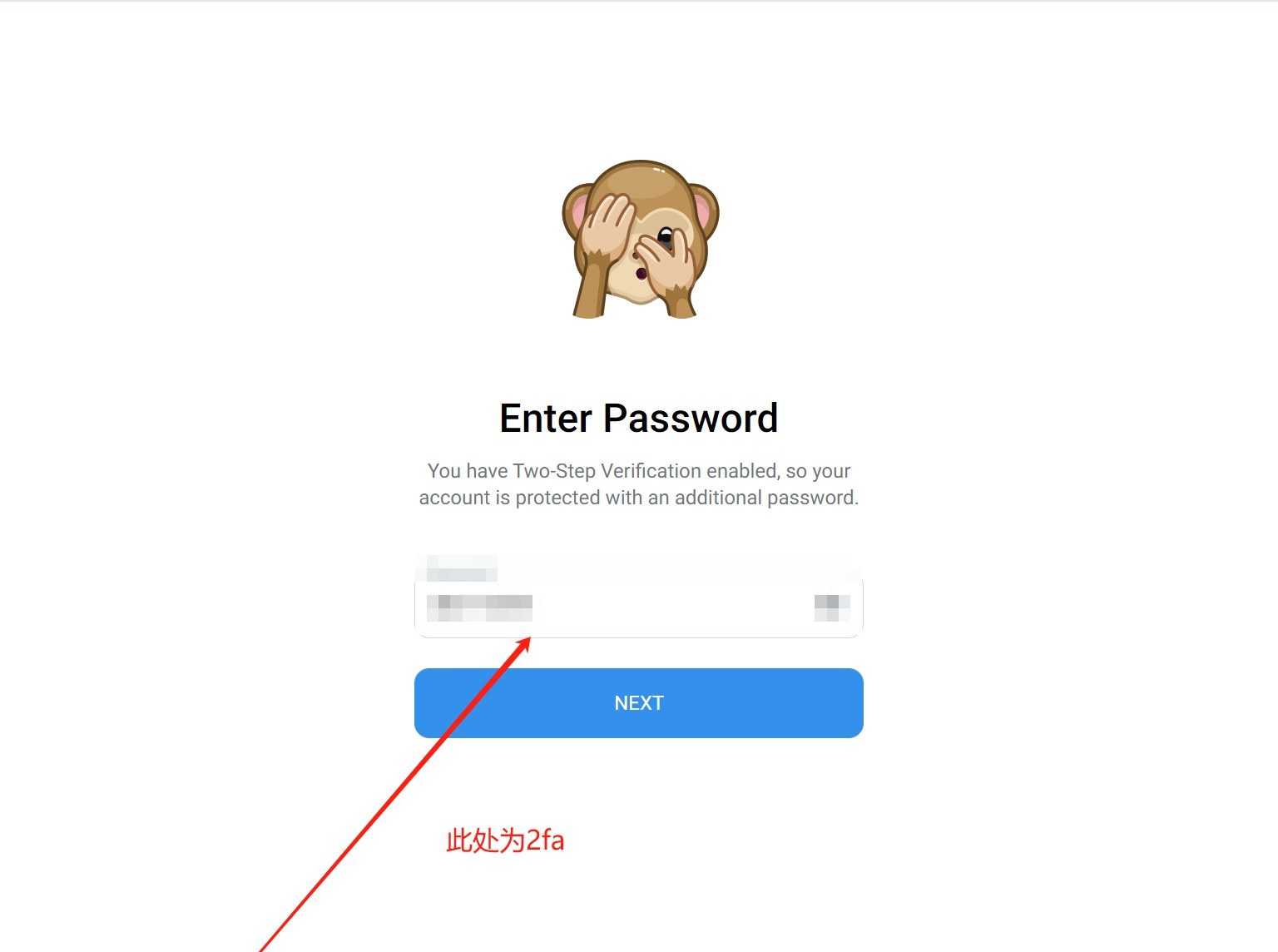
With two-step verification on, a new login asks for your extra password.
3. Four security settings to turn on right after login
- Two-step verification: Settings → Privacy and Security → Two-Step Verification. Set a password. After that, the phone number alone can't sign in.
- Passkey: Settings → Privacy and Security → Passkeys, for SMS-free logins on new devices.
- Review devices: Settings → Devices (or Privacy and Security → Active Sessions in some versions) and terminate anything you don't recognise.
- Check self-destruct timing: by default an account offline for 18 months is deleted with its cloud messages and contacts. For a backup number you rarely open, set a longer period in Settings.
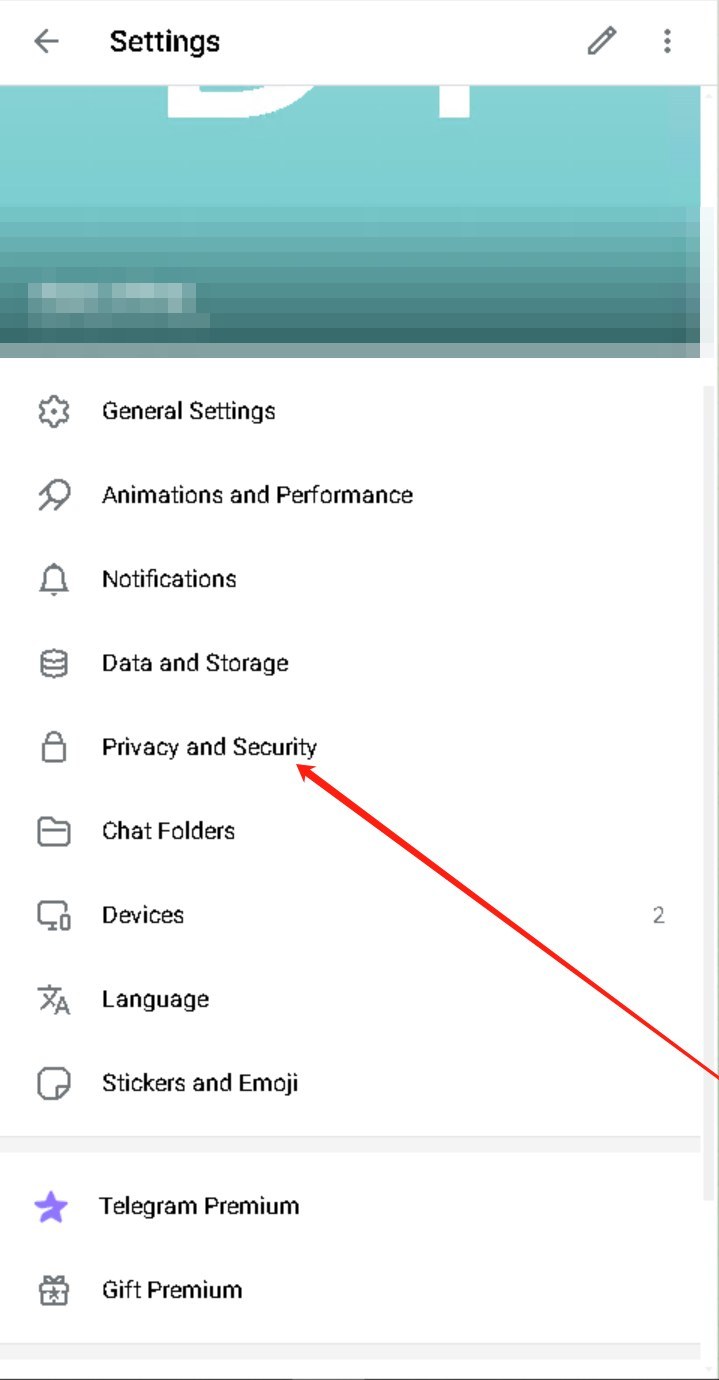
Settings → Privacy and Security.
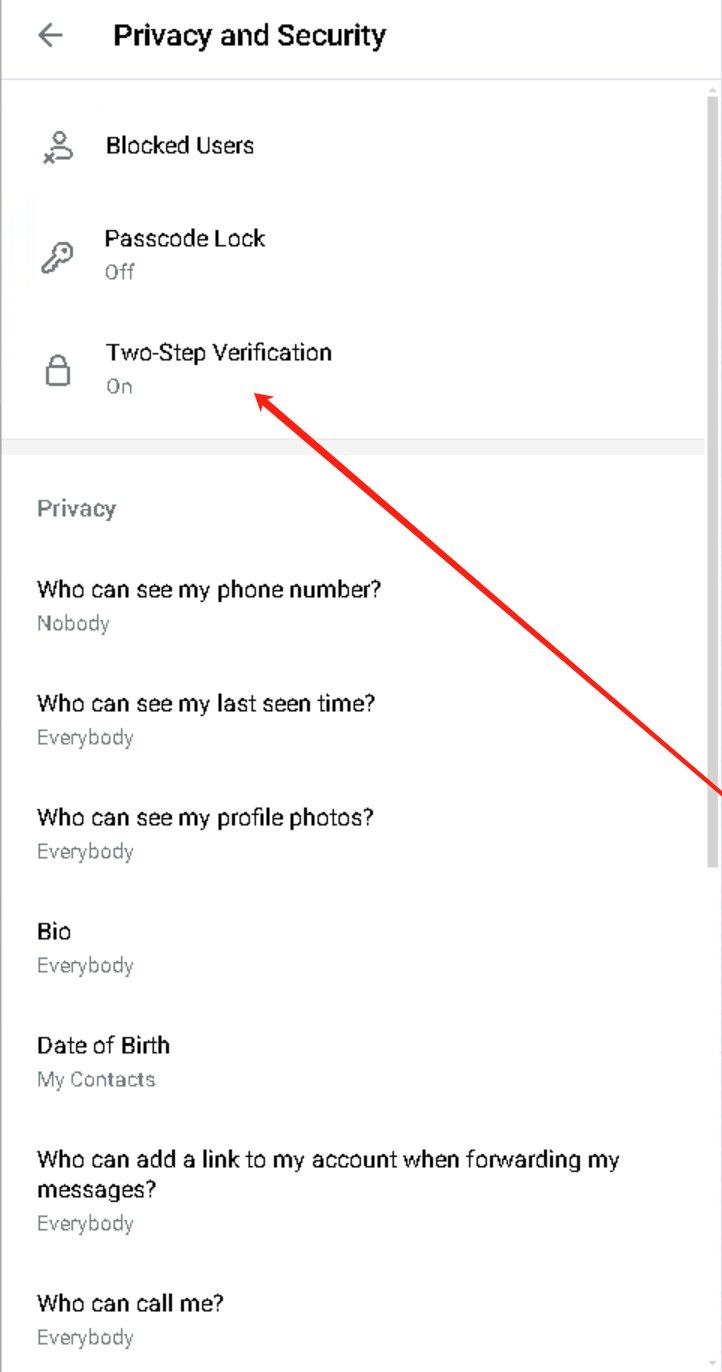
Find Two-Step Verification under Privacy and Security.
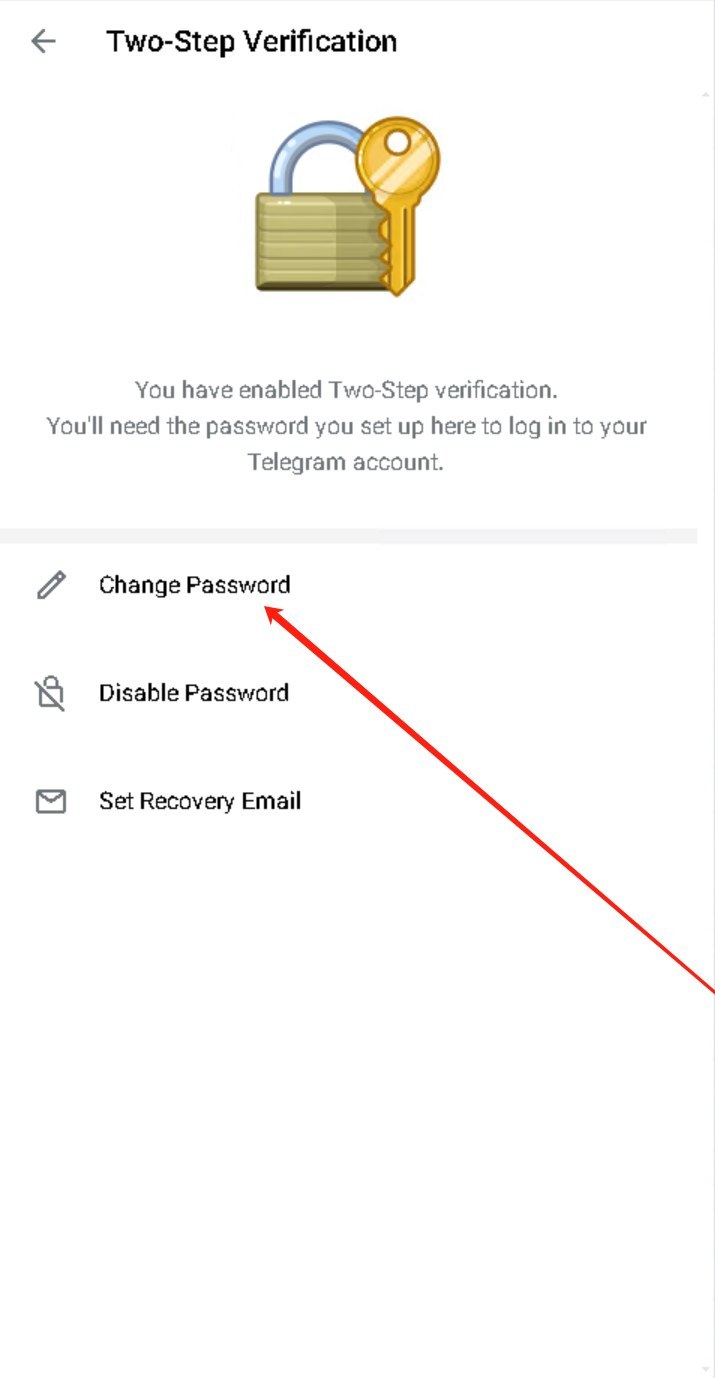
Change the password or set a recovery email here.
4. Lost or stolen phone
Telegram identifies users only by phone number, and its FAQ says it can't help if you have neither the number nor any signed-in device. So:
| Situation | What Telegram recommends |
|---|---|
| Another device is still signed in | Turn on two-step verification now; terminate the lost phone's session under Devices / Active Sessions; ask your carrier to block the old SIM and issue a new one with the same number |
| No other signed-in device | Contact your carrier first to block the SIM and get your number back, then sign in and turn on two-step verification |
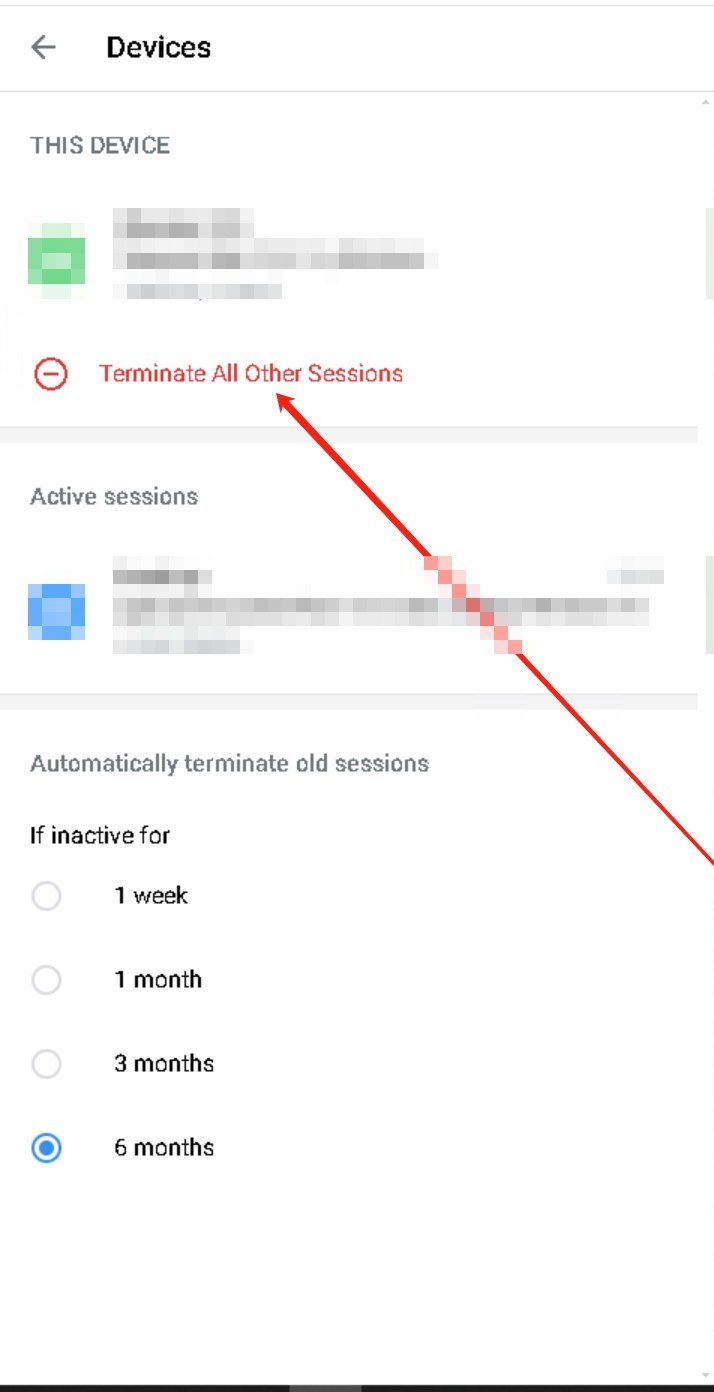
Settings → Devices → Terminate All Other Sessions. Device details blurred.
5. FAQ
What can I use as a username?
Letters a-z, digits 0-9 and underscores; usernames are not case-sensitive. A username lets people find and message you without your number, so skip it if you don't want strangers to reach you.
My new account is limited before I sent anything?
Telegram's spam FAQ says some numbers trigger an overly harsh response because of a previous owner's activity or because they are certain virtual/VOIP numbers. If you're sure you broke no rules, contact @SpamBot and explain.
Official sources (verified 2026-11-05): Telegram FAQ, Telegram spam FAQ, Telegram developer docs: user authorization. Menu names may vary slightly by app version and platform.
Need a reliable Telegram account or Premium? 5buyai.com offers Telegram accounts and membership. After delivery, follow section 3 right away: turn on two-step verification, create a passkey and review signed-in devices. See the product page for current prices.
Telegram account or membership International SMS verification