
Verified on 2026-11-05: Based on Instagram Help Center articles on video selfies, hacked accounts and disabled accounts, plus Meta's explanation of face recognition for verification. For 2FA setup, see our Instagram two-factor authentication guide.
When Instagram asks for a video selfie (turning your head as prompted), it's checking two things: that you're a real person and that you own the account. Instagram says photos and IDs can be digitally altered, while a head-turn video is harder to fake. Here's what triggers it, how to give yourself the best chance, what to do if it fails, and how to appeal a disabled account.
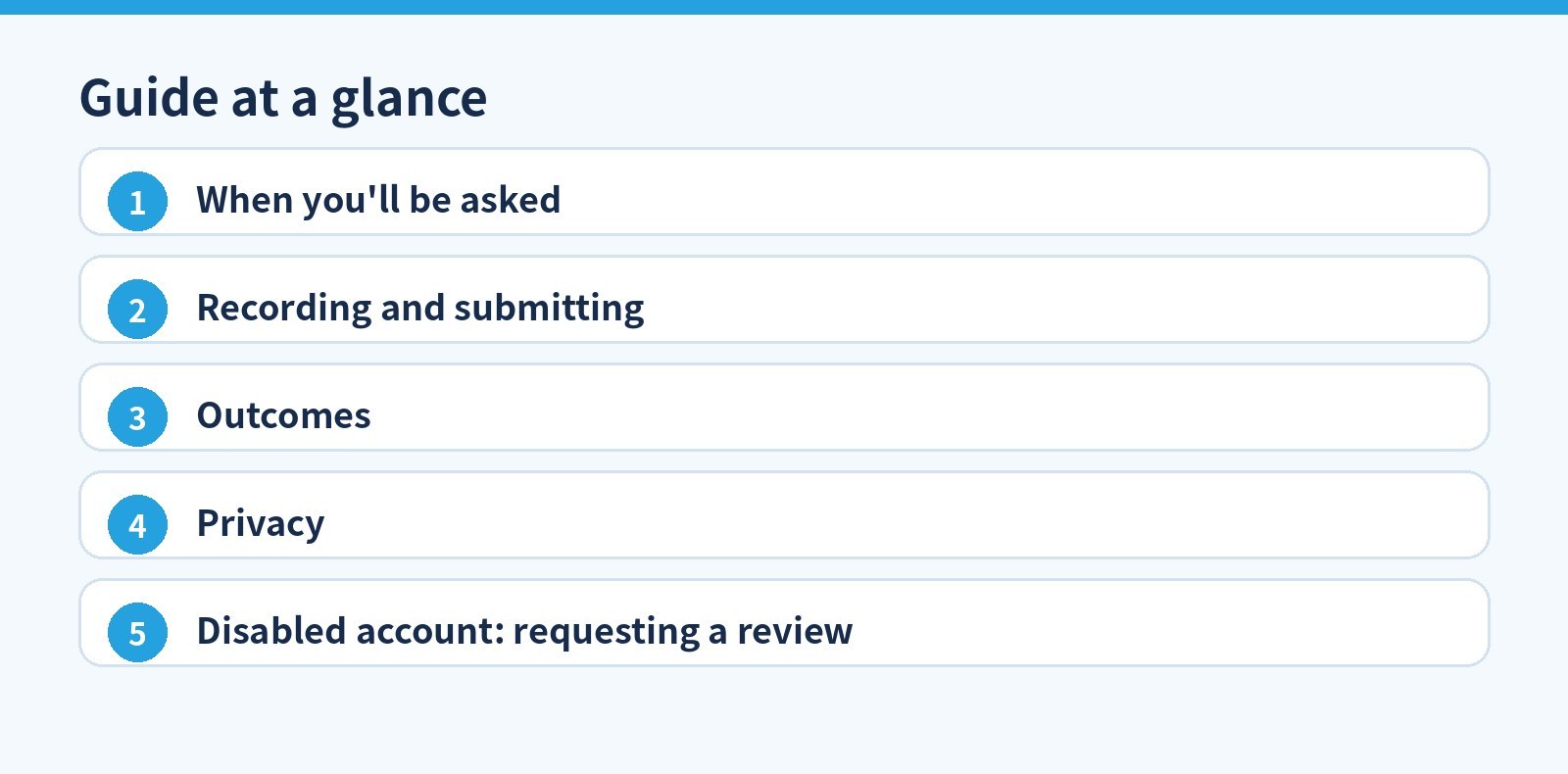
1. When you'll be asked
- Meta suspects someone accessed your account without permission, or needs you to prove you're the true owner.
- You request help through the hacked / can't-log-in flow for an account with photos of you: you'll be asked for a head-turn video.
- For accounts without photos of you, you're usually asked for the email or phone you signed up with and the device type used at signup (iPhone, Android, iPad, other).
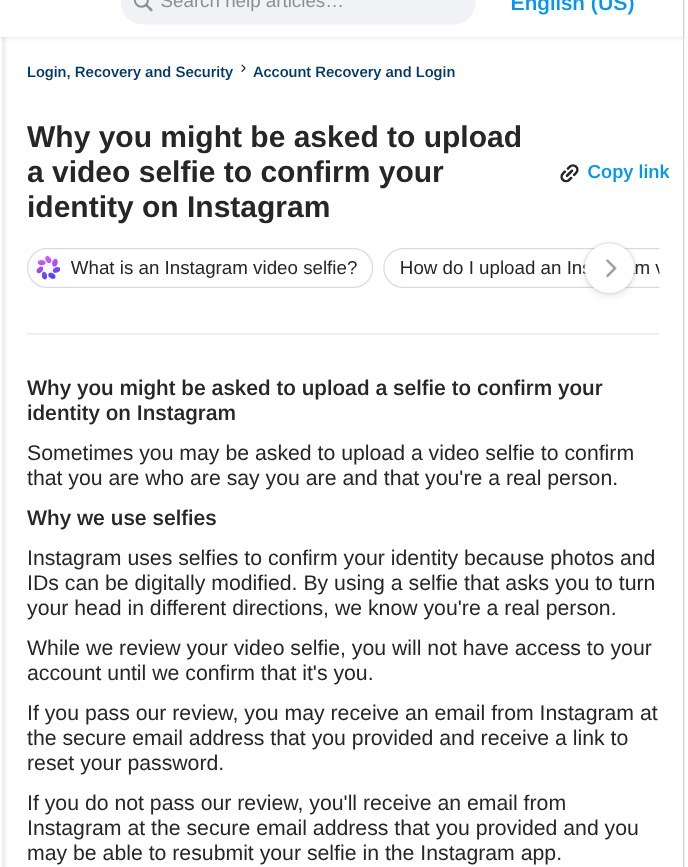
Instagram Help Center on video selfie verification.
2. Recording and submitting
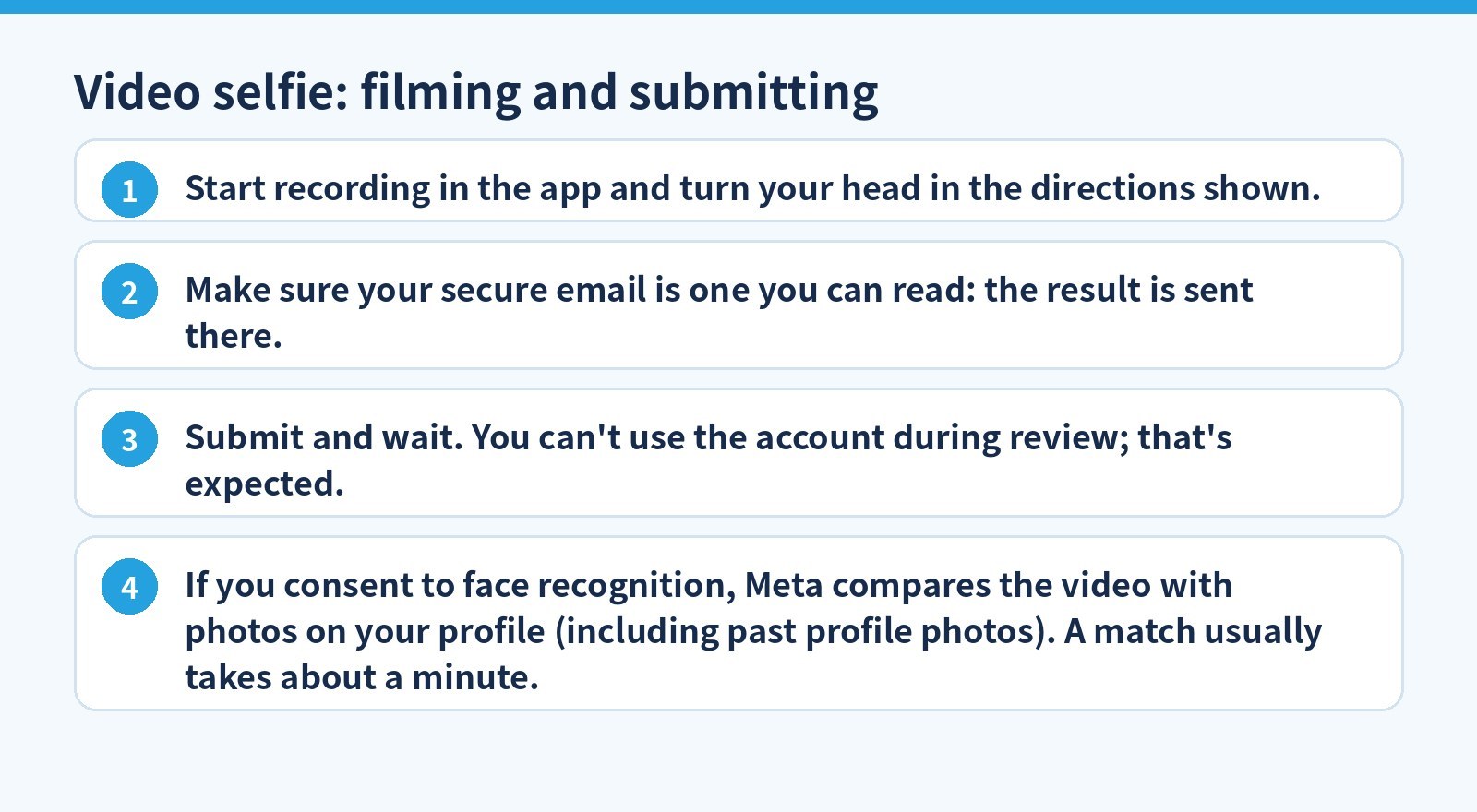
- Start recording in the app and turn your head in the directions shown.
- Make sure your secure email is one you can read: the result is sent there.
- Submit and wait. You can't use the account during review; that's expected.
- If you consent to face recognition, Meta compares the video with photos on your profile (including past profile photos). A match usually takes about a minute.
Practical tips beyond the official text: good light, face the camera, remove hats and sunglasses, no filters. Clear photos of you on the account make matching easier.
3. Outcomes
| Result | What happens |
|---|---|
| Passed | You may get an email at your secure address with a password-reset link |
| Not passed | You get an email and may be able to resubmit in the app |
| Automated match inconclusive | Manual review, or another way to verify |
| You decline | You may not be able to log back in |
4. Privacy
- The video is never visible on Instagram and is deleted within 30 days.
- Face-recognition data is used only to verify you and deleted as soon as the comparison finishes, match or not.
- You're asked for separate consent each time; if you decline, you can go through manual review or another method.
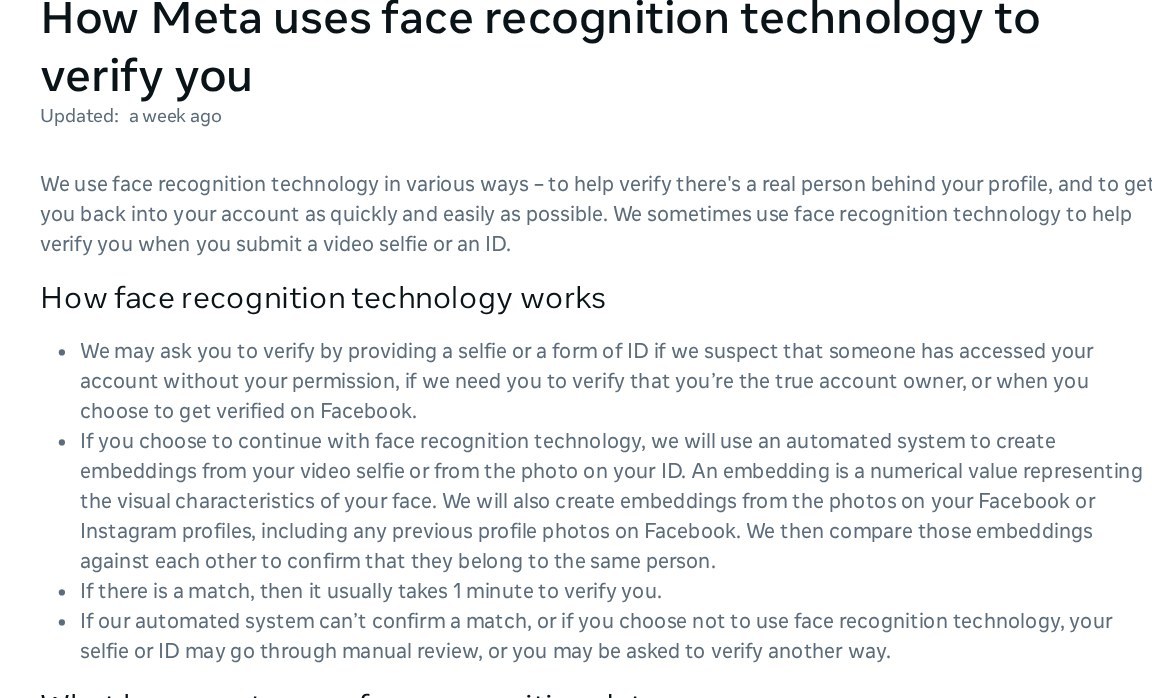
Meta explains how face recognition verifies you and how the data is handled.
5. Disabled account: requesting a review
Accounts that don't follow the Community Standards may be disabled, and you'll see a message when logging in. If you think it's a mistake, log in and follow the on-screen instructions to request a review.
- No disabled message but can't get in: it may be a login issue, a hacked account, or deletion by someone with your password.
- A deleted account can't be restored. You can sign up again with the same email, but may not get the same username.
Avoid "unban" or "face verification" services and never submit someone else's video or photos: it breaks Instagram's rules and can get the account permanently disabled. Skipping third-party auto-like/follow tools and turning on 2FA reduces prompts, but nothing guarantees you won't be asked to verify.
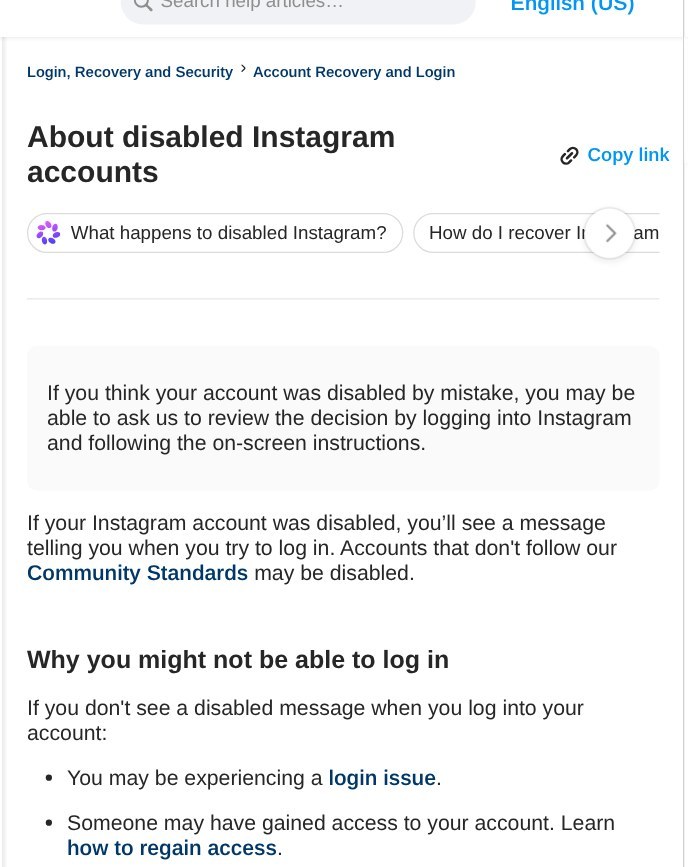
If disabled, follow the Help Center steps to request a review in the app.
Official sources (verified 2026-11-05): Instagram: video selfie, Instagram: hacked account, Instagram: disabled accounts, Meta: face recognition for verification.
Need an Instagram account? 5buyai.com offers Instagram accounts. After delivery, change the password, confirm the secure email, turn on 2FA and add a clear profile photo of yourself. See the product page for current prices.