
Originally reproduced from Zhihu user “The water spinach is back" (click to go directly); that article was reproduced from Reddit, but the author did not post the Reddit link!
How to fix the inability to install the Comet browser in mainland China
Problem description
Although Perplexity's Comet browser is highly appealing, I downloaded the latest comet_installer_latest.exe file. However, after clicking to install, it still needs to download additional components.
After about a few dozen seconds, the interface gets stuck on the “Waiting for network connection” status:
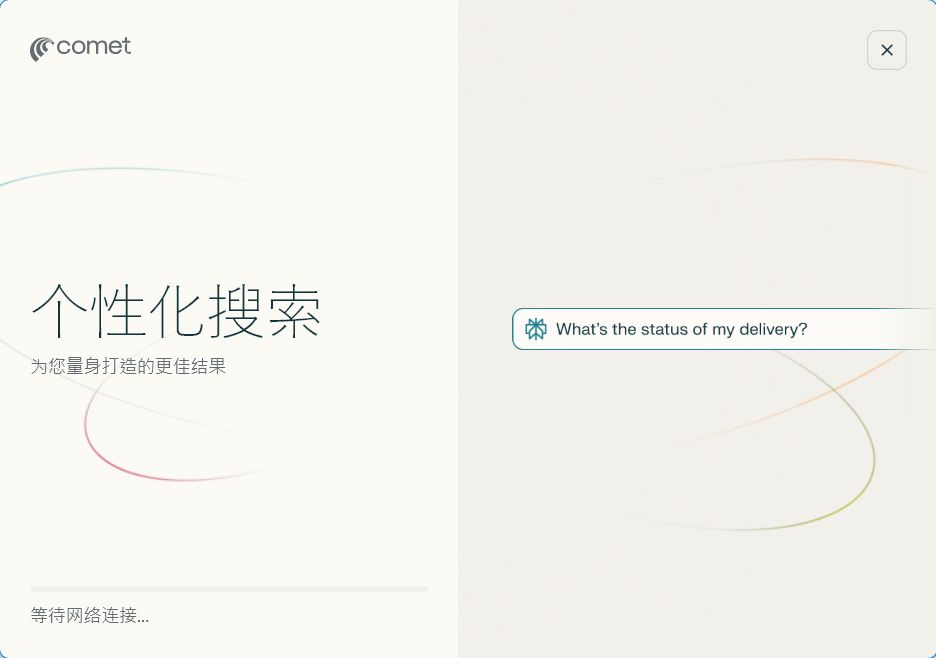
(Note: this is a description of the original article's screenshot; the actual interface displays a network connection delay prompt.)
Whether enabling or disabling the VPN, or switching servers, this problem was not resolved. The cause is unknown, but the solution was obtained from the Reddit community.
Reddit source
This solution comes from a post in Reddit's r/perplexity_ai subreddit titled “Help: Comet Browser hanging on install”, in which users reported a similar “Waiting for network” stalling issue and successfully installed it via a proxy command. The post was published on July 31, 2025, and provides detailed discussion and verification.
Solution (using Windows 11 as an example)
The following steps use the Command Prompt to temporarily set a proxy, ensuring the installer can bypass network restrictions. Prerequisite: you have installed a reliable VPN tool and noted its HTTP/HTTPS port number (for example, the default port of Clash or V2Ray).
- Open the Command Prompt: Search for and launch “Command Prompt” from the Start menu (running as administrator is optional, but recommended).
- Navigate to the installer file's directory: Use the cd command to switch to the folder where comet_installer_latest.exe is located. Example (if the file is in the Downloads folder):
cd C:\Users\YourUsername\Downloads(Replace YourUsername with your actual username.) - Run the proxy installation command: Enter the following command, replacing the port number with your VPN configuration (for example, 21882):
set http_proxy=http://127.0.0.1:21882 & set https_proxy=http://127.0.0.1:21882 & start "" ".\comet_installer_latest.exe"- Explanation: This command temporarily sets the HTTP and HTTPS proxies (pointing to the local VPN port), then launches the installer. For example, if you are using v2rayN, you can see the port directly at the bottom.
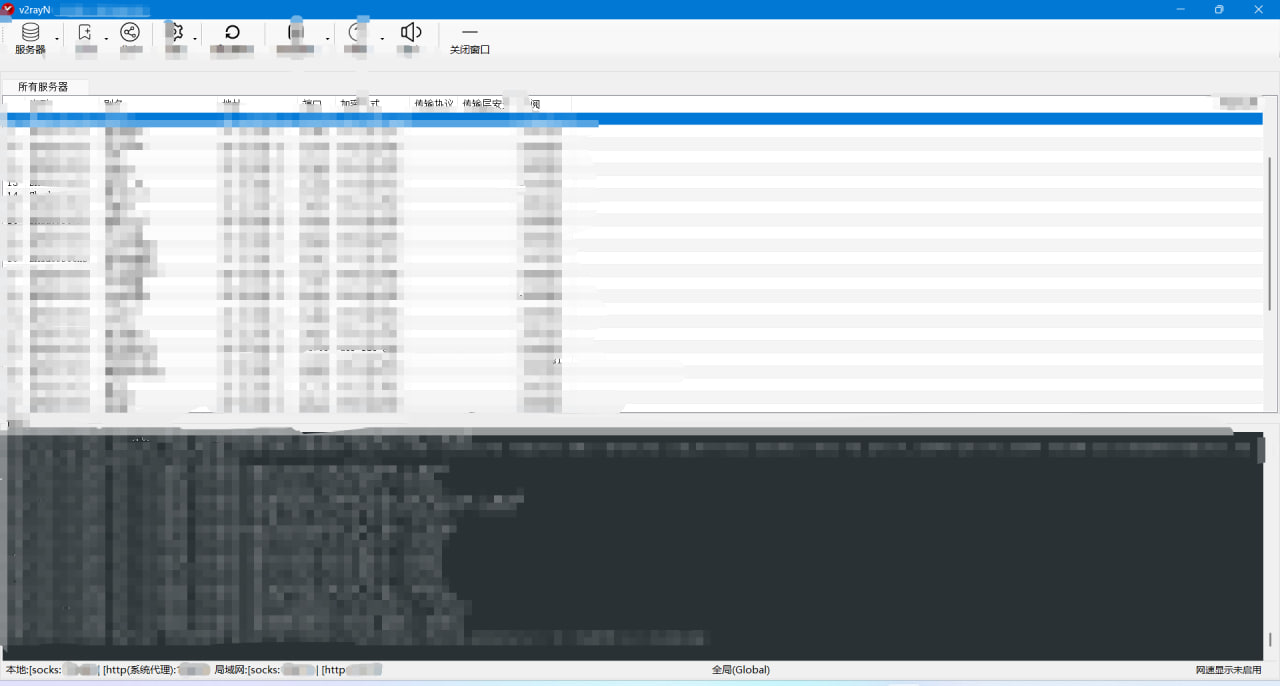
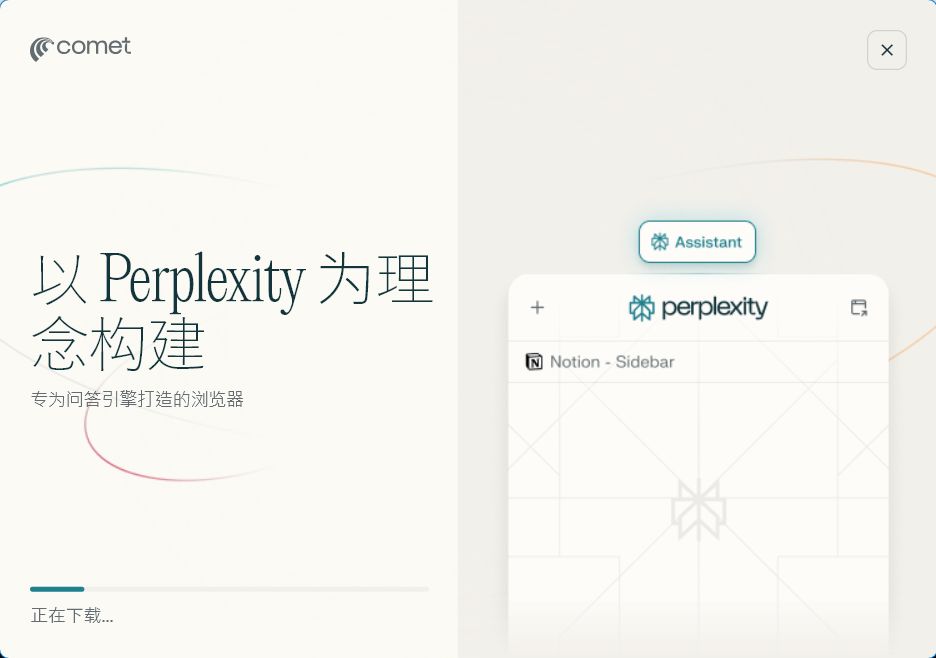
- After pressing Enter to execute, the installer will download the components normally and complete the installation.
- Explanation: This command temporarily sets the HTTP and HTTPS proxies (pointing to the local VPN port), then launches the installer. For example, if you are using v2rayN, you can see the port directly at the bottom.
Notes
- Why it works: Setting the proxy directly may not work, but using temporary environment variables via the command line ensures the installation process uses the proxy without interfering with the system's global configuration.
- Testing: After the installation completes, verify that the Comet browser launches normally. If you still encounter problems, check the VPN port and try again.
- Applicability: Applicable to Windows 10/11; macOS/Linux users can refer to similar terminal commands (such as export http_proxy=...).
This method is simple and efficient, with no need to dig deep into network mechanisms. If you need further optimization or alternative tools, feel free to provide more details to get professional guidance.
Invitation link: https://pplx.ai/igoog20148328
Install Comet, and let's earn $10 together!