
No passport, no Hong Kong bank card, no need to register a company — set up overseas payments in 20 minutes, with money arriving directly in Alipay! This article mainly walks through the Creem registration process. The whole thing is very simple and only requires your ID card and Alipay.
Many overseas payment platforms don't support registration by individual developers in mainland China — Stripe, for example. Although it is technically possible to register a personal Stripe account using a passport plus a Hong Kong bank card, it's not exactly above board and carries the risk of having your account banned, so many people instead go the route of registering an overseas company and then opening a Stripe business account. Lemon Squeezy is another example: while individual developers in mainland China used to be able to register and use it, ever since Lemon was acquired by Stripe it seems to have stopped paying any attention to submitted applications, and posts about Lemon having bugs frequently show up on Twitter.
Recently, the overseas payment platform Creem announced that it now supports individual developers in mainland China. The entire registration process is very smooth — no passport, no Hong Kong bank card, no company registration required. From now on, overseas payments arrive directly in your Alipay!
If you're not familiar with Creem, no worries — you can think of it as an alternative to Lemon Squeezy, but with certain advantages in terms of fees, features, and more. For example, the first $1000 you earn is fee-free!
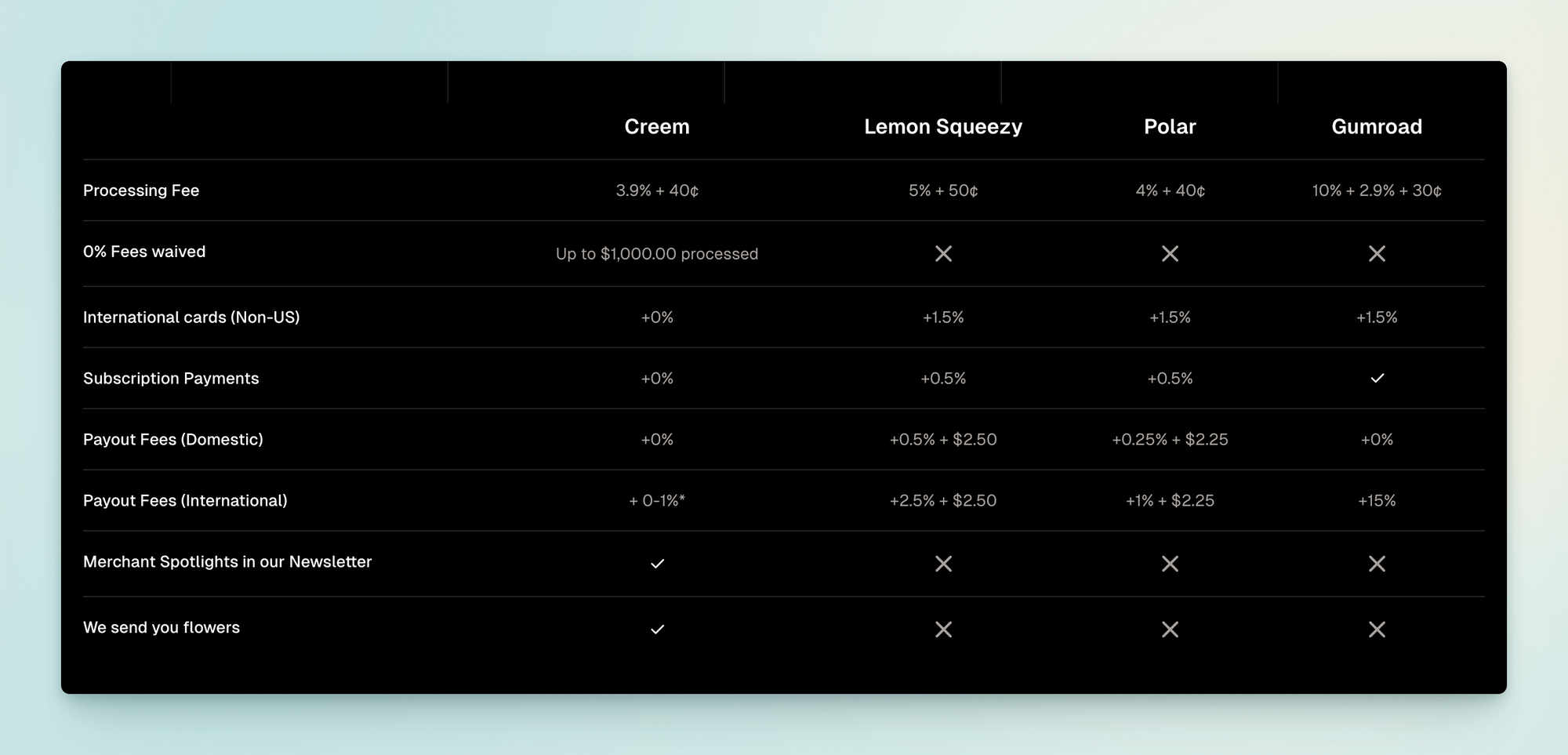
Without further ado, anyone interested can head straight to the Creem official site to learn more. This article focuses on the registration process, which is very simple — you can get it done in 20 minutes, and all you need is your ID card and Alipay.
1. Register an account + create a product
This step is simple. Once you've registered your account, you can create a product by just entering the product information.
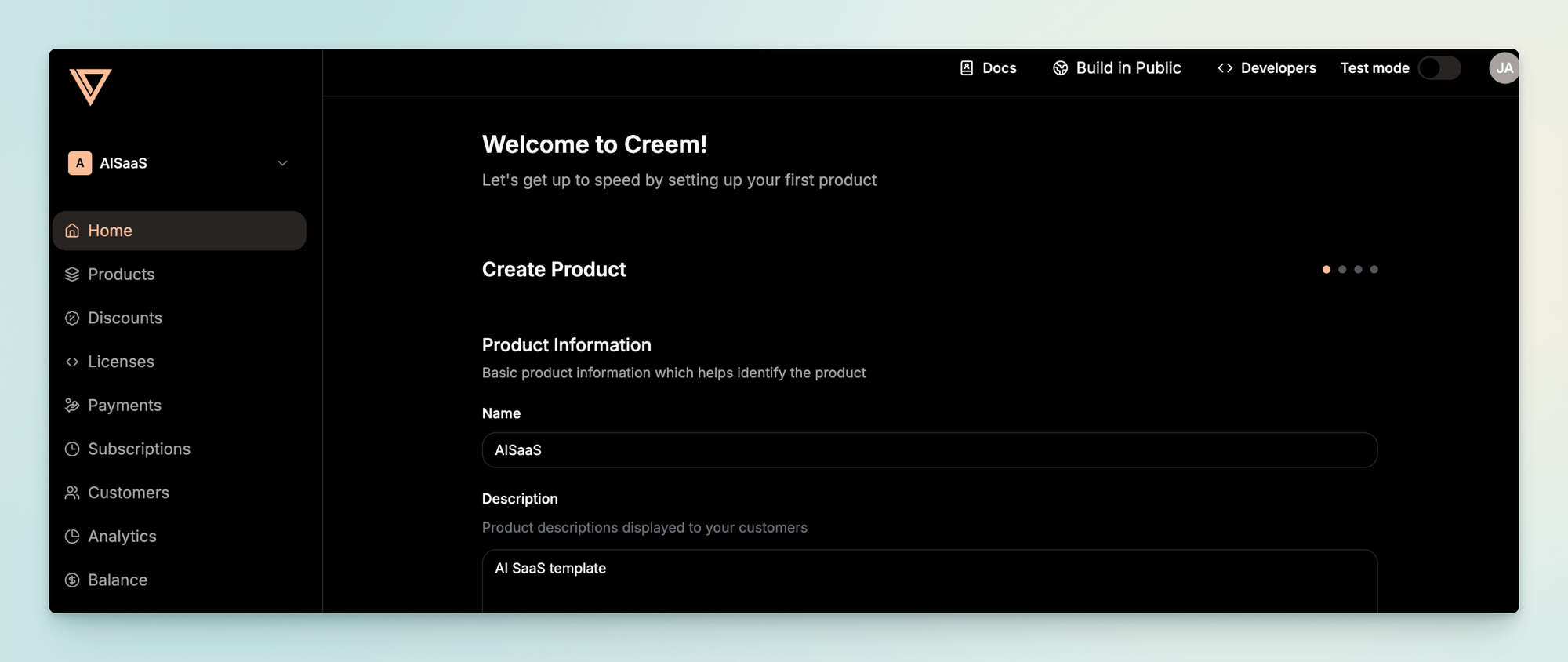
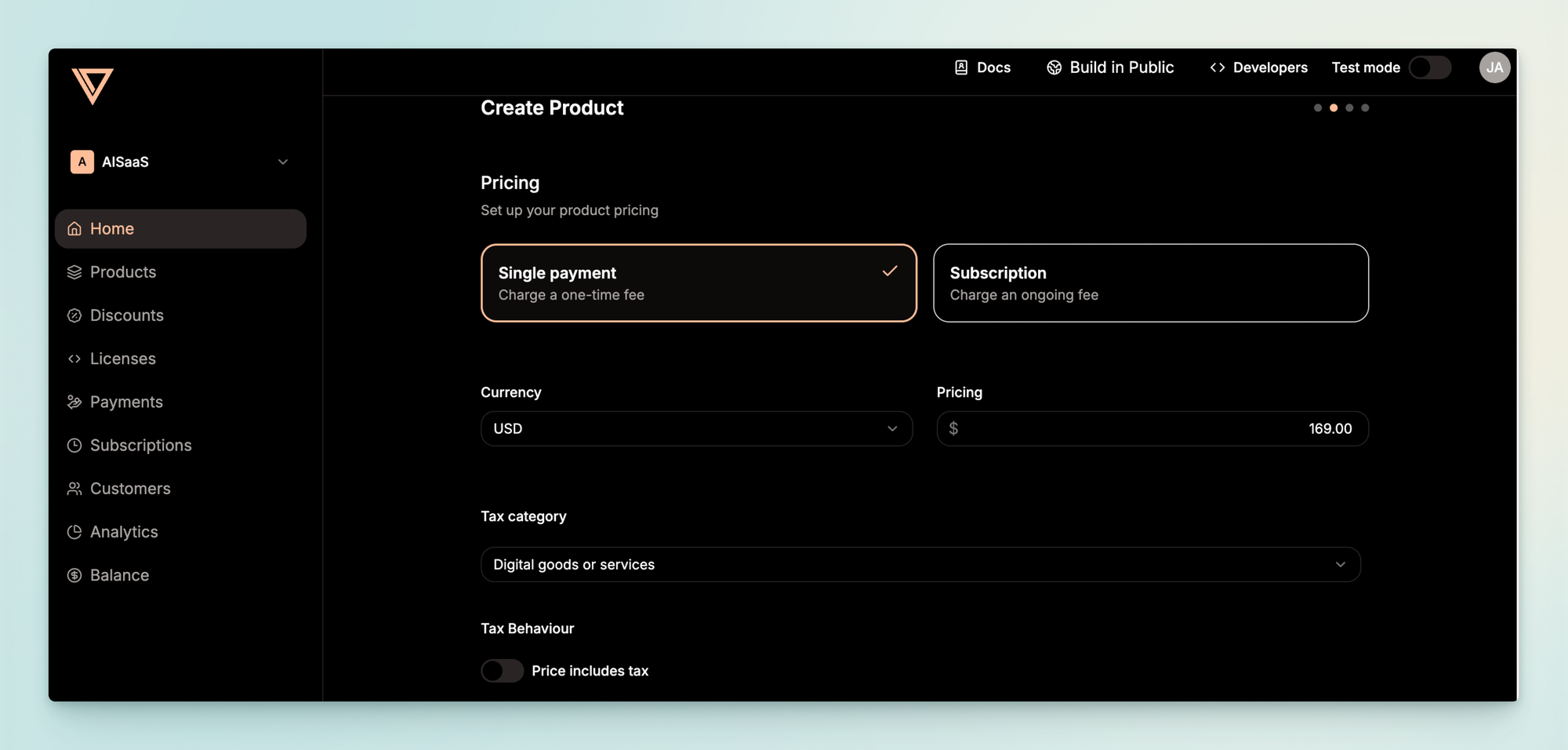
2. Set up your payout method
2.1 Create a payout account
In the Payout Account section under Balance, choose to create a new account and select China as the country.
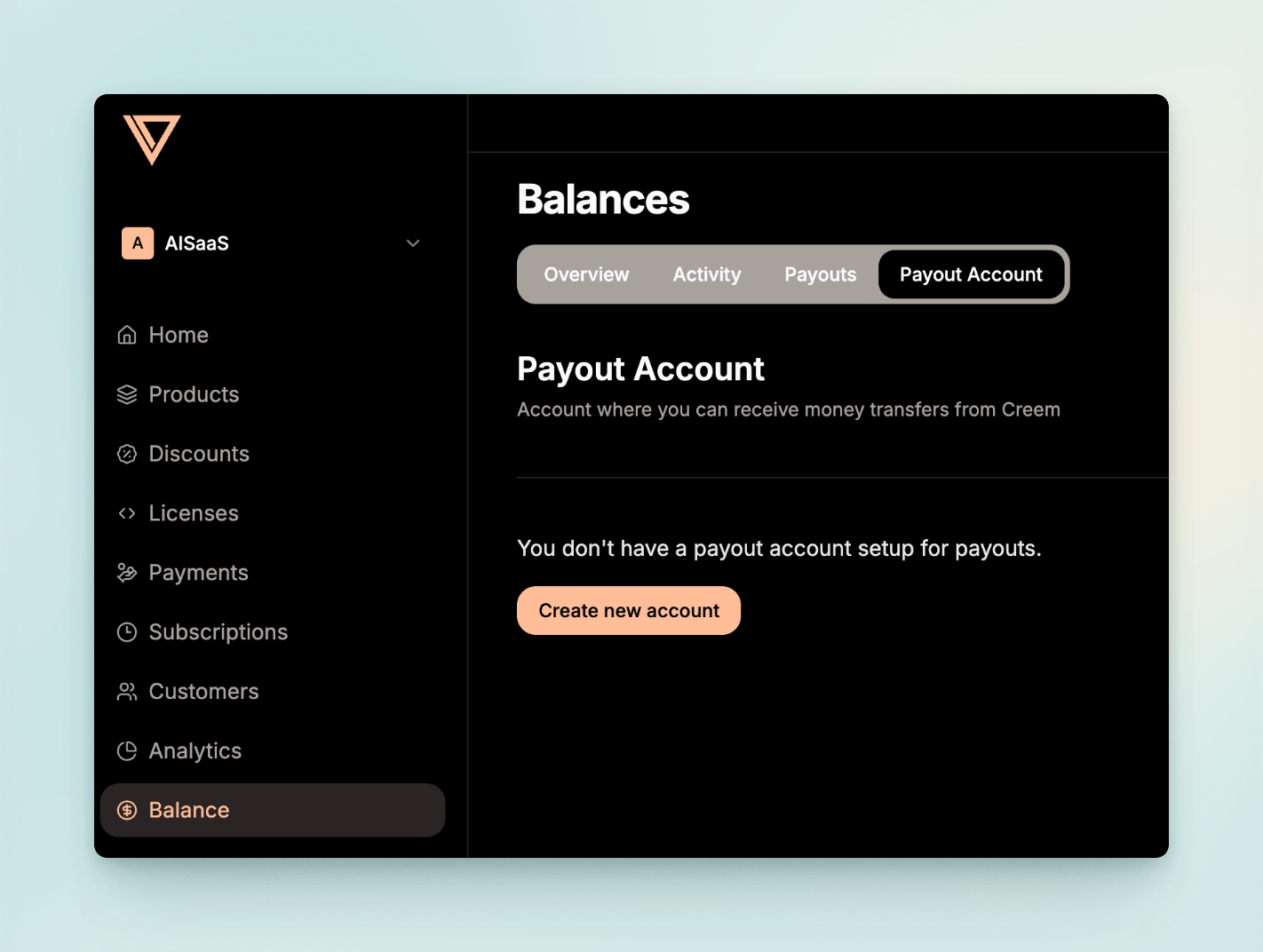
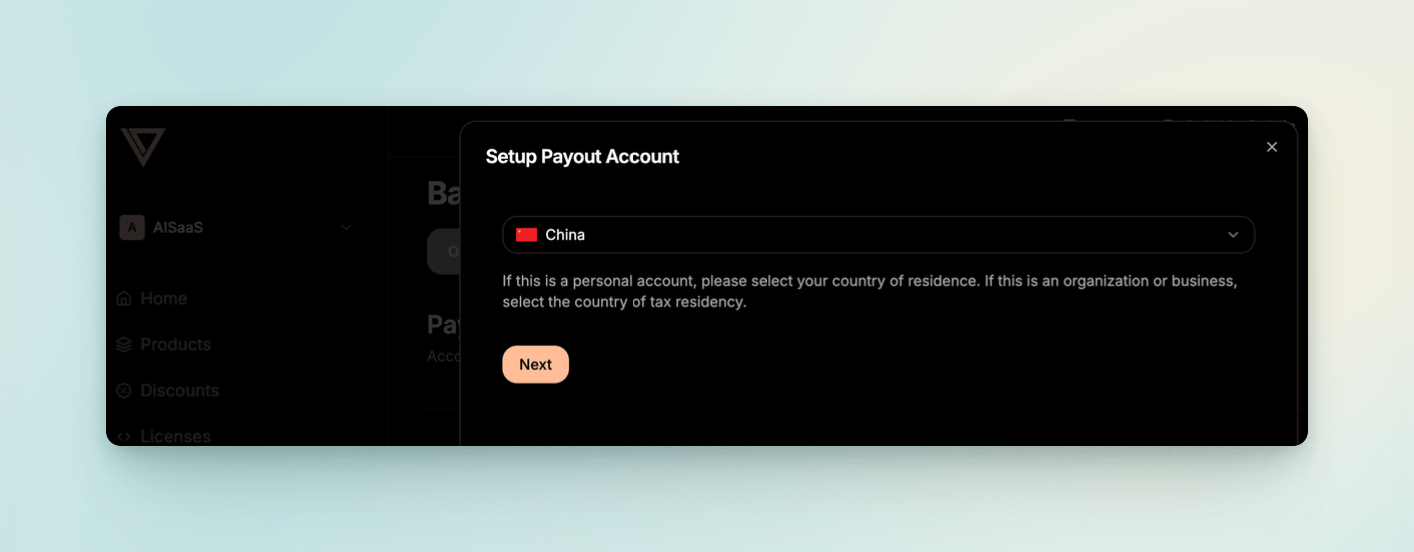
2.2 Fill in your business information
Here you mainly fill in your basic information and what your product does.
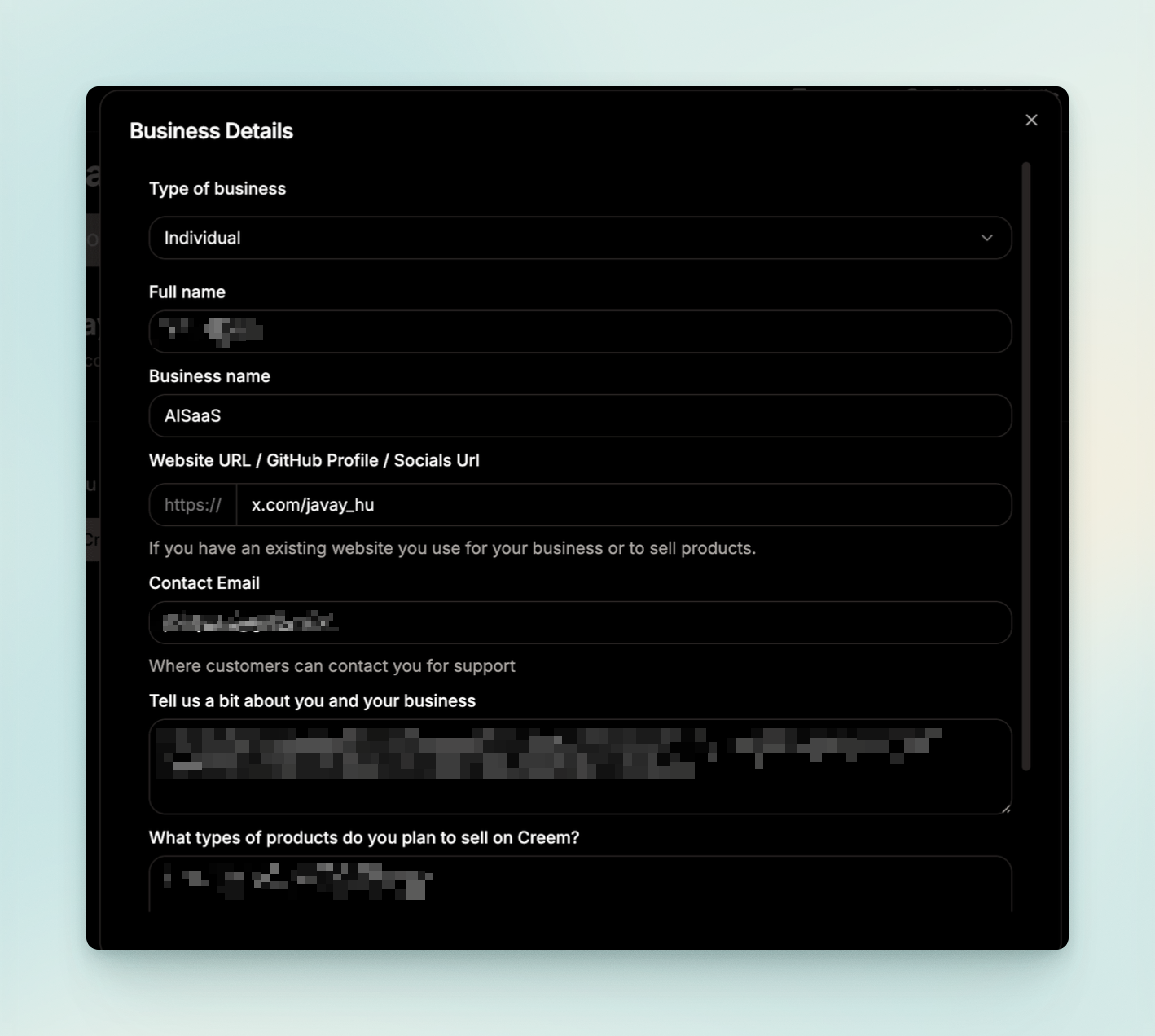
2.3 Complete your personal information
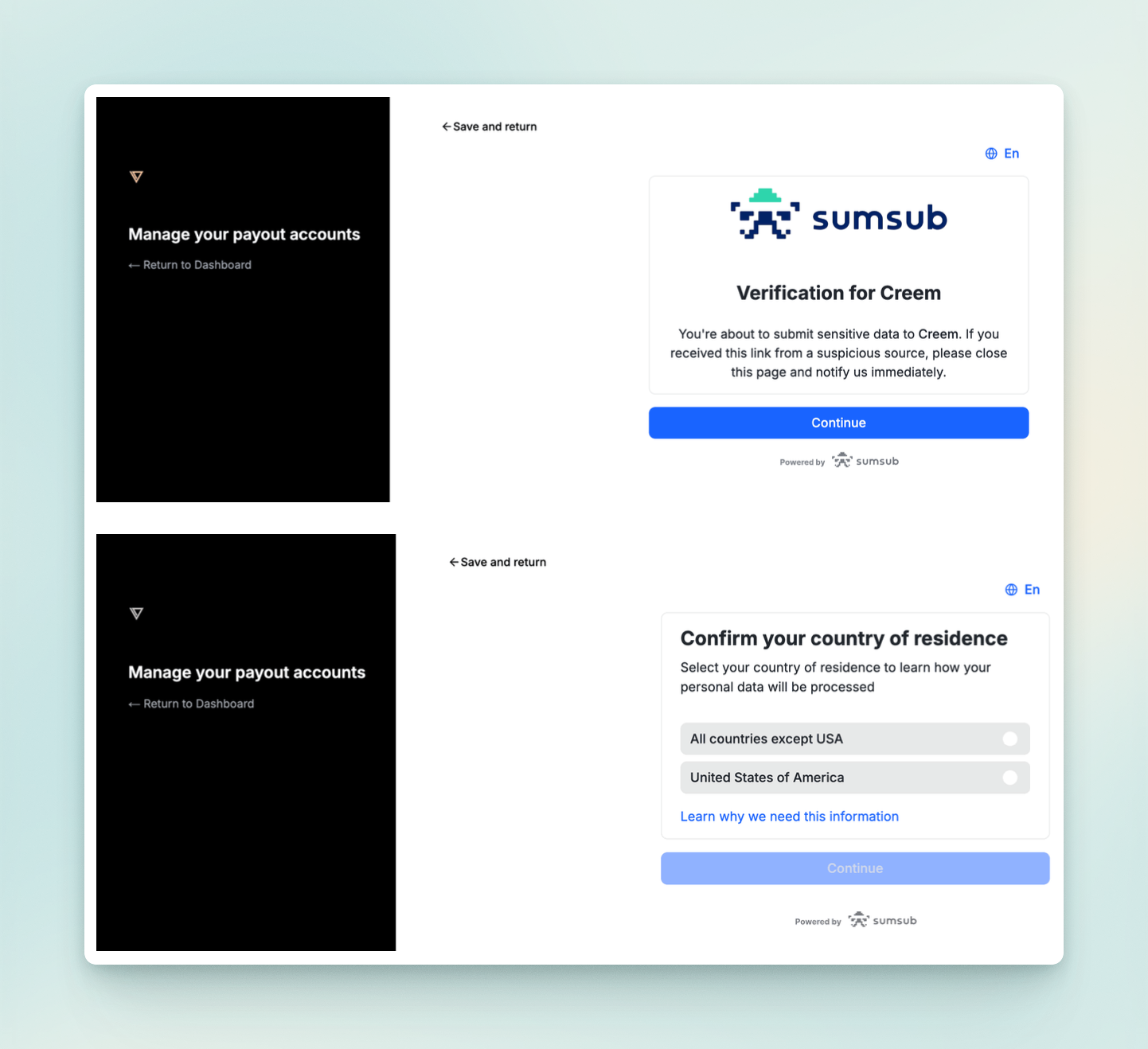
Follow the steps below to fill in your personal information. Upload the front and back of your mainland ID card, take a photo with your computer's webcam, and your personal information will ultimately be saved to Sumsub ID.
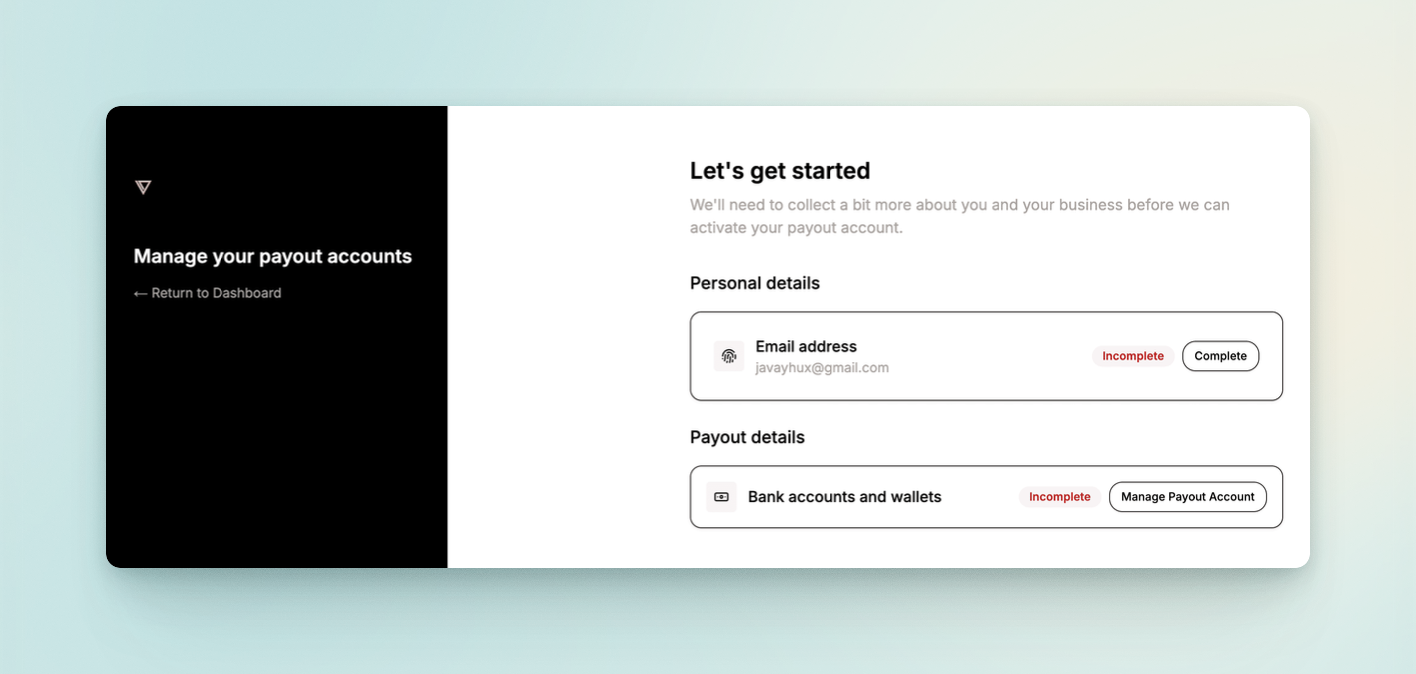
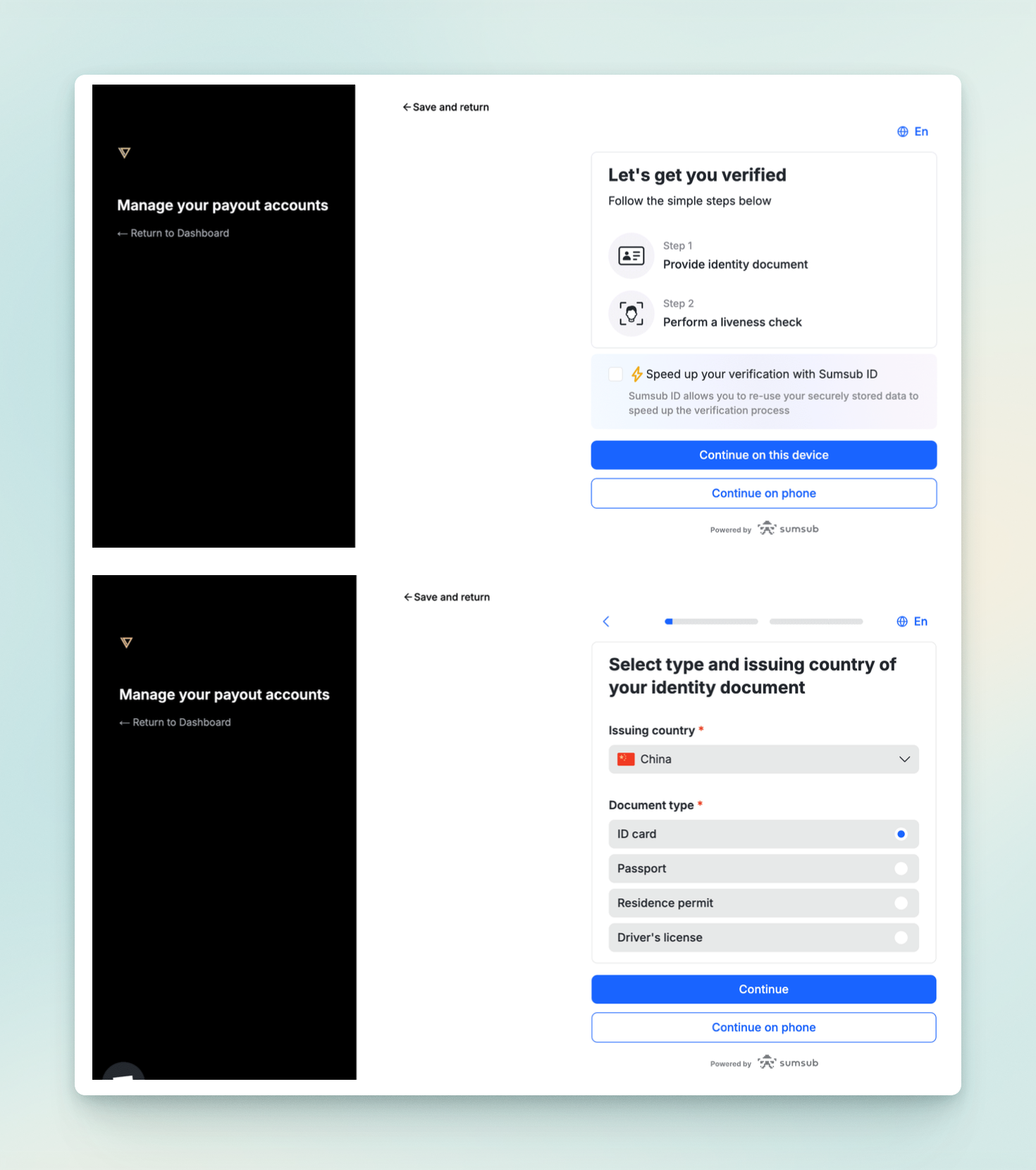
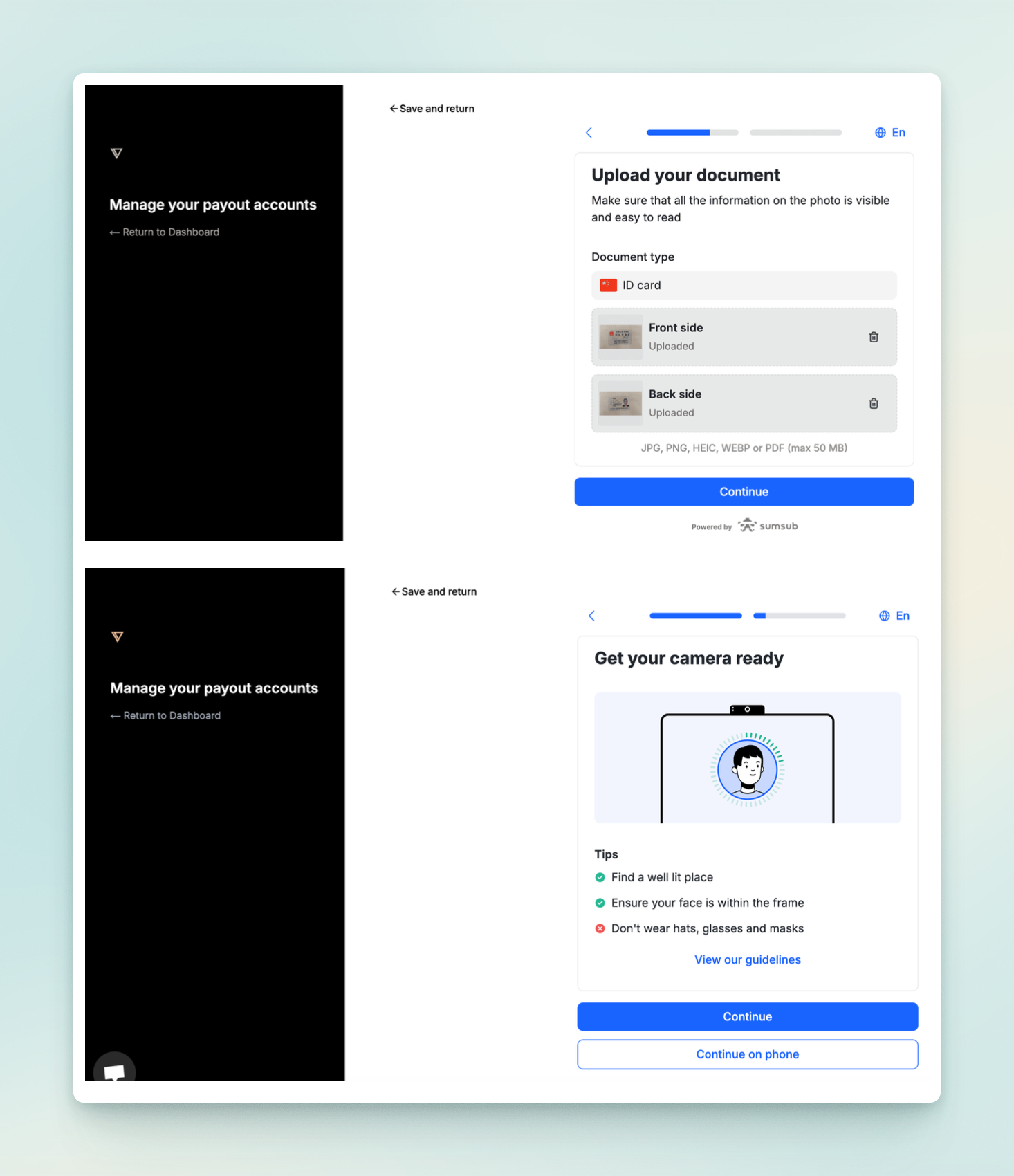
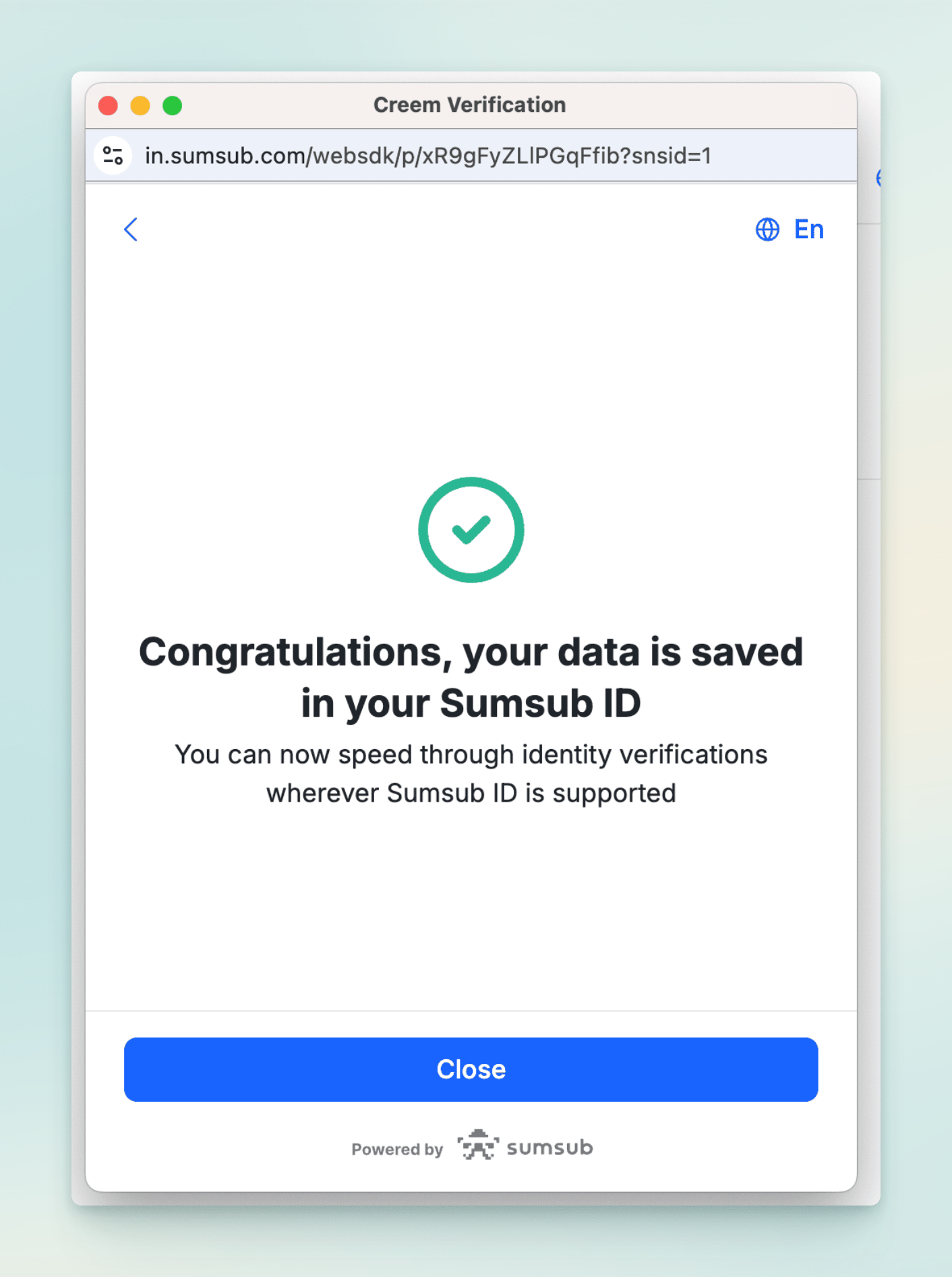
2.4 Complete your payout information
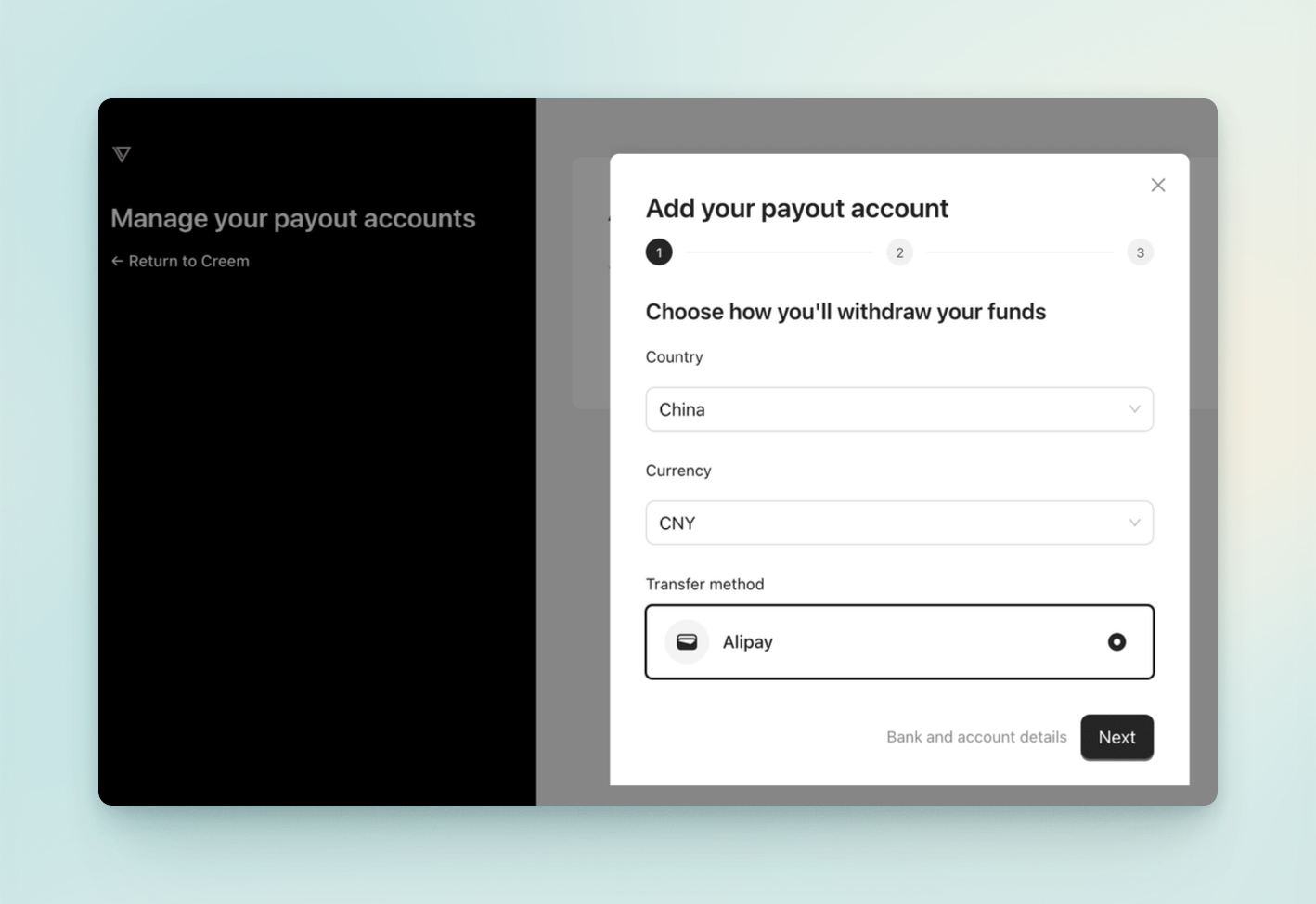
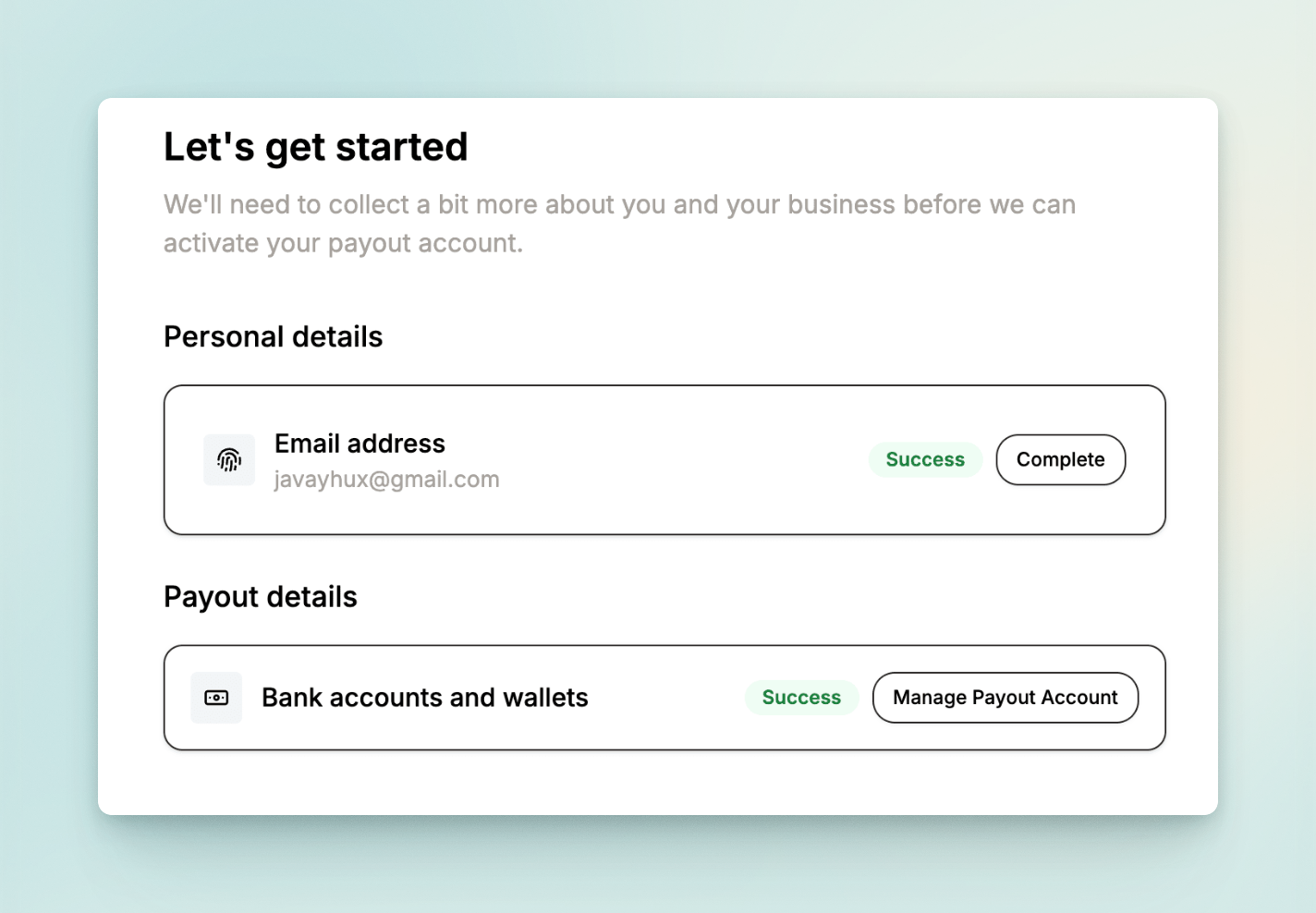
Click Manage Payout Account under Payout Details to complete your payout information.
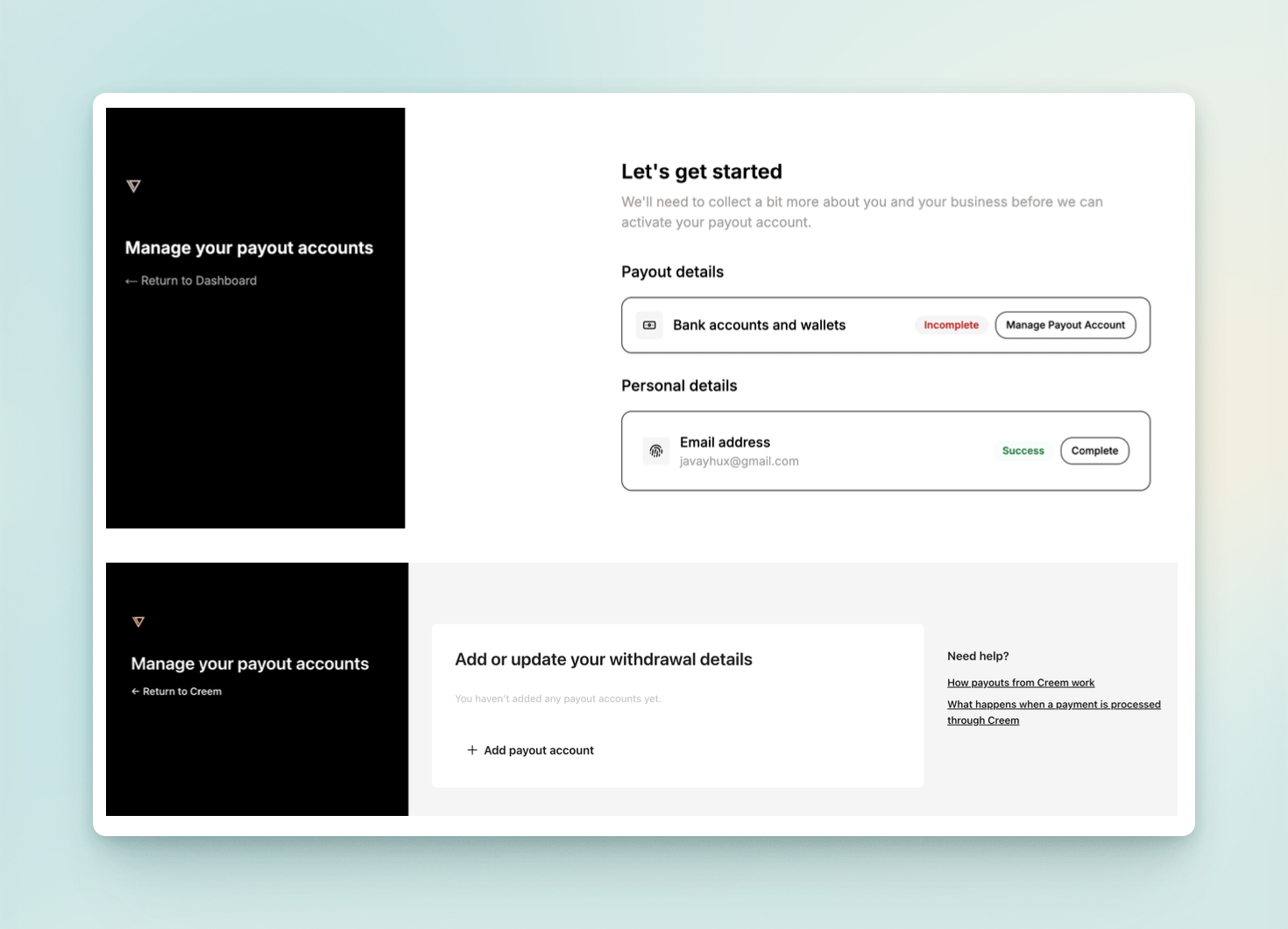
Fill in China as the country for the payout account, select CNY as the currency, and choose Alipay as the transfer method.
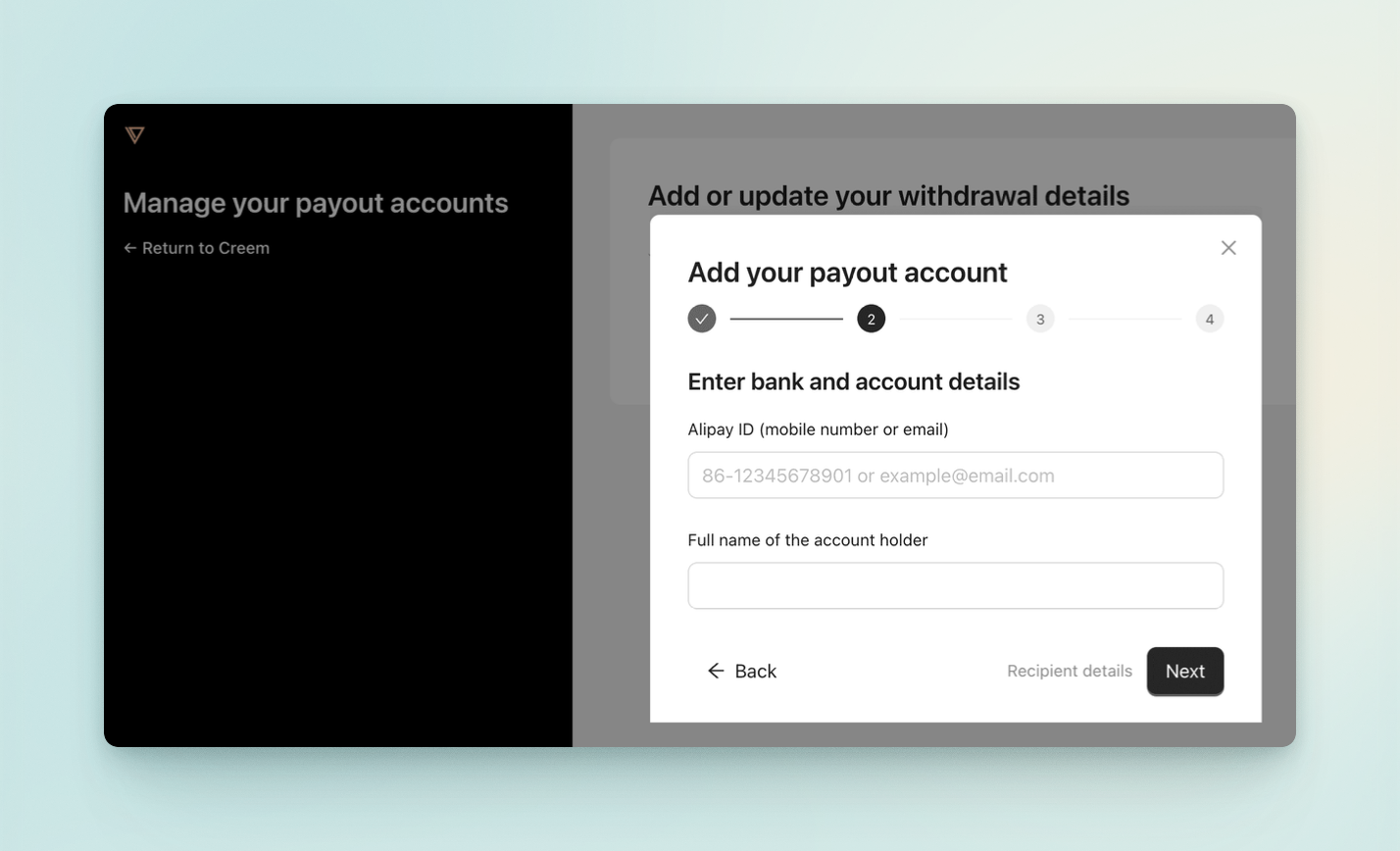
Next, fill in your Alipay account, email address, and full name (in Chinese).
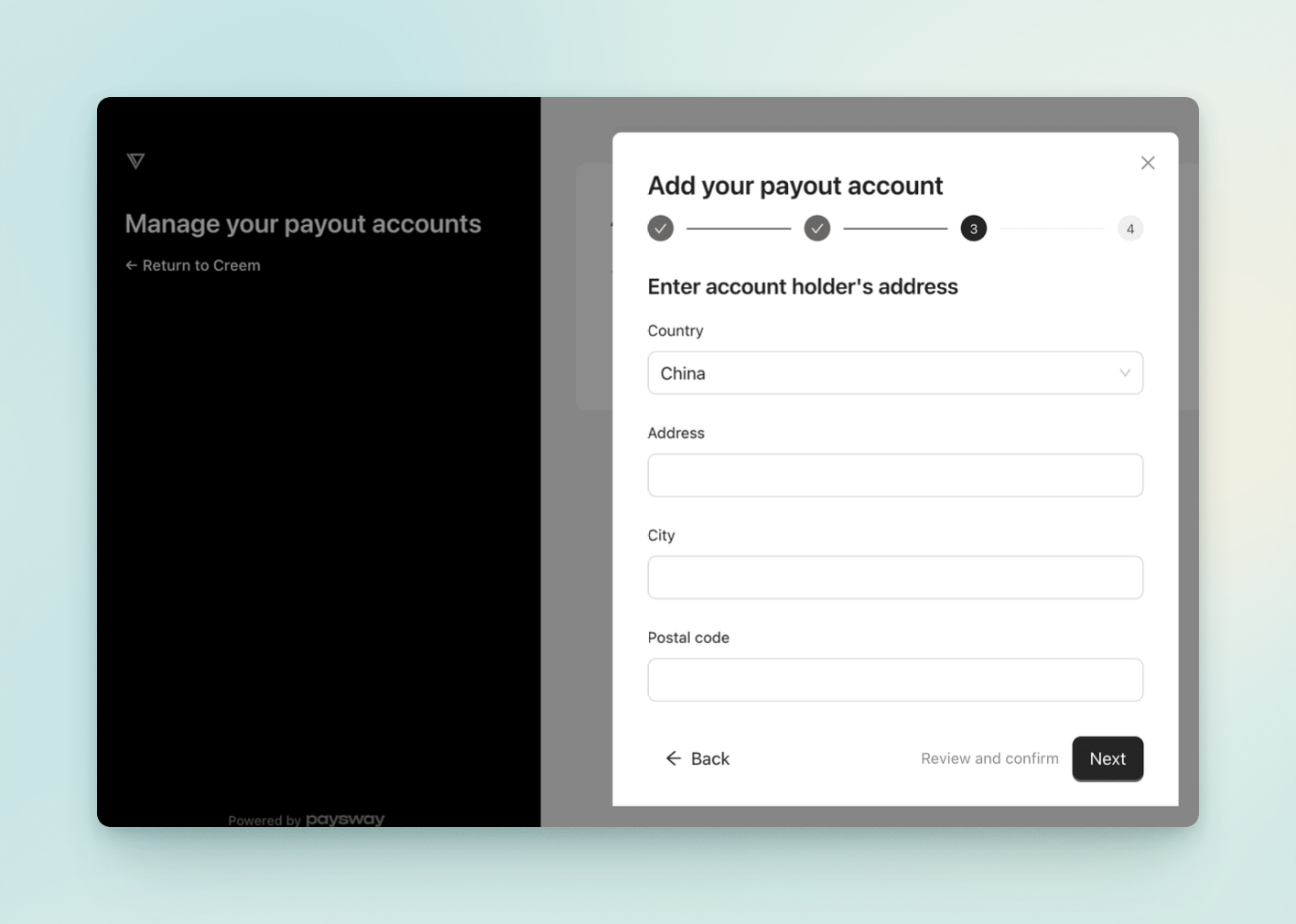
Finally, fill in your home address — just enter it truthfully here.
After submitting, your personal information and payout information are all set.
2.5 Wait for review
The last step is to wait for the review. If it's quick, you can get a result within half a day to a day.
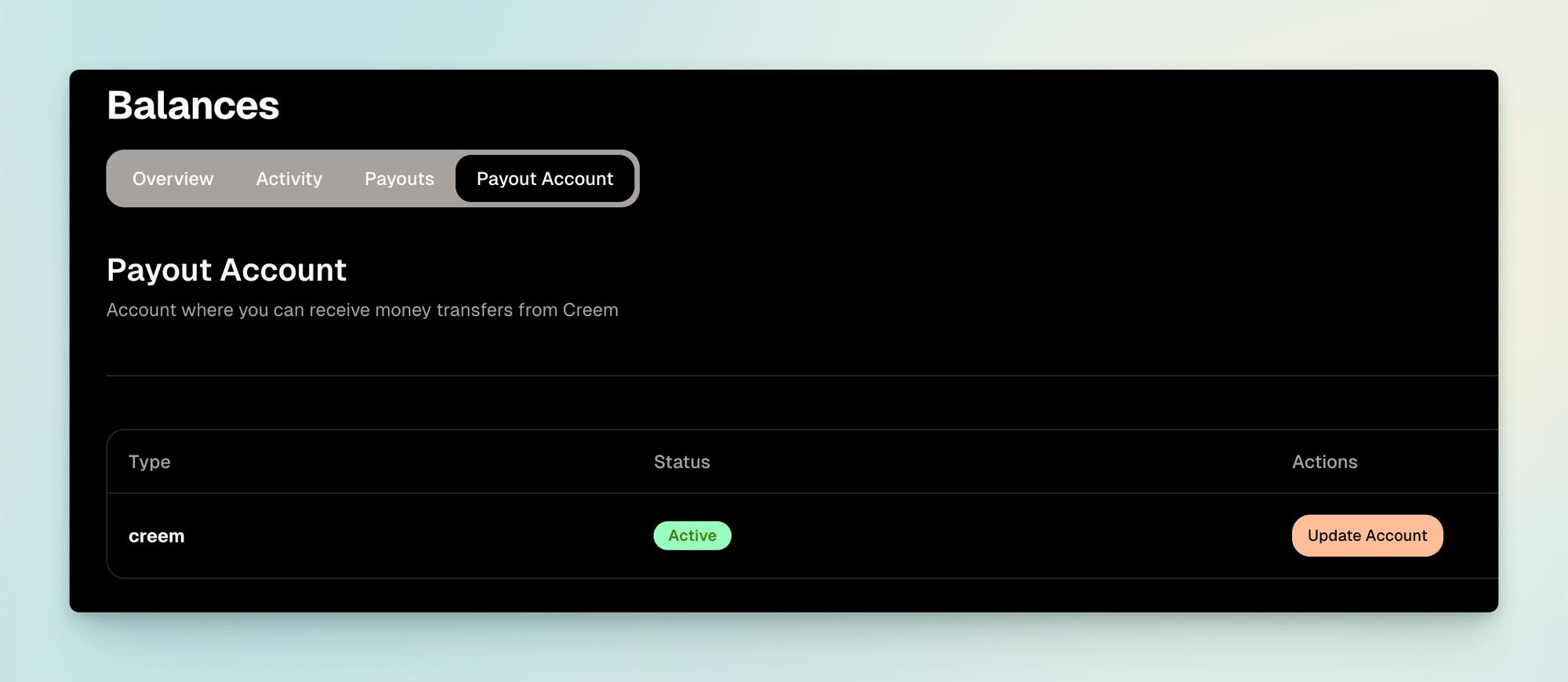
At this point, your Creem account registration and product setup are complete. From here you can refer to the documentation to integrate it — its integration process is far simpler than Stripe's, so I won't go into detail here. Anyone interested is welcome to give it a try.
Although I haven't yet used it in a real project, I've communicated with the developers by email, and they confirmed that mainland China is indeed supported.